SimpleFIN #
SimpleFIN Bridge is a paid third-party service that connects to your bank — mostly banks in the US and Canada. Once you connect it, Econumo pulls your bank transactions from it each time you sync, so you don’t have to type them in.
Note Econumo is not affiliated with SimpleFIN. SimpleFIN Bridge has its own terms, and you use it at your own risk.
In this section #
Connecting SimpleFIN #
- In SimpleFIN Bridge, create a New connection and copy its setup token. A token can be used only once.
- In Econumo, open Settings → SimpleFIN and paste the token into Setup token.
- Choose a Passphrase (at least 8 characters) and type it again under Repeat passphrase.
- Press Connect.
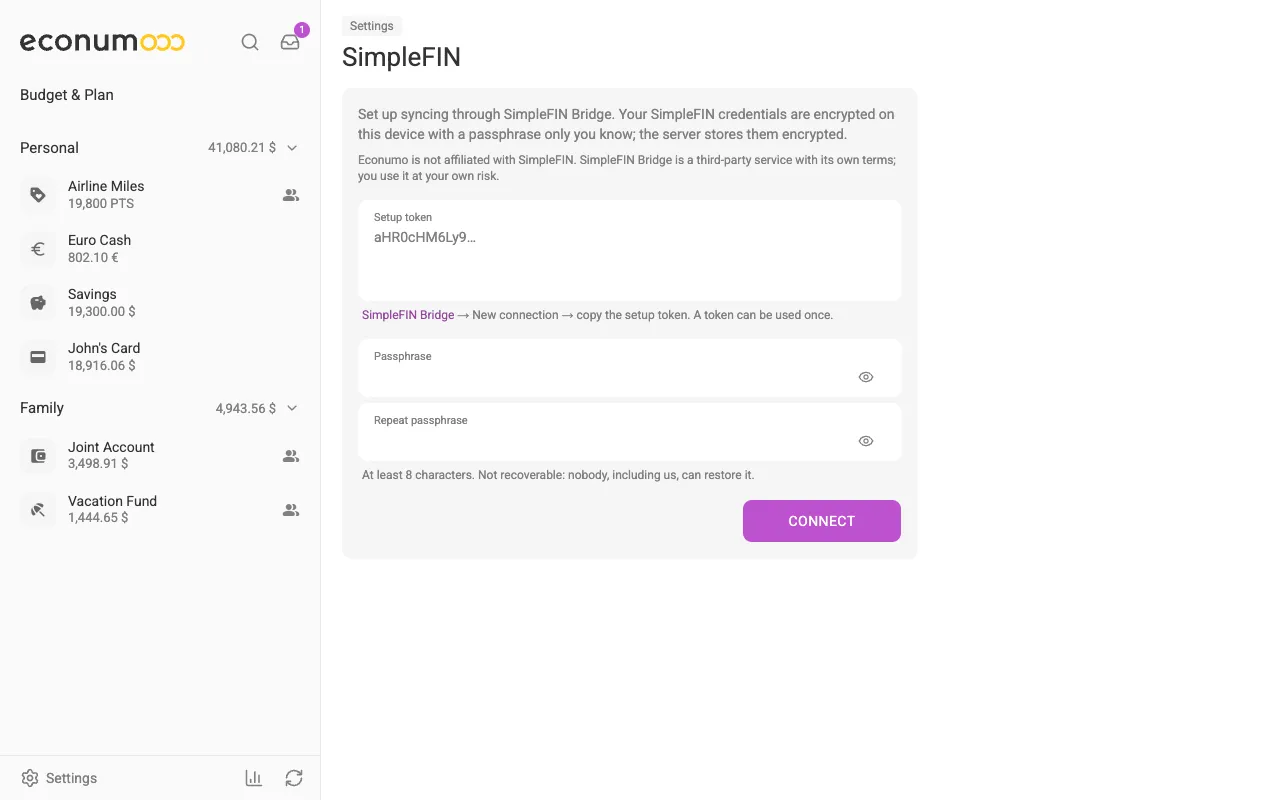
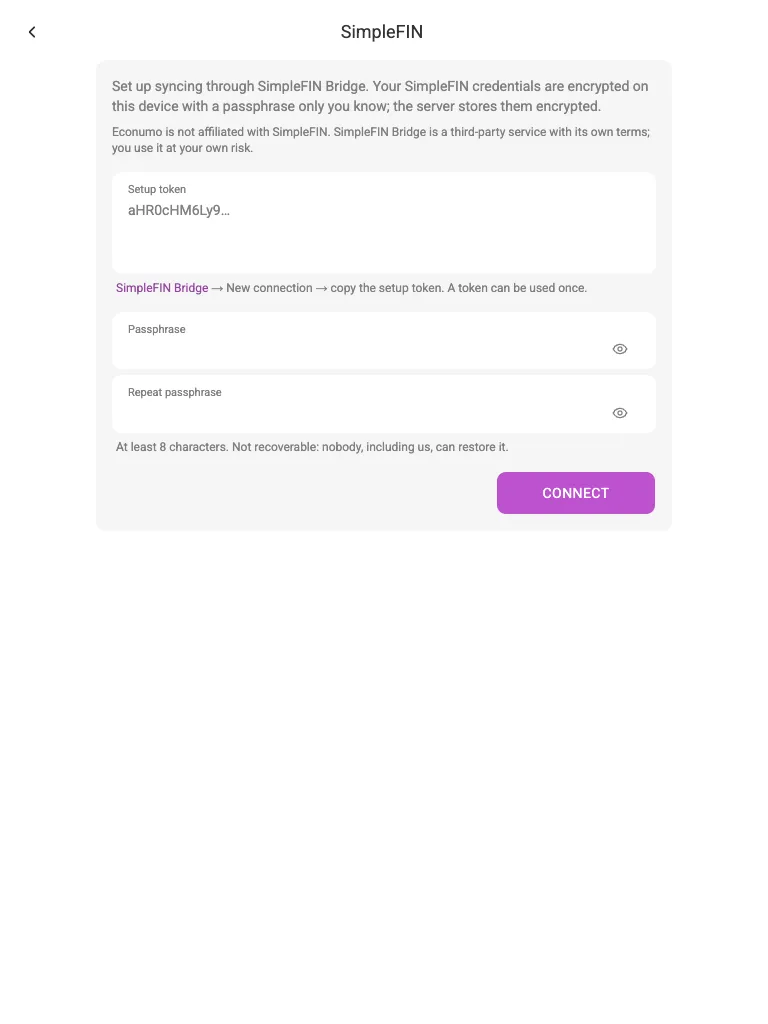
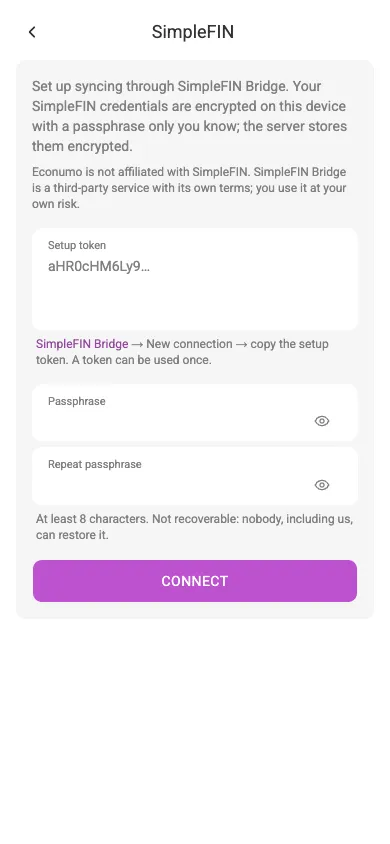
Your SimpleFIN credentials are encrypted on your device with the passphrase, and the server only ever stores them encrypted.
The passphrase can’t be recovered. Nobody, including us, can restore it. If you forget it, reconnect with a new setup token and a new passphrase — your account mappings are kept.
SimpleFIN needs Econumo to be opened over https (or on localhost), because
the browser only encrypts the credentials on a secure page. On a self-hosted
server without https, ask your administrator to set it up.
The Getting started wizard links here from its Connect step, too.
Mapping bank accounts #
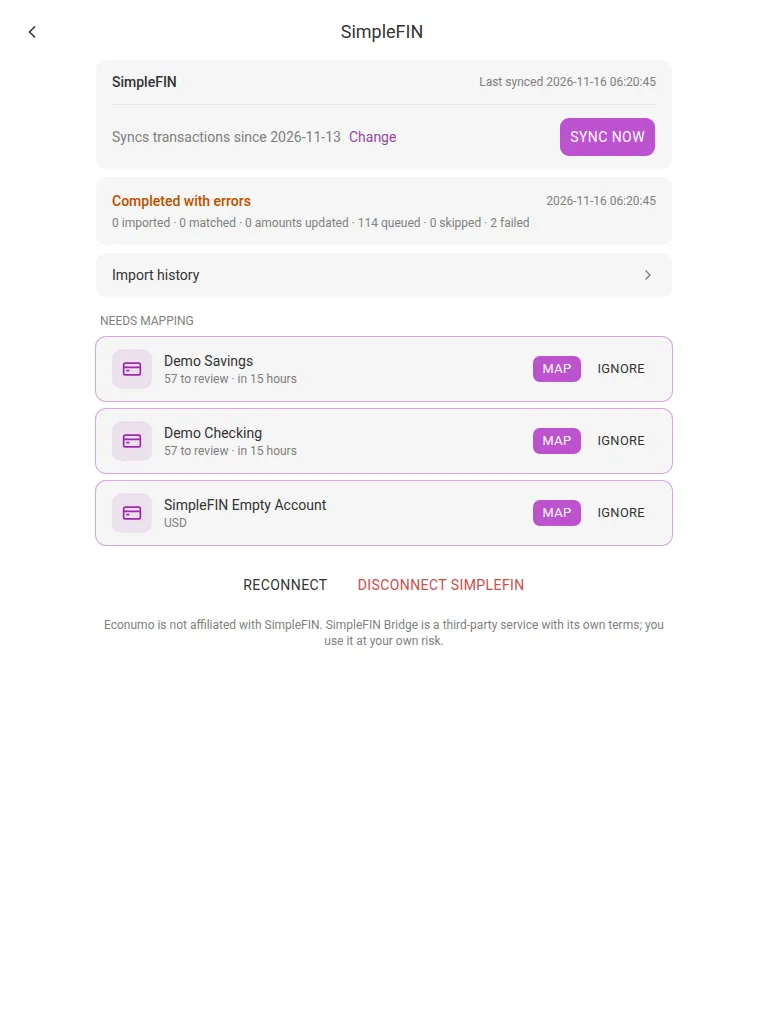
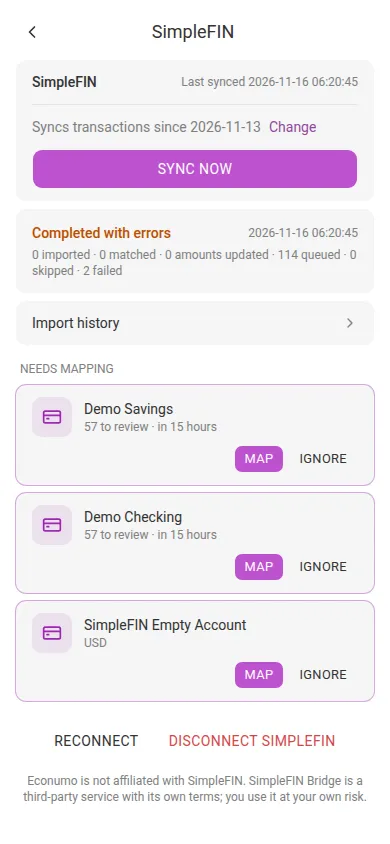
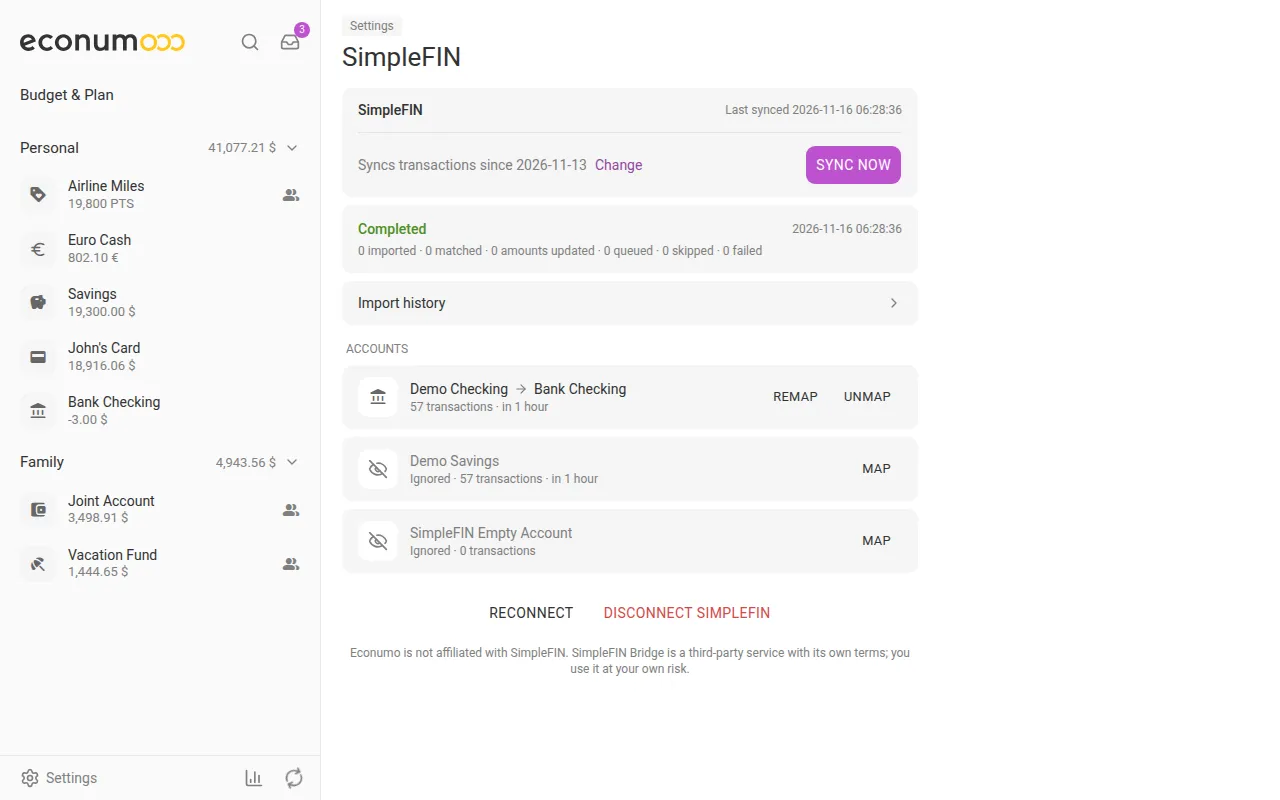
Once you connect, the page lists the bank accounts SimpleFIN reports under Needs mapping. After a sync, each one shows how many transactions wait for you (“57 to review”); they also wait in the Inbox.
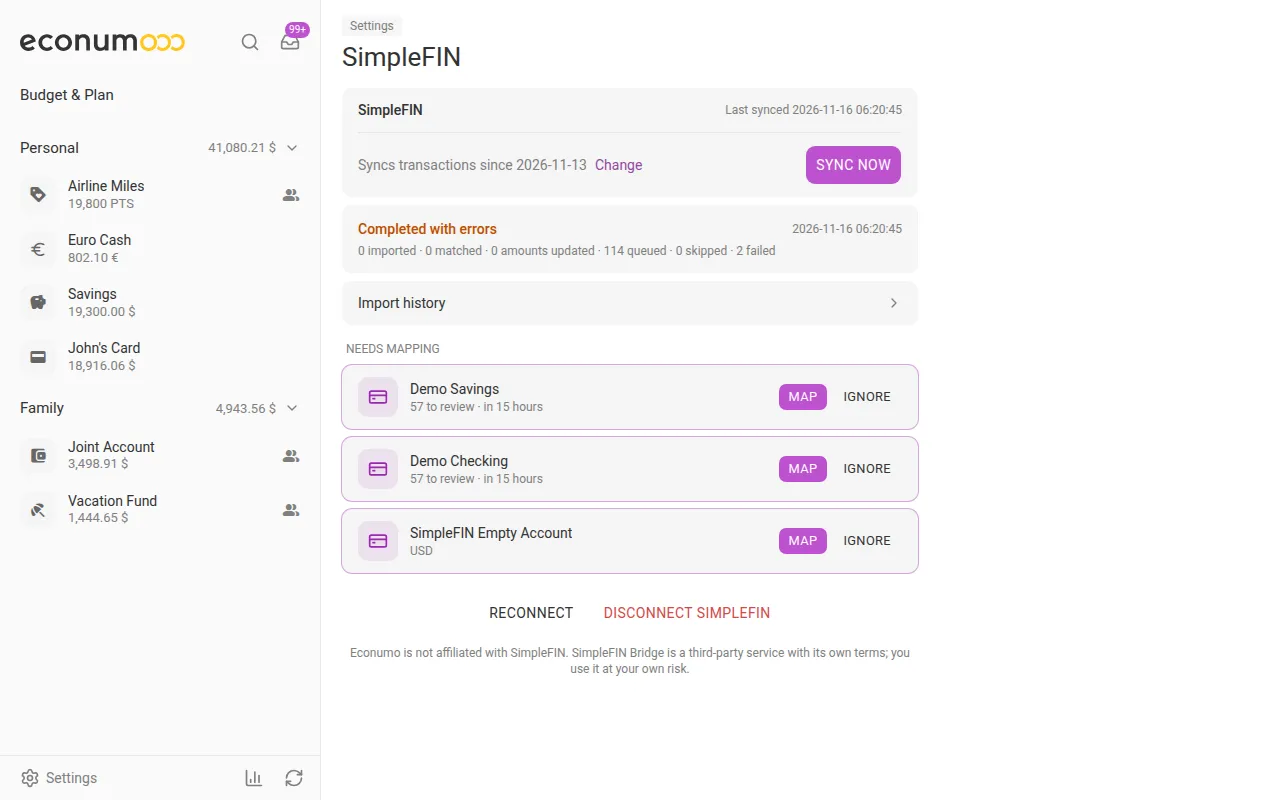
For each bank account:
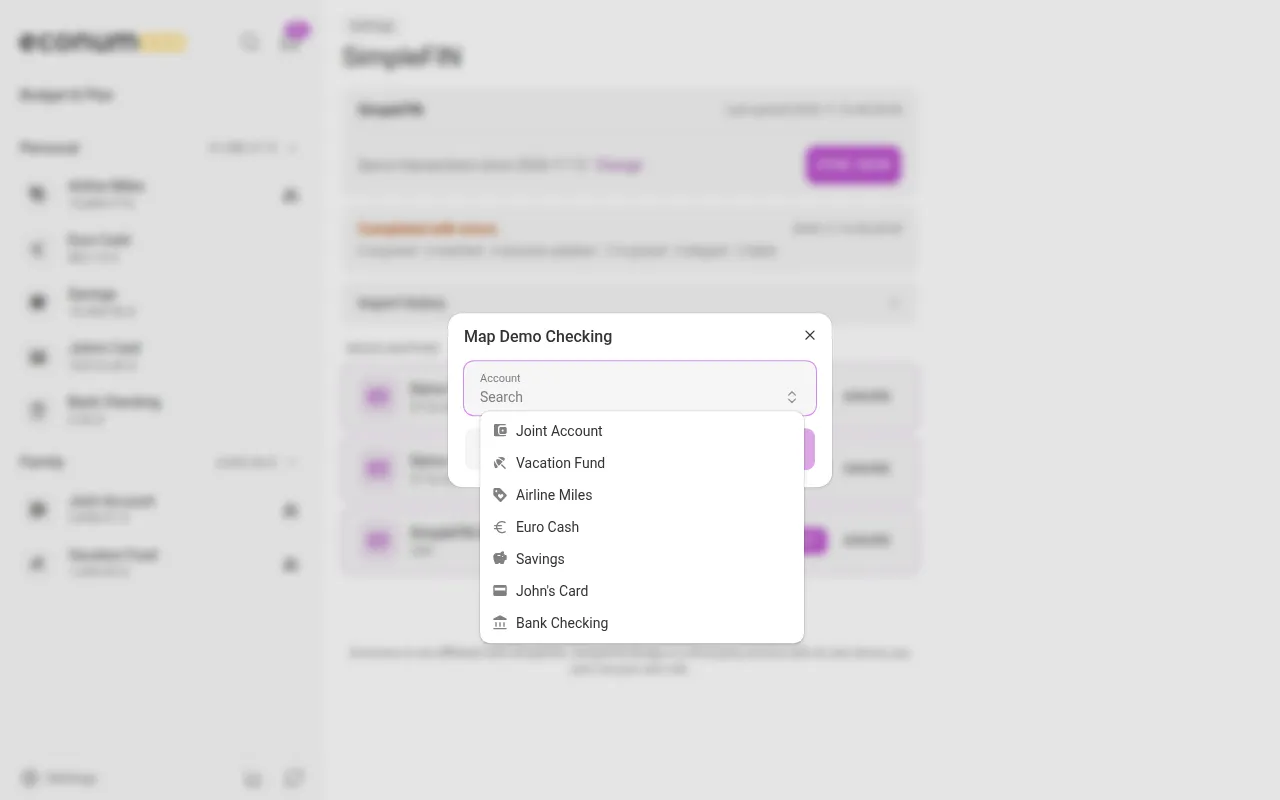
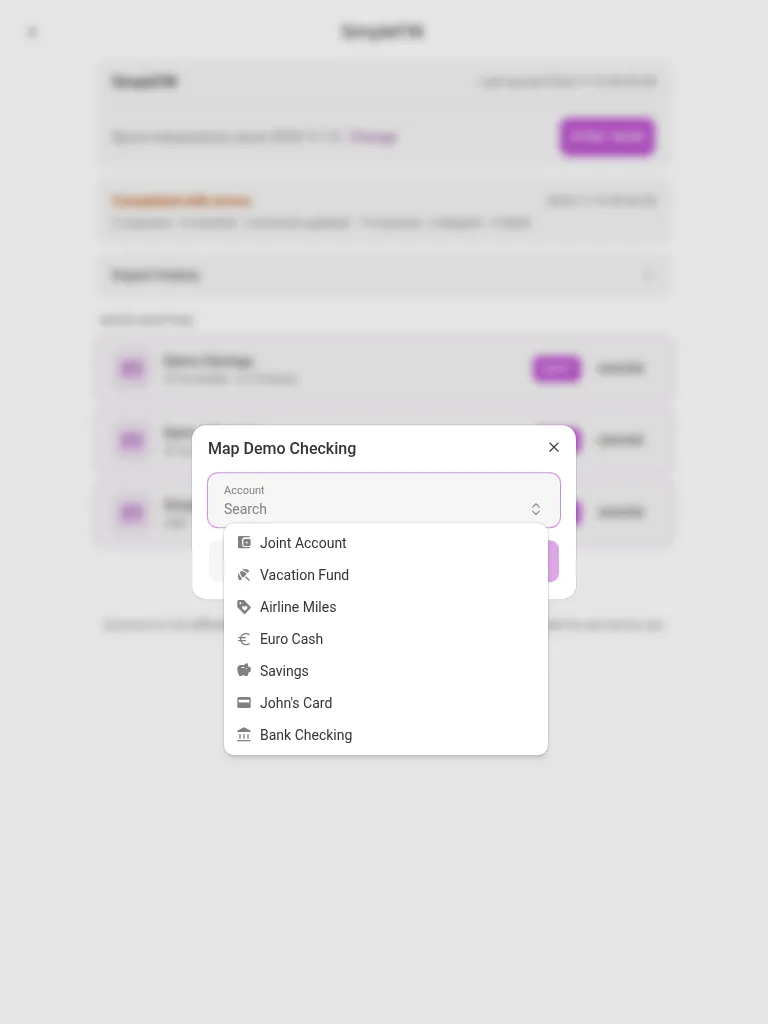
- Map — pick the Econumo account its transactions go to, then press Map. The waiting transactions are imported right away.
- Ignore — for a bank account you don’t want in Econumo. It moves to Accounts as Ignored, and you can still Map it later.
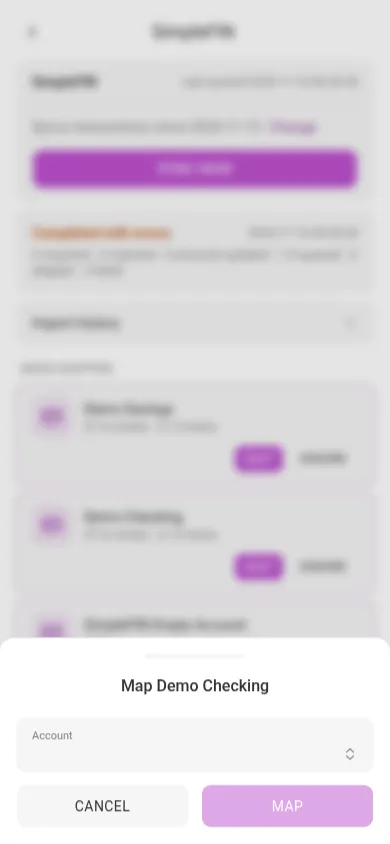
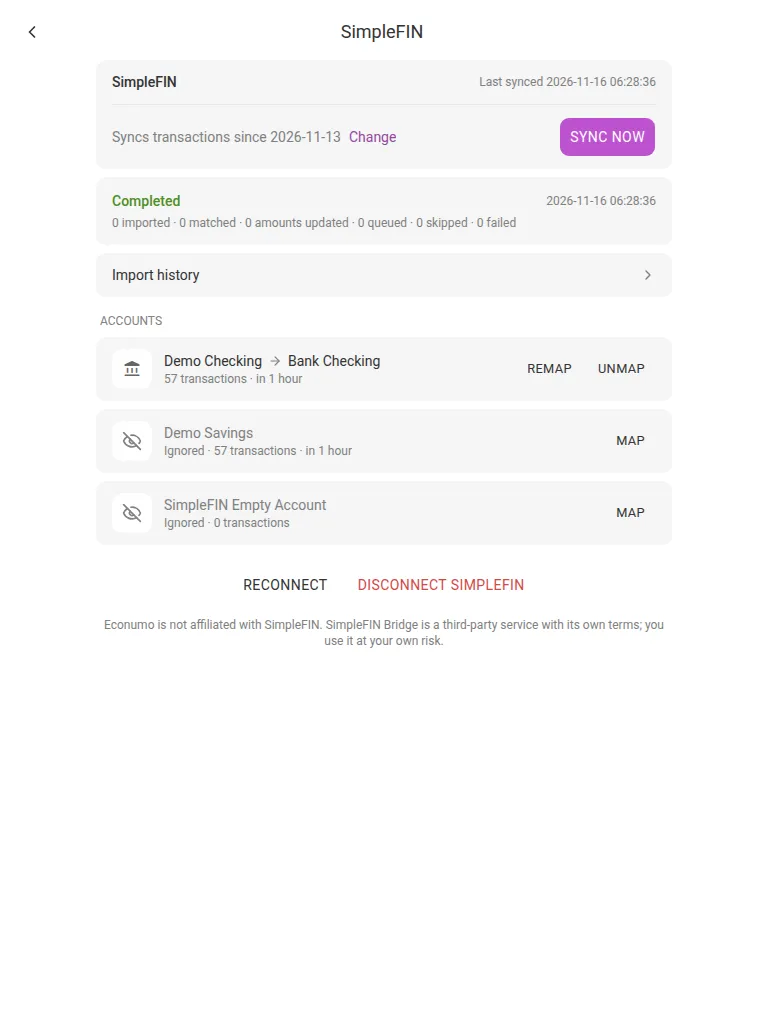
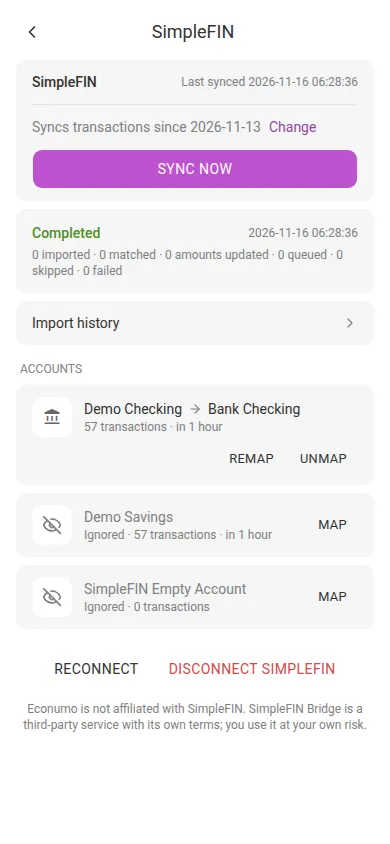
A mapped account can be Remapped to another Econumo account or Unmapped. After unmapping, its new transactions wait for review until you map it again.
When an imported transaction matches one you already entered by hand — a transfer between your own accounts, say — Econumo matches the two instead of adding a duplicate.
Syncing #
Press Sync now on the SimpleFIN page, or the sync button at the bottom of the sidebar. The page shows when you last synced and from which date transactions are fetched (“Syncs transactions since …”); press Change to fetch from an earlier or later date.
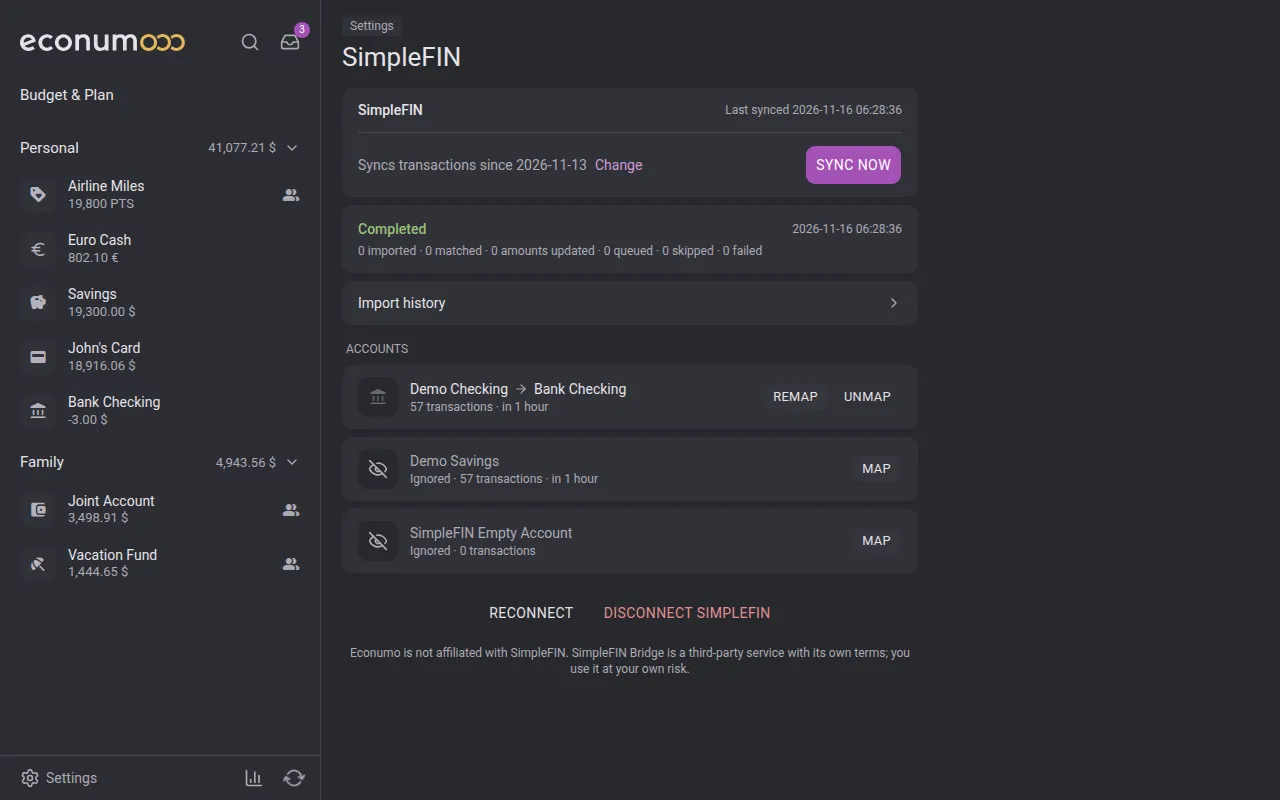
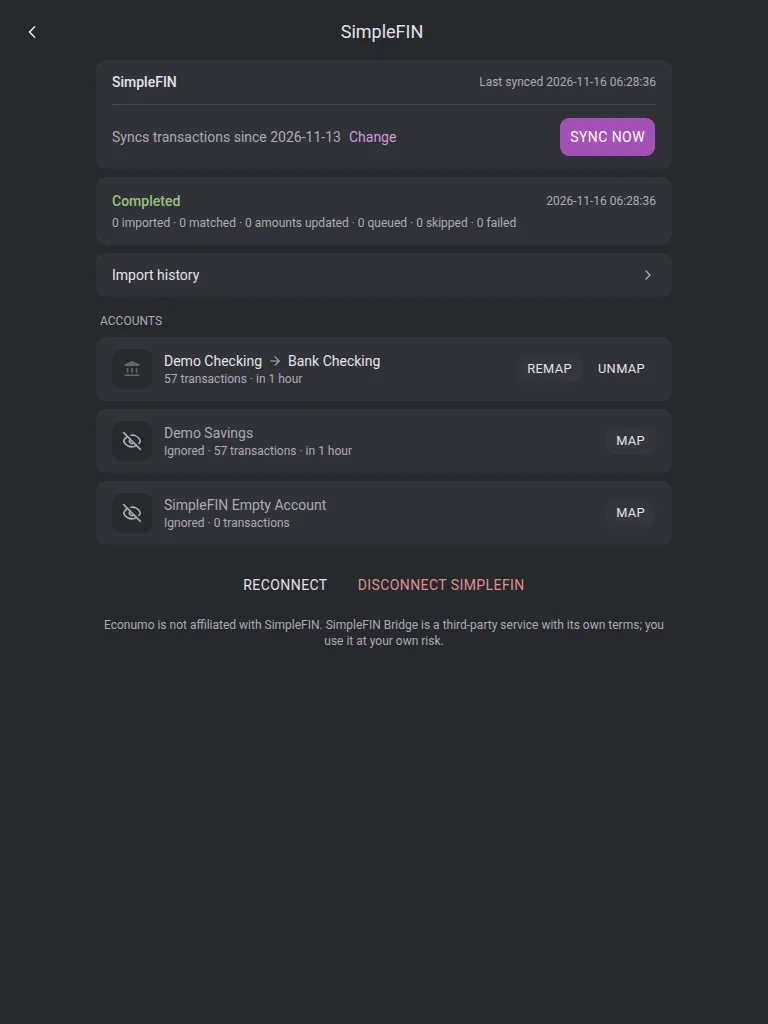
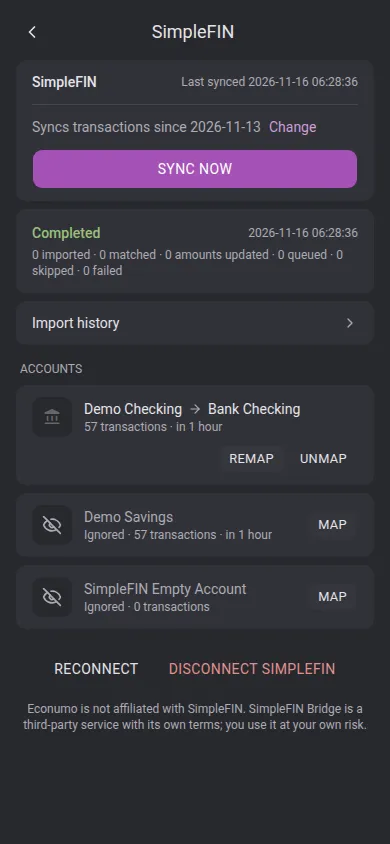
Imported transactions are classified by your import rules. Anything Econumo can’t place — a bank account that isn’t mapped yet, a currency without an exchange rate — waits in the Inbox.
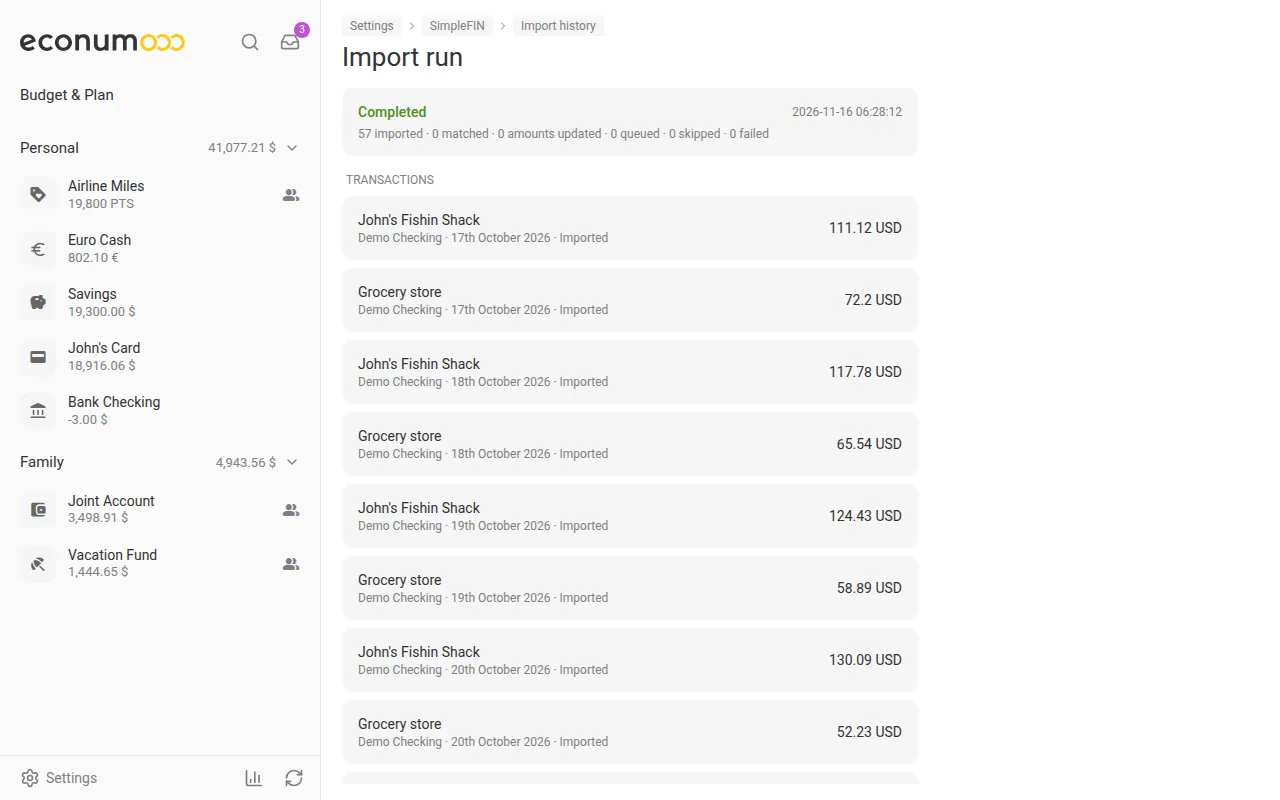
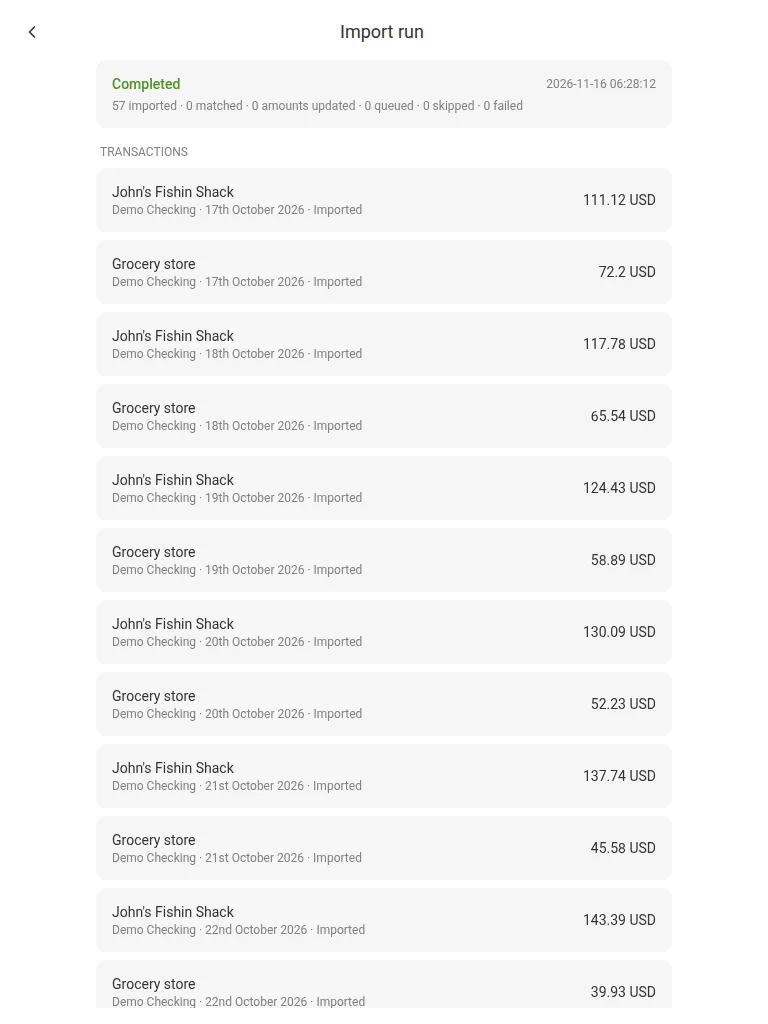
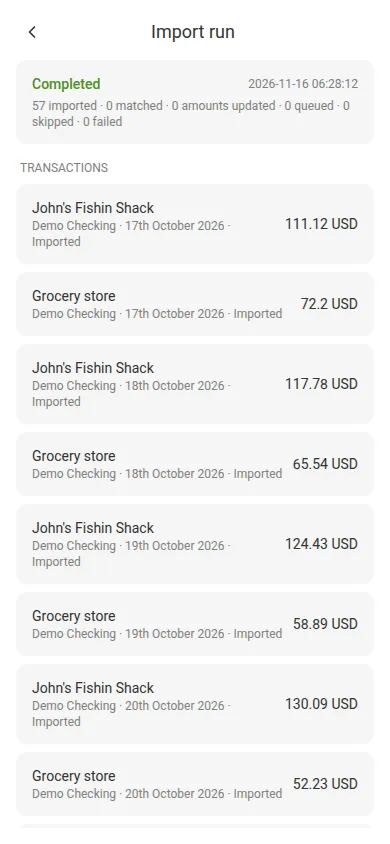
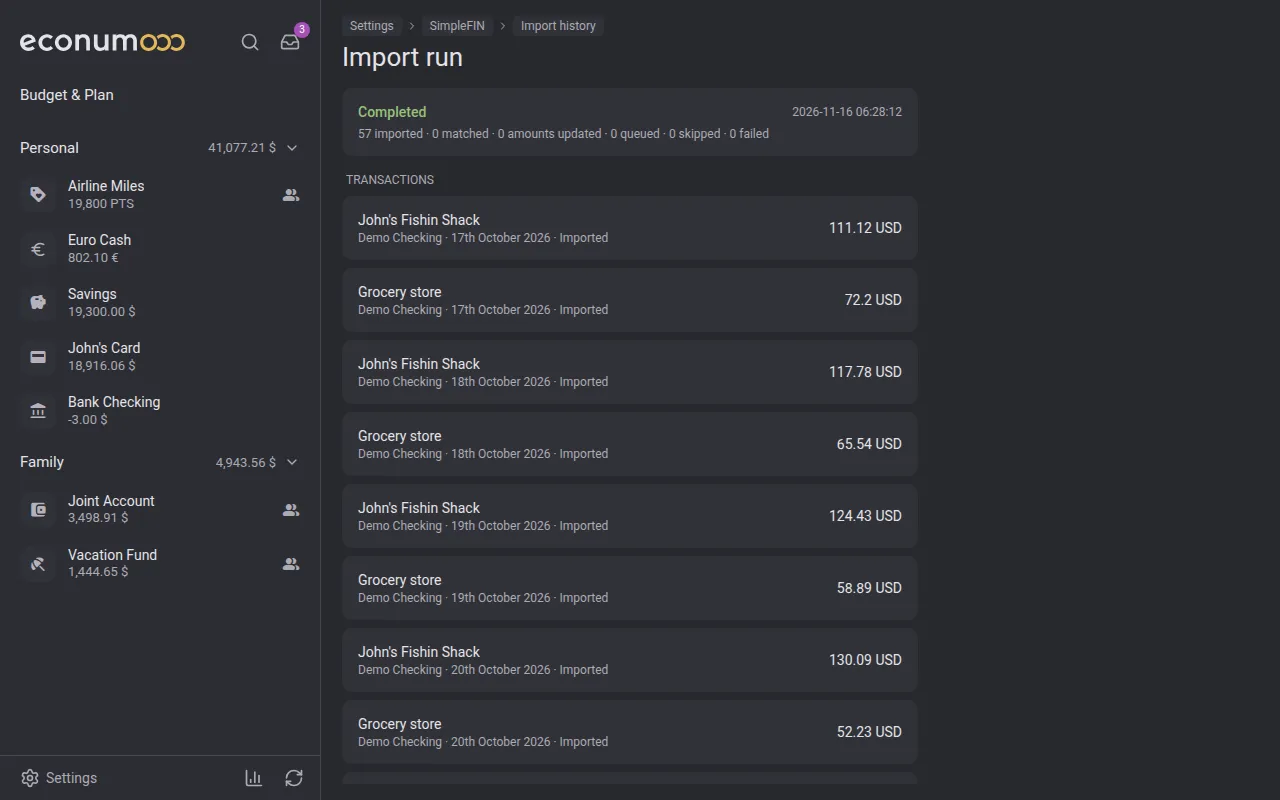
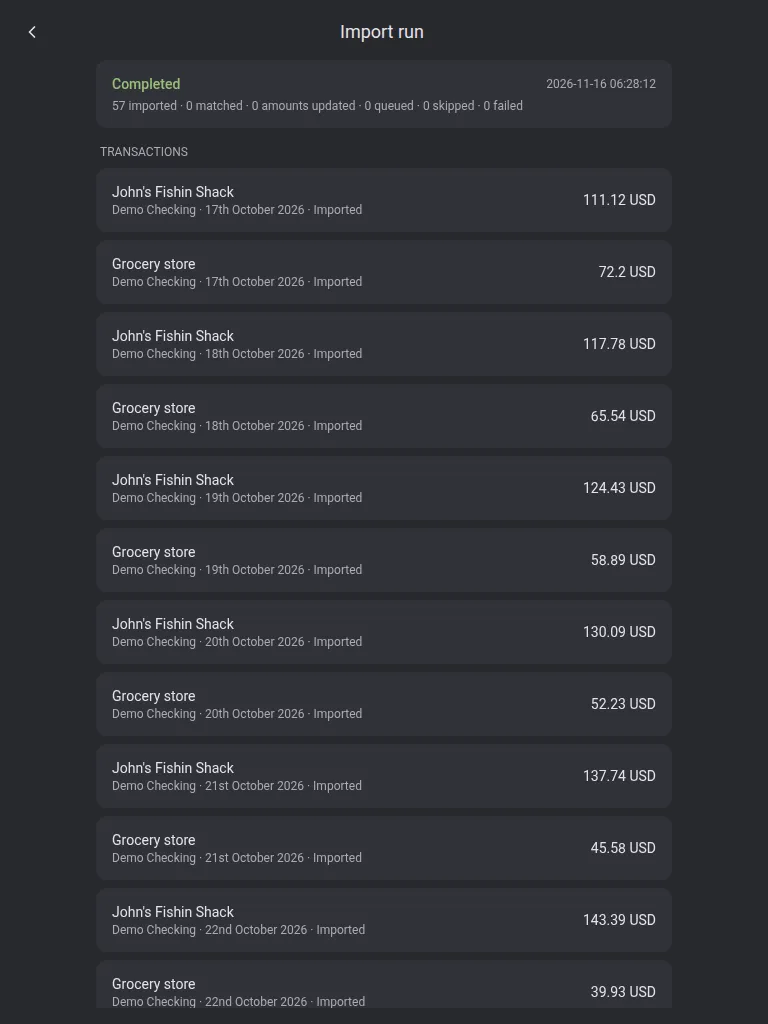
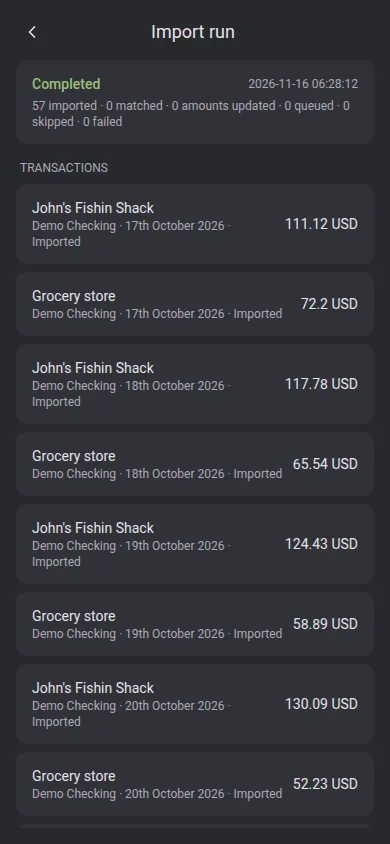
Import history lists every sync with what it imported, matched, updated, queued or skipped. Open a run to see its transactions; one you deleted by mistake can be imported again from there.
Using SimpleFIN on another device #
On a device where you haven’t used SimpleFIN yet, the page asks for your passphrase — enter it and press Unlock. If you changed the passphrase on another device, the page asks for the new one.
Disconnecting #
Press Disconnect SimpleFIN and confirm. The connection is removed from Econumo; transactions imported earlier stay where they are.