Multi-Currency #
Econumo lets you keep accounts in different currencies and still budget across all of them. Each account has one fixed currency; transfers between currencies record both amounts, and your budget converts everything to a single currency so the totals add up.
In the examples on this page, John’s family keeps most accounts in US dollars but also has a Euro Cash account they top up before travelling to Italy.
In this section #
Note Which currencies you can pick from is up to you: choose them in Settings → Currencies, where you can also add a currency of your own with a rate you set. The currencies your server ships with, and how their exchange rates are kept up to date, are configured by whoever runs your Econumo instance — see Multi-Currency Support in the self-hosting docs.
Accounts in different currencies #
An account’s currency is chosen when you create it and shown next to its balance everywhere in the app. Every transaction on that account is entered in the account’s own currency — the Euro Cash account below is in EUR, so its balance and all its transactions are in euros.
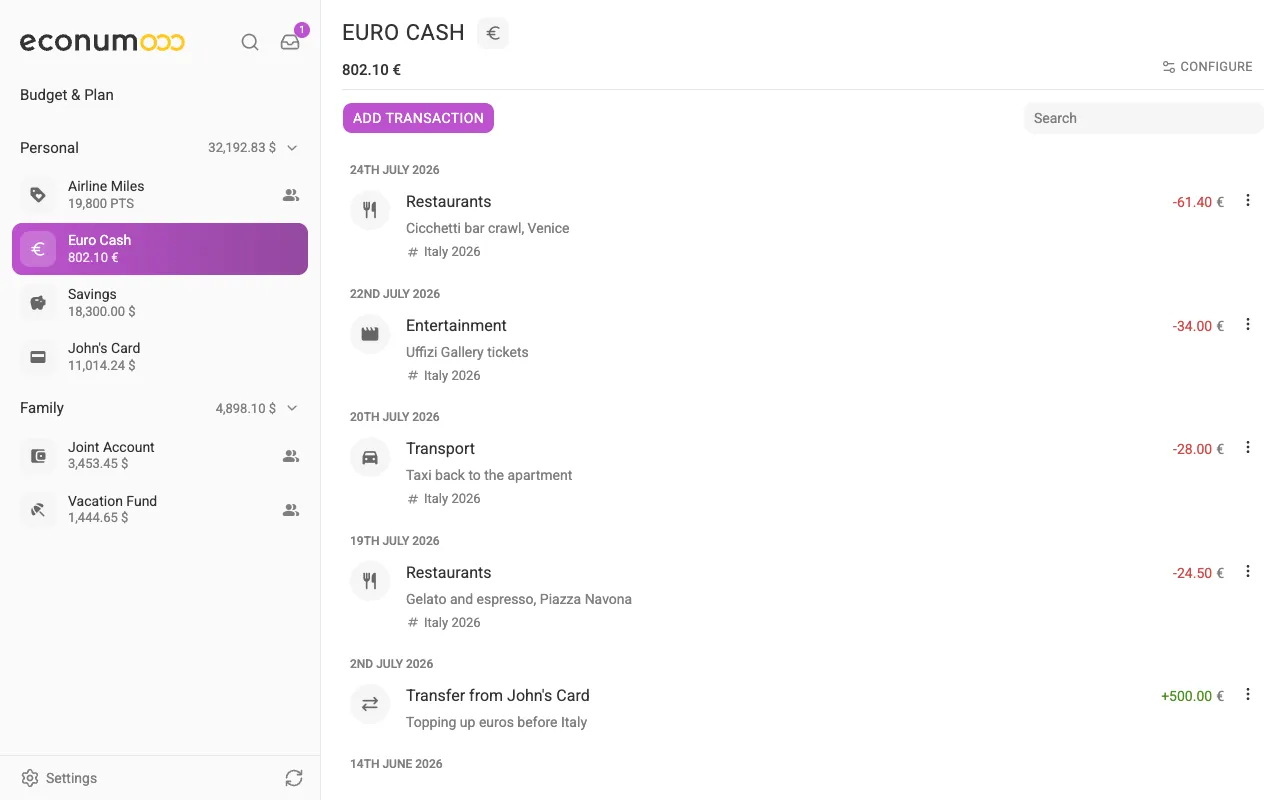
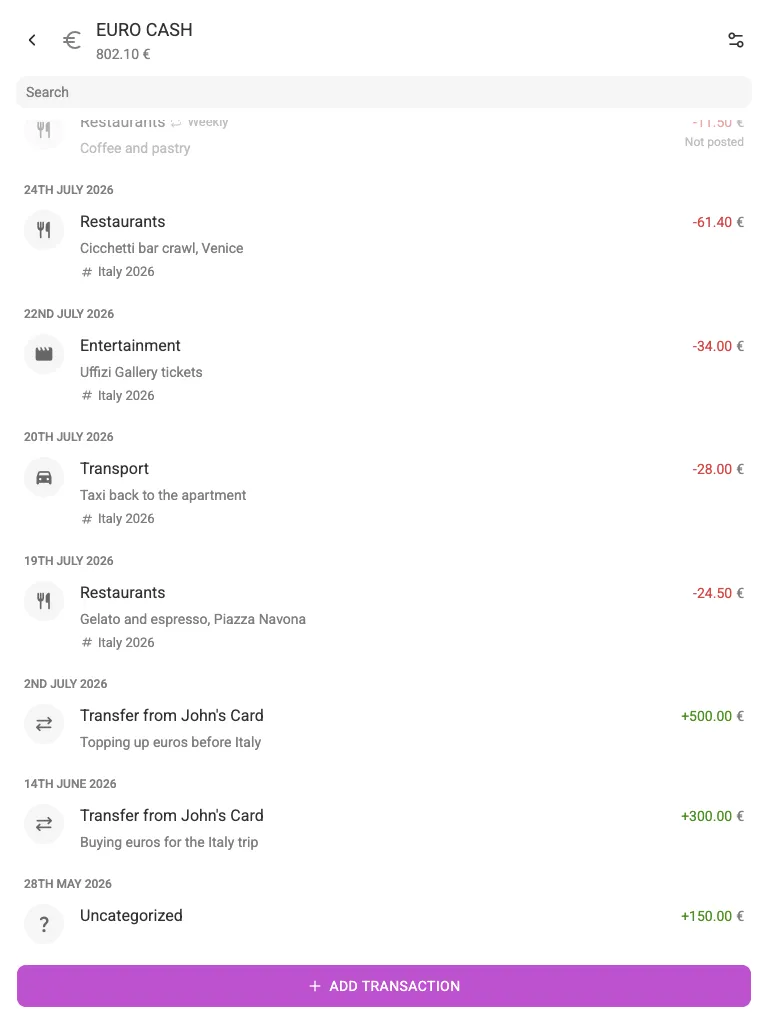
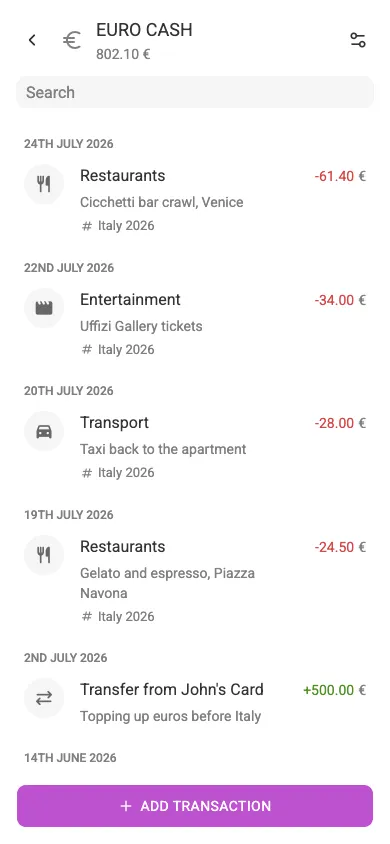
To spend from an account, add the transaction in that account’s currency. To move money between currencies, use a transfer.
Cross-currency transfers #
When you transfer between two accounts that use different currencies, Econumo shows two amount fields — one for the source currency and one for the destination — so you can record exactly what left one account and what arrived in the other. This keeps both balances correct regardless of the rate your bank used.
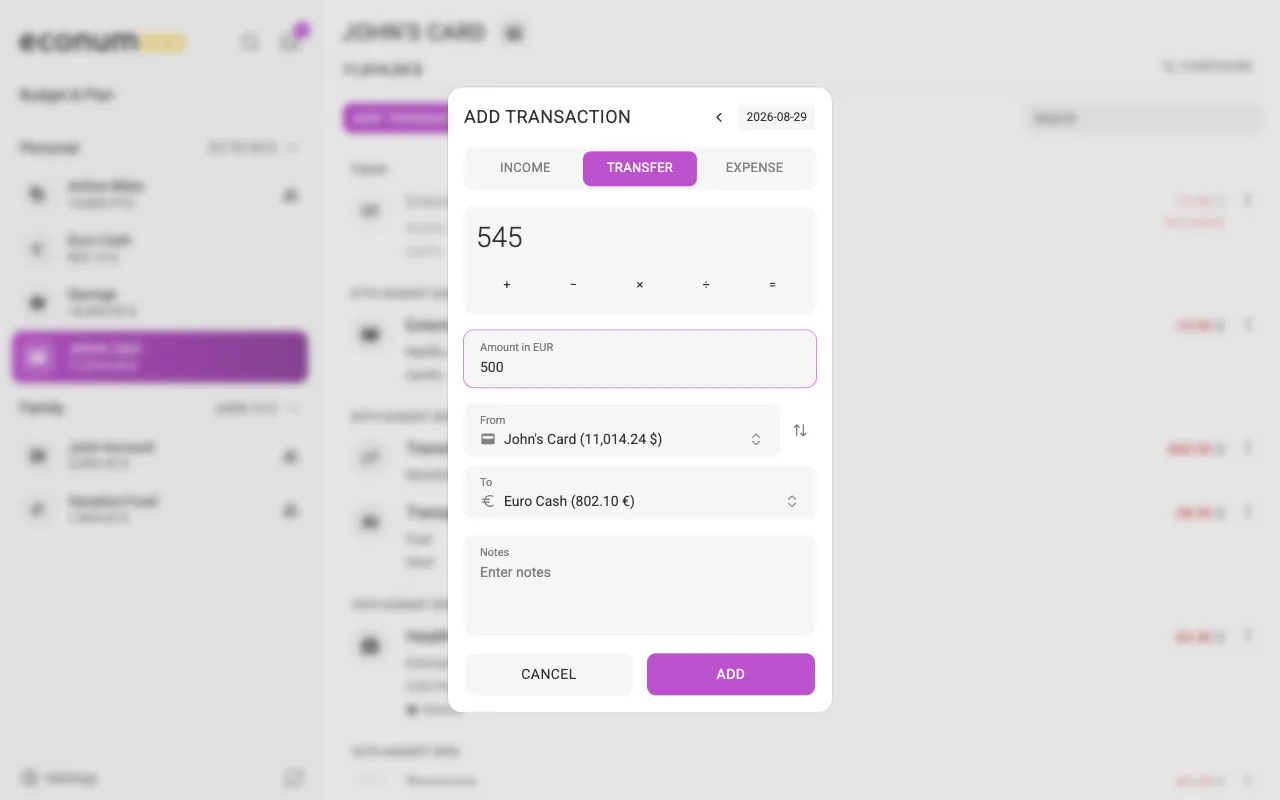
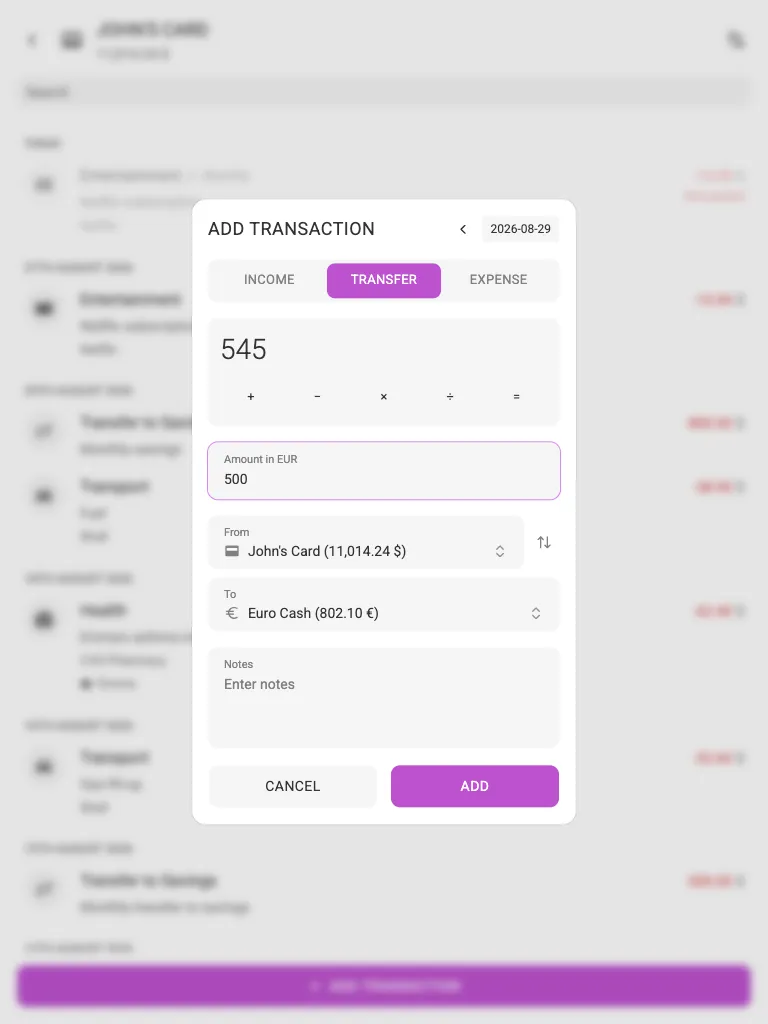
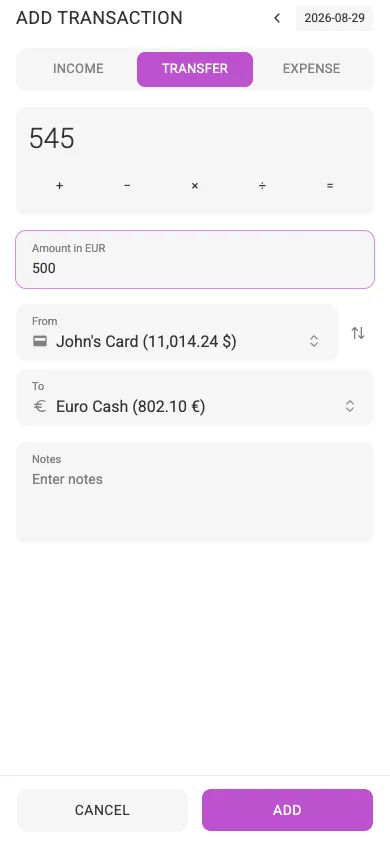
In the Euro Cash account above, the “Transfer from John’s Card” line is the euro side of one such transfer — dollars left the card, euros arrived in the cash account.
Currency in your budget #
A budget is kept in a single base currency — the code above the first column
of the budget, USD in the screenshots — but individual elements (categories,
tags, envelopes) can be budgeted in their own currency. Open the element’s
three-dots menu and choose Change currency. On desktop the menu appears
when you hover the row; on a tablet or a phone, turn on Configure → Edit
structure first.
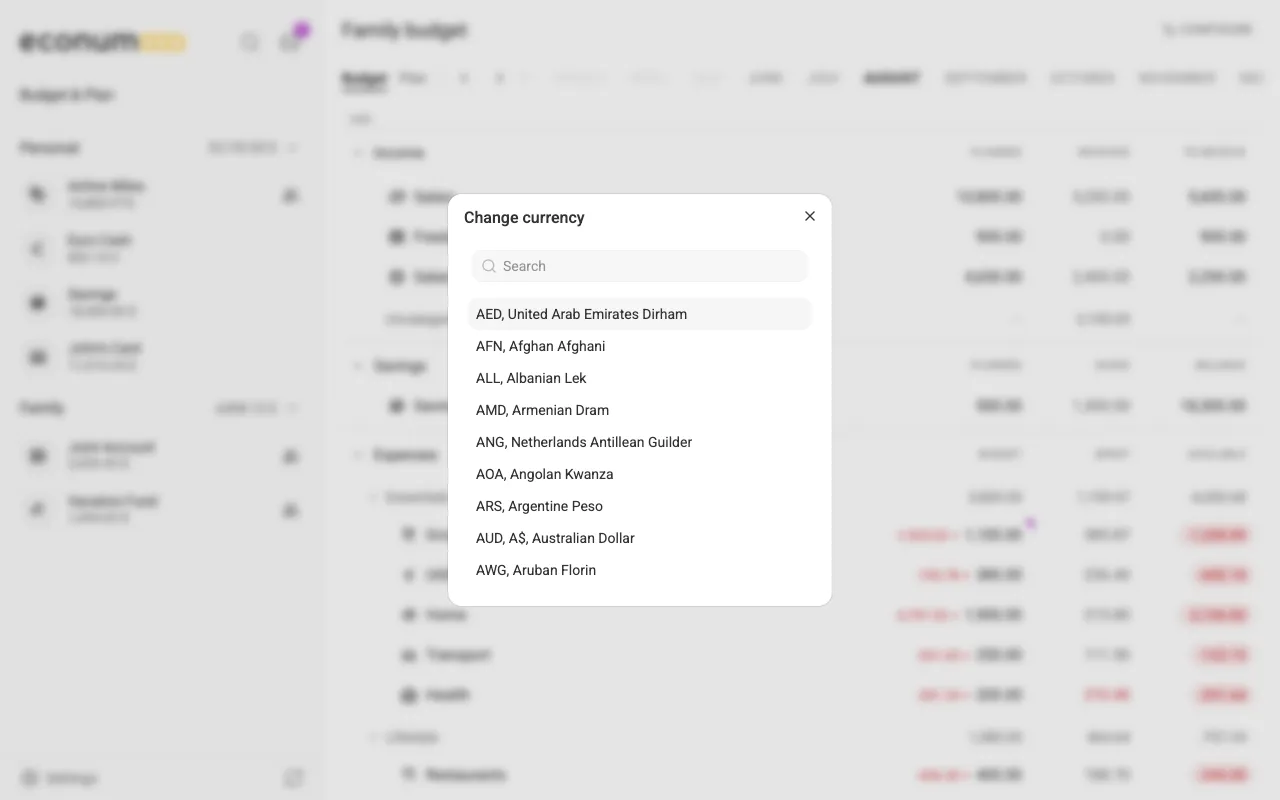
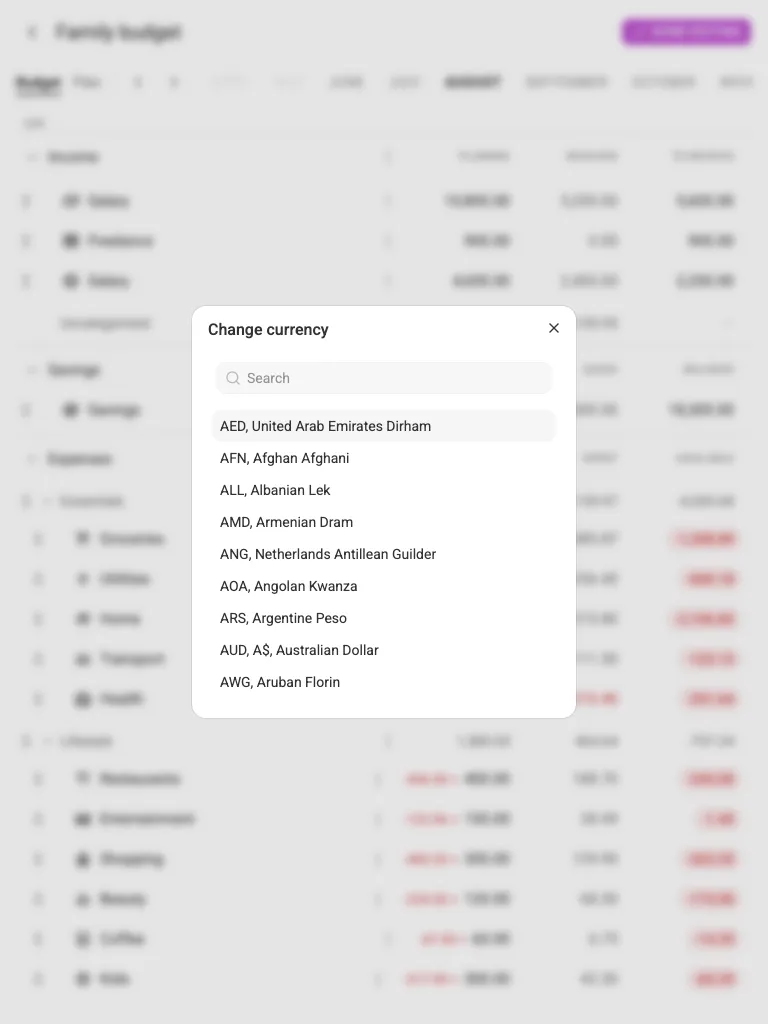
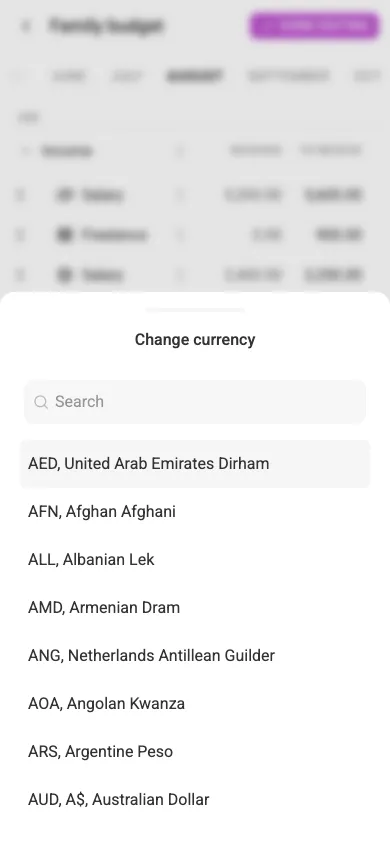
Spending in a foreign currency is converted to the budget’s currency for folder and budget totals.
Note Conversions use the exchange rates loaded into your Econumo instance. If rates look off, ask your administrator to refresh them (see Multi-Currency Support).