AI assistants (MCP) #
Econumo has a built-in MCP server. Connect an AI assistant such as Claude, Claude Code or Codex to it, and the assistant can check your balances and budgets, look up transactions, and log new ones for you, straight from a chat.
You connect with your Econumo address only. You don’t create or paste a token: the assistant opens Econumo in your browser, you sign in, and you press Allow.
In this section #
- Your MCP address
- Claude (web, desktop and mobile)
- Claude Code
- Codex
- Other MCP clients
- Managing connected apps
- Troubleshooting
Your MCP address #
The address is your Econumo address followed by /mcp. For
app.econumo.com it is:
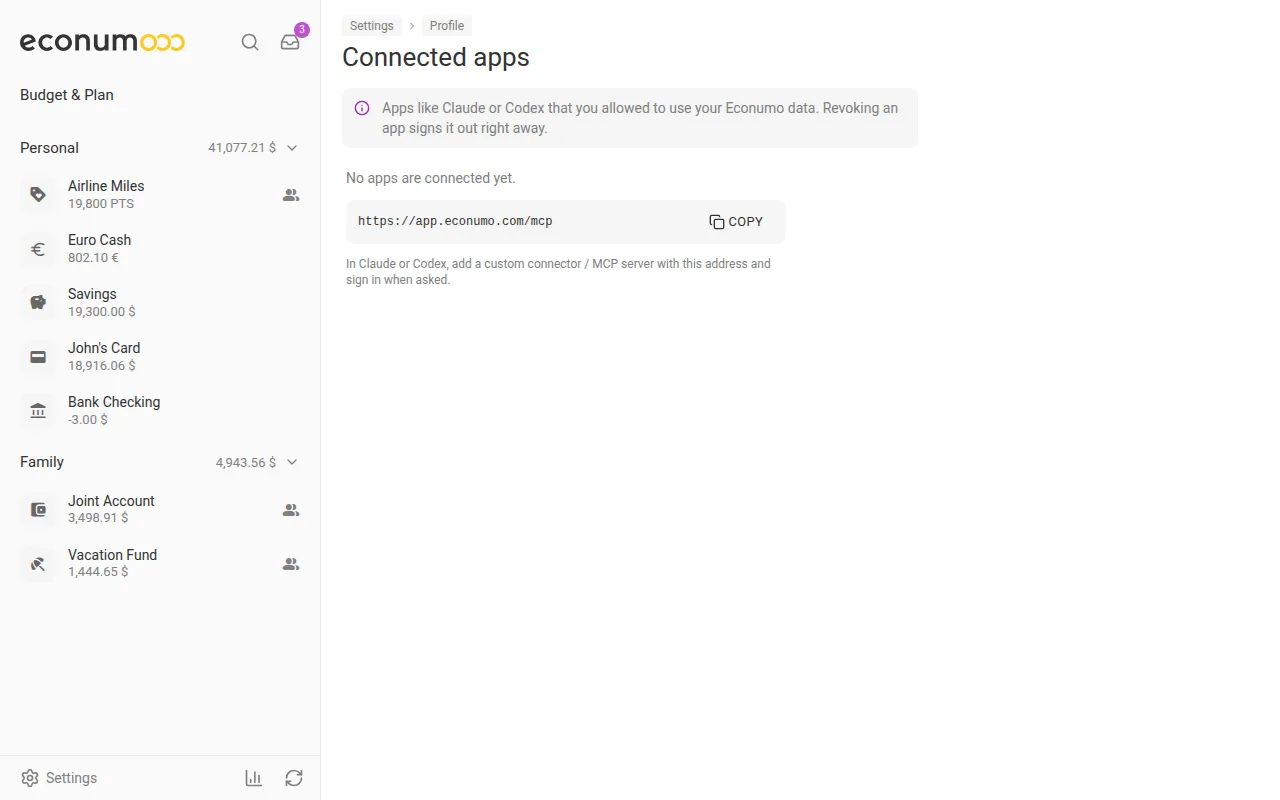
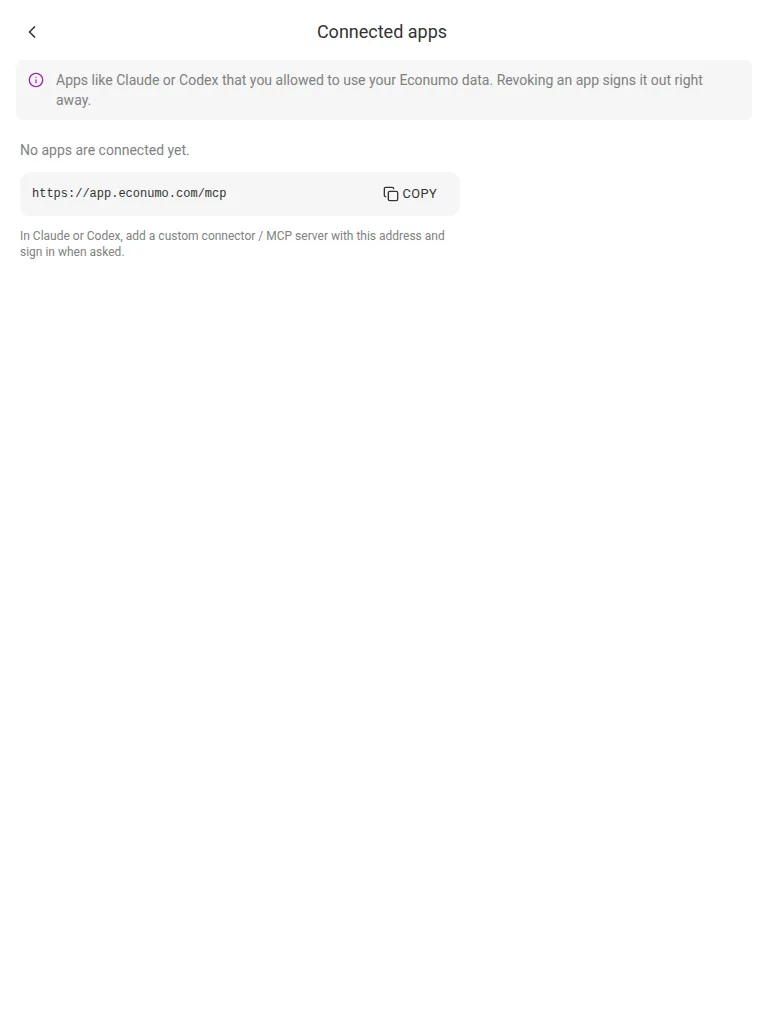
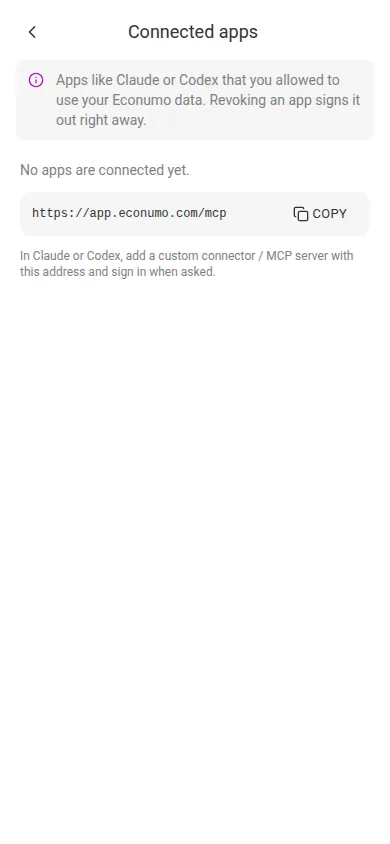
https://app.econumo.com/mcpYou can also copy it in Econumo: open Settings → Personal settings, choose Connected apps in the Security section, and press Copy next to the address.
Note An app you allow can read and change all of your Econumo data. It never sees your password, and its access works only for the MCP server, not for the rest of the Econumo API.
Claude (web, desktop and mobile) #
- In Claude, open Settings → Connectors and choose Add custom connector.
- Paste your MCP address and add the connector.
- Press Connect. Econumo opens in your browser. Sign in if you are asked to, check the app’s name, and press Allow.
The connector then works in Claude on every device where you use the same Claude account.
Claude Code #
Add the server from a terminal:
claude mcp add --transport http econumo https://app.econumo.com/mcpThen start Claude Code, run /mcp, pick econumo and choose
Authenticate. Econumo opens in your browser. Sign in if you are asked to
and press Allow.
Codex #
codex mcp add econumo --url https://app.econumo.com/mcp
codex mcp login econumo
codex mcp login opens Econumo in your browser. Sign in if you are asked to
and press Allow. Flags can change between Codex releases;
codex mcp add --help shows the current ones.
Other MCP clients #
Any client that supports MCP’s browser sign-in (OAuth) connects the same way: give it your MCP address and allow it in Econumo.
A client that can’t sign in through the browser can send a personal access
token instead. Create one in Settings → Personal settings → API tokens (see
API tokens) and set the client to
send the header Authorization: Bearer <your token> to your MCP address.
Managing connected apps #
Settings → Personal settings → Connected apps lists every app you have allowed, with when it was connected and when it was last used. Revoke signs an app out right away; to use it again, connect it again.
A connection stays signed in while you use it. If an app is not used for 90 days, it asks you to sign in again.
Resetting your password through the emailed link disconnects every app. Changing your password from Settings keeps them connected.
Note On a self-hosted server, connecting by address needs
ECONUMO_URLset to the server’s public https address, with no path (see Configuration). Without it, Connected apps reads “Connecting AI apps isn’t available on this server” and the MCP server accepts API tokens only. Claude on the web, desktop and mobile connects from Anthropic’s servers, so for those the server must be reachable from the internet; Claude Code and Codex only need to reach it from your computer.
Troubleshooting #
- The client never opens a browser, or says the server doesn’t support
authorization. Check the address ends in
/mcpand has no typo. On a self-hosted server, checkECONUMO_URLas described above, and that a reverse proxy passes/.well-known/*,/oauth/*and/mcpthrough to Econumo, not only/api. - “This app sent an invalid request” on the approval page. Go back to the app and start connecting again.
- “This app’s registration has expired or is unknown” on the approval
page. Make the app register again:
- Claude: remove the Econumo connector and add it again.
- Claude Code: run
/mcp, pickeconumo, choose Clear authentication, then Authenticate. - Codex: run
codex mcp logout econumo, thencodex mcp login econumo.
- “This app is connected to a different Econumo account”. Someone else already connected this copy of the app. Add Econumo in your own Claude, Claude Code or Codex instead.
- You can’t press Allow. A read-only account (for example, after a trial ends) can’t connect an AI assistant.