Shared Access #
This section provides an overview of Shared Access in Econumo.
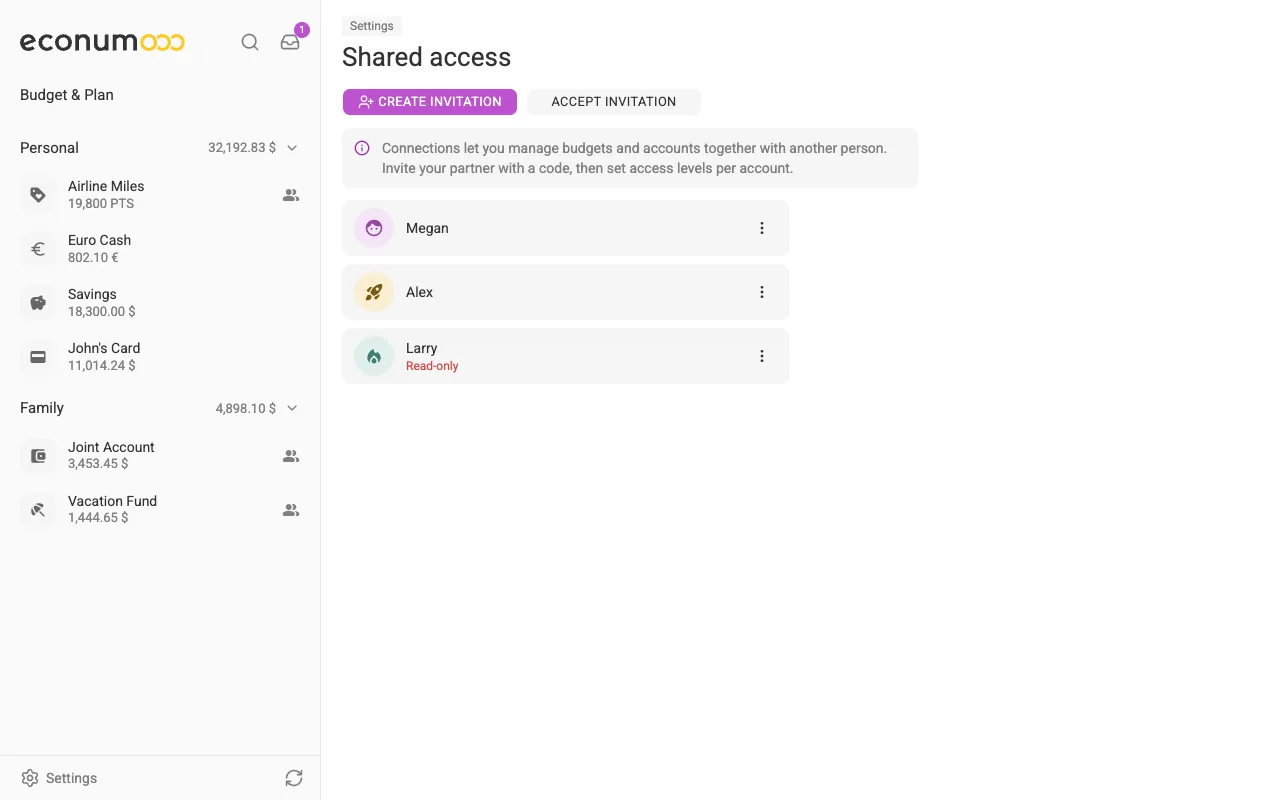
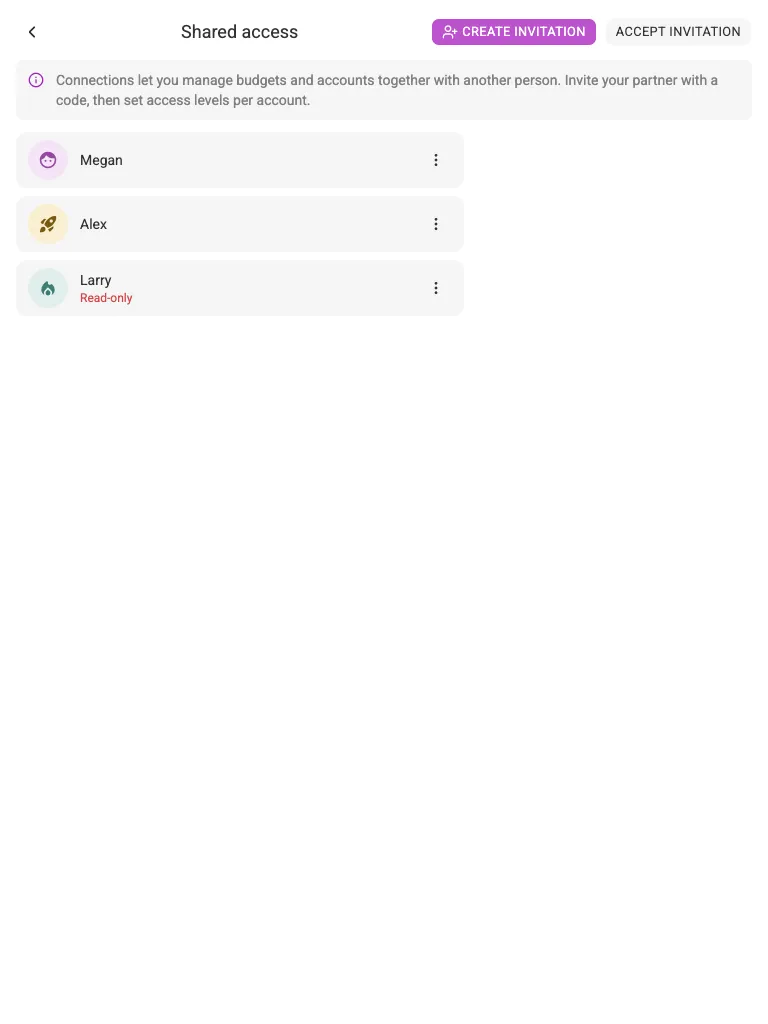
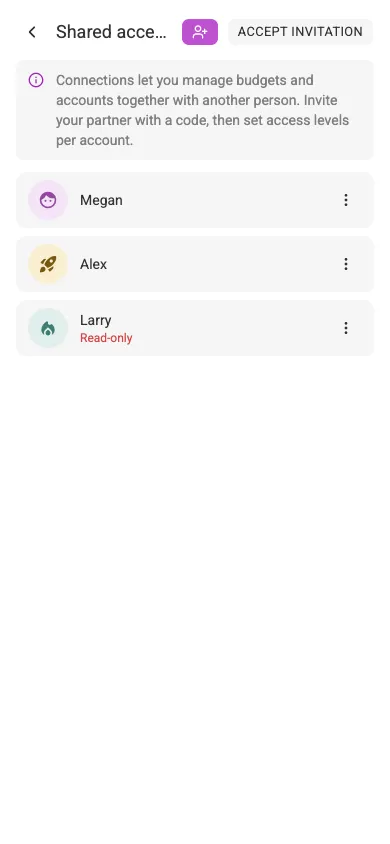
Econumo enables users to connect with each other to share access to various accounts and budgets — the foundation for family budgeting. Connections are managed in Settings → Shared access:
In this section #
- Connect with another user
- Accept or decline a sharing request
- Remove connection between users
- Check shared accounts and budgets
- Access status
Connect with another user #
When you connect with another Econumo user, you aren’t sharing anything yet. You will specify which accounts and budgets to share later.
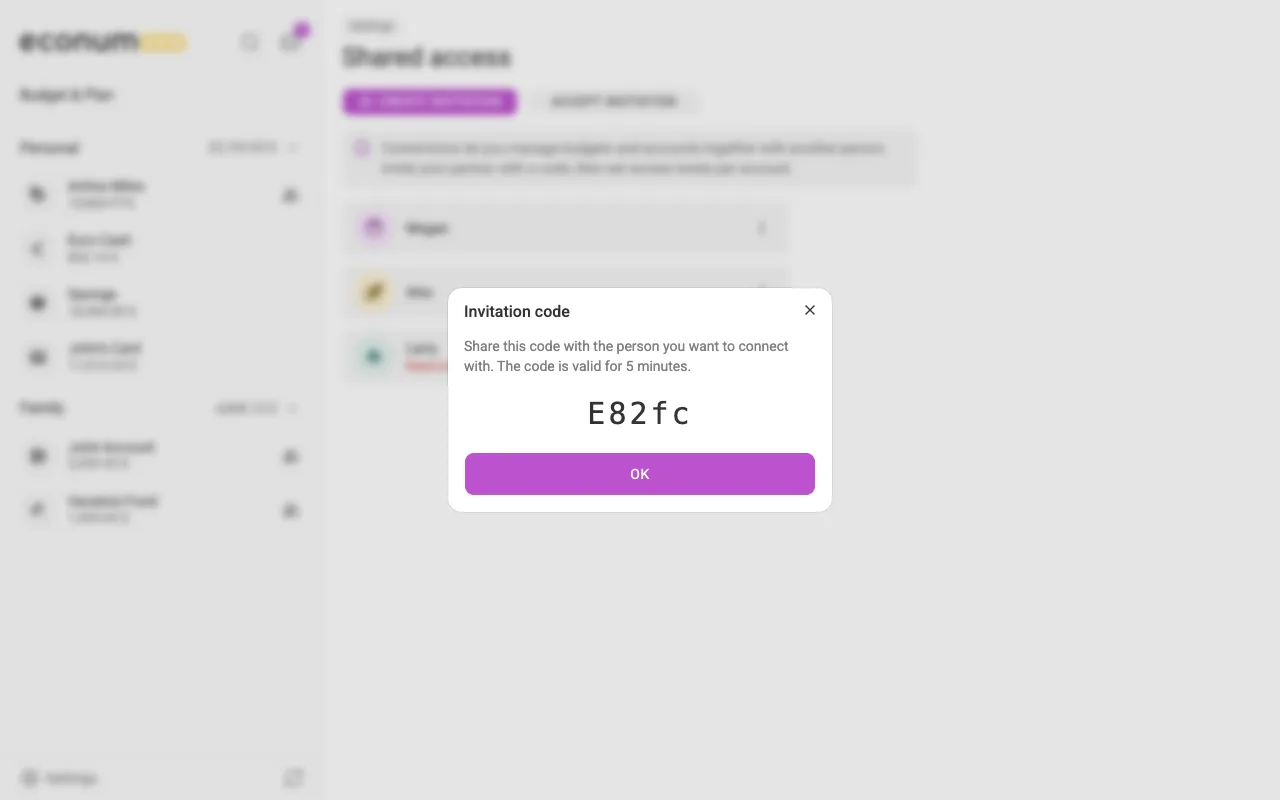
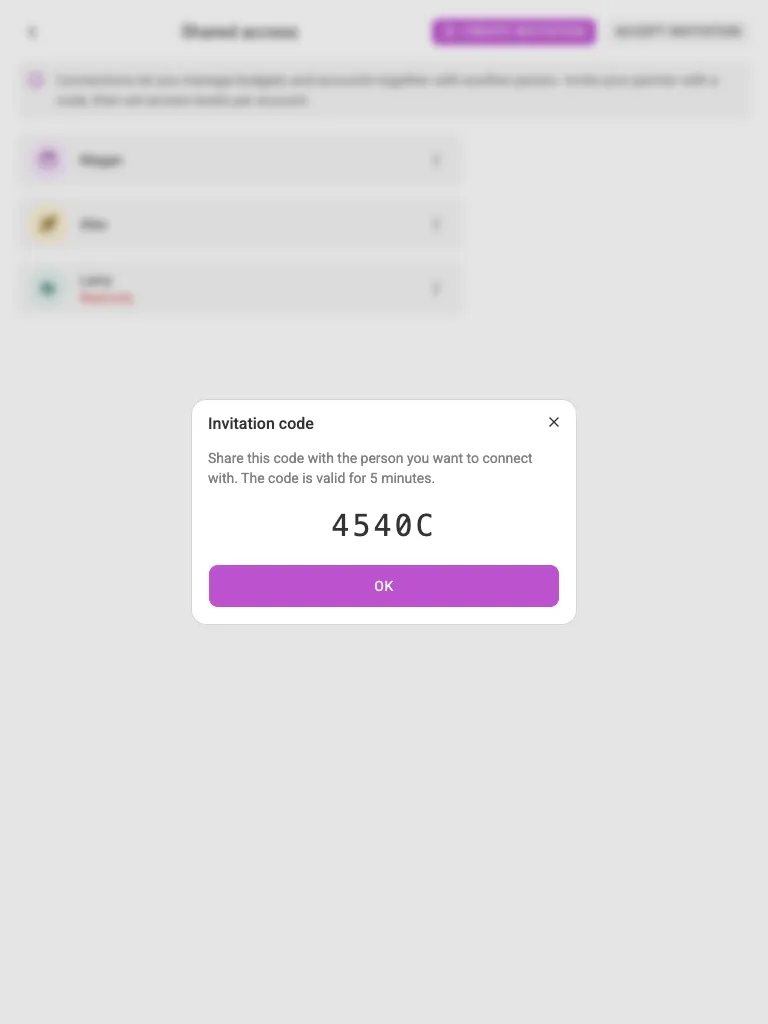
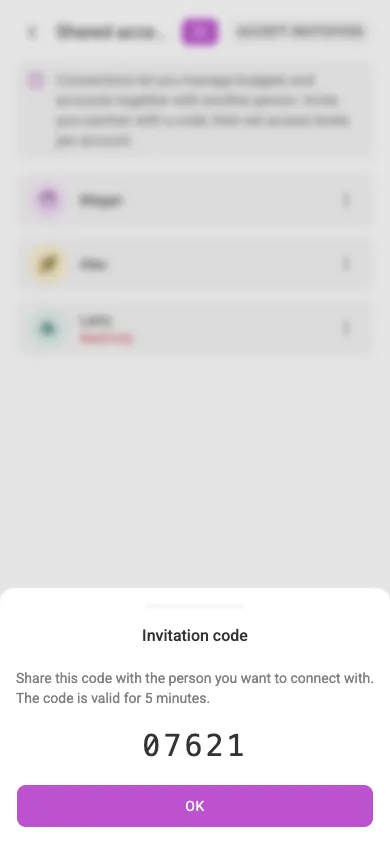
To connect, go to Settings → Shared access and press Create invitation. You will get a short code that is valid for 5 minutes:
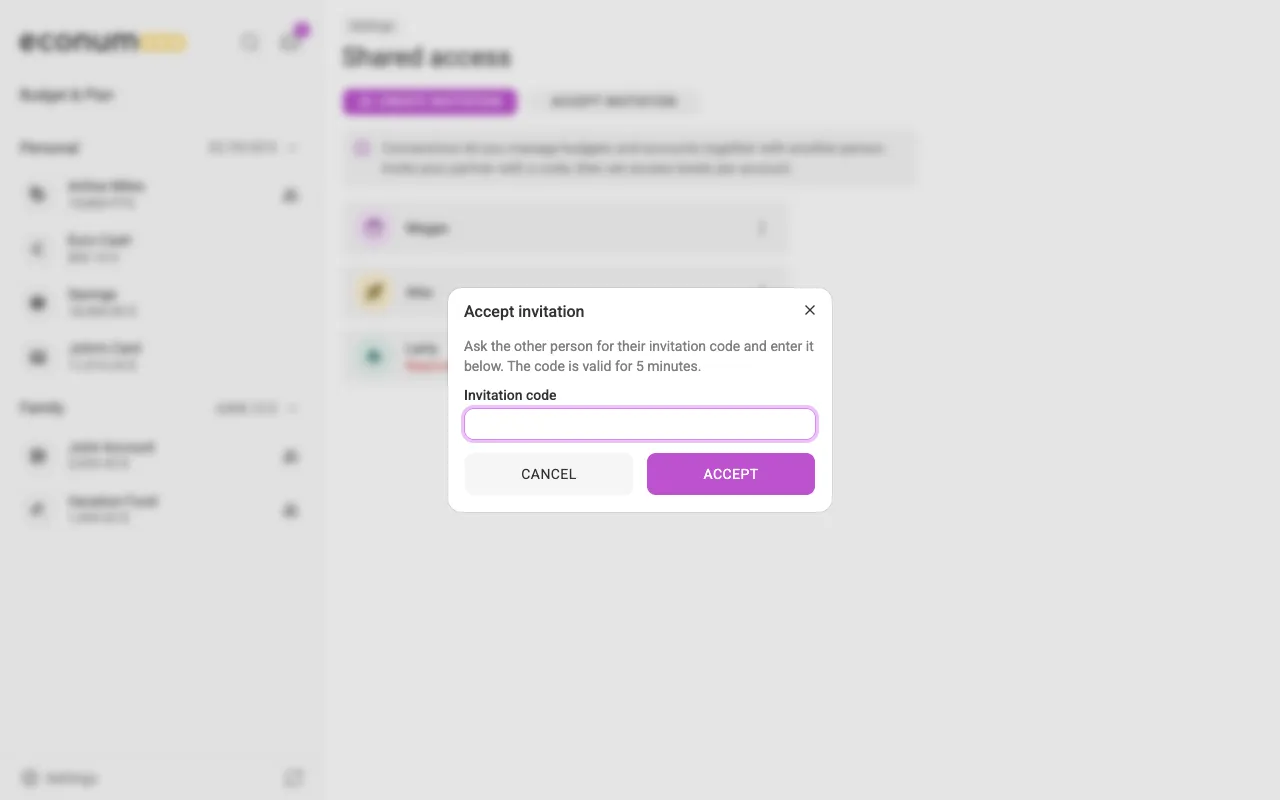
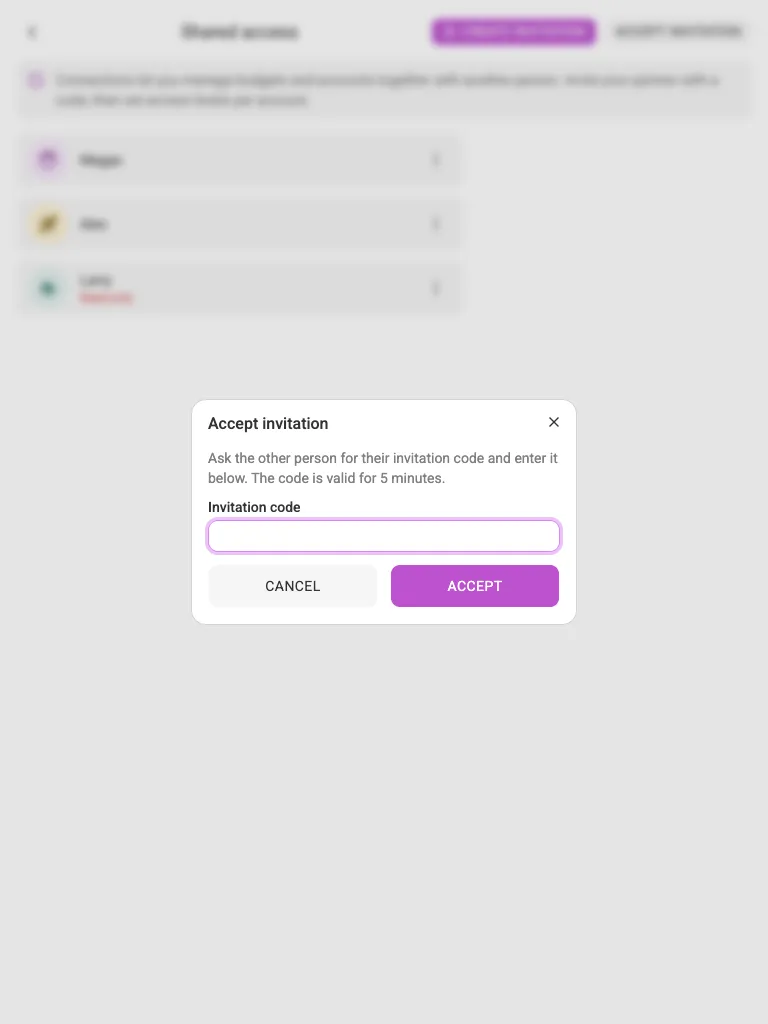
Ask your partner to open Econumo, navigate to Settings → Shared access, press Accept invitation, and enter the code:
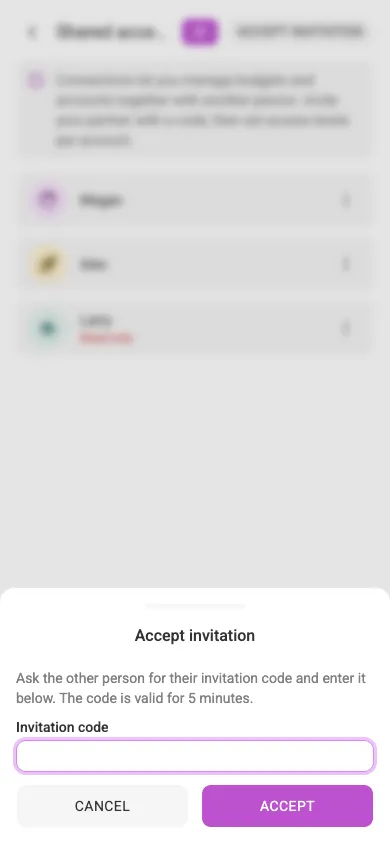
After the invitation is accepted, you will see each other in the connections list, and you can start sharing accounts and budgets.
Accept or decline a sharing request #
Sharing an account or budget with someone doesn’t hand it over immediately — Econumo sends a pending invite that the other person has to accept or decline first. Invites land in your Inbox — the tray icon at the top of the sidebar (on mobile, at the top of the home screen), whose badge counts everything waiting on you. Sharing invites sit in the Sharing group at the bottom of the Inbox, each one saying who invited you and whether it is an Account or a Budget.
For each request:
- Accept — for an account, you first choose which folder to file it under (or leave it in General, which is created automatically if it doesn’t exist yet); a budget is added straight to your budgets list.
- Decline — Econumo asks you to confirm, then the invite is dismissed.
While a request is still pending, the person who sent it sees invitation pending next to your name in the Access control dialog.
Note Connections and shares that already existed before this flow shipped keep working without any action on your part — Econumo grandfathered them in as already accepted.
Remove connection between users #
You can delete the connection between users at any time: open the three-dots menu next to the connection and choose Delete. Econumo asks you to confirm first, because this action removes all shared access for accounts and budgets in both directions:
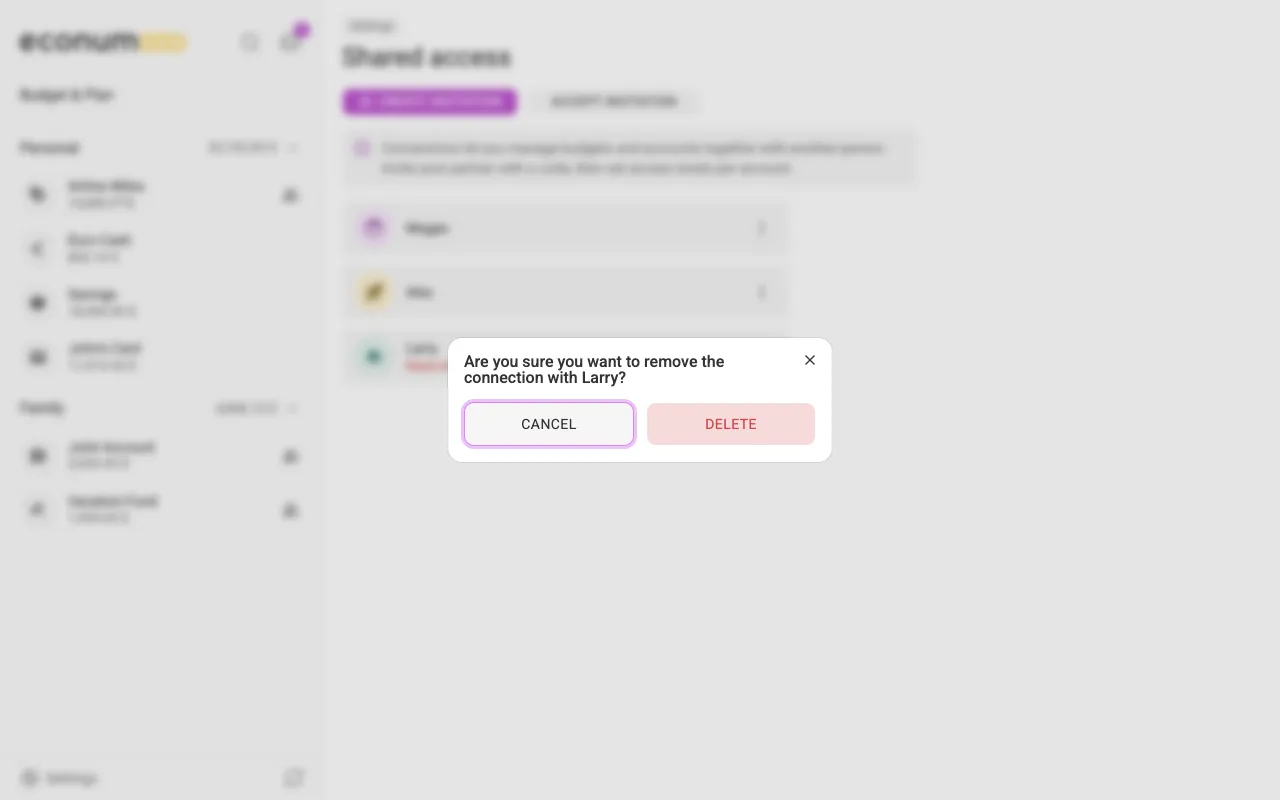
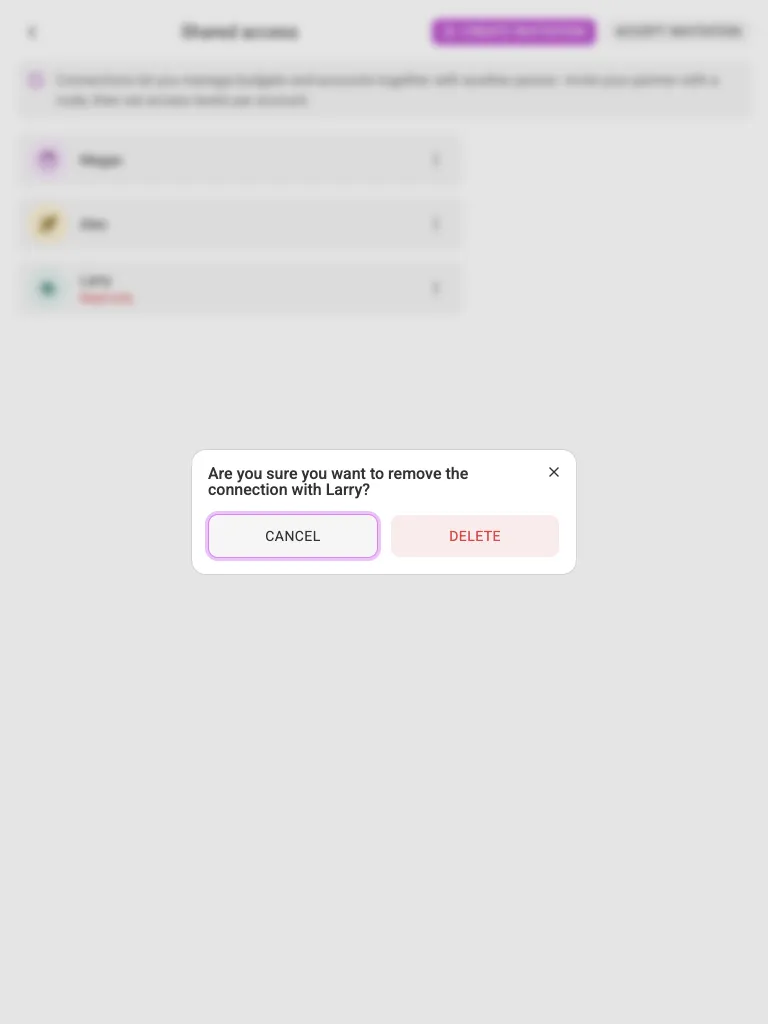
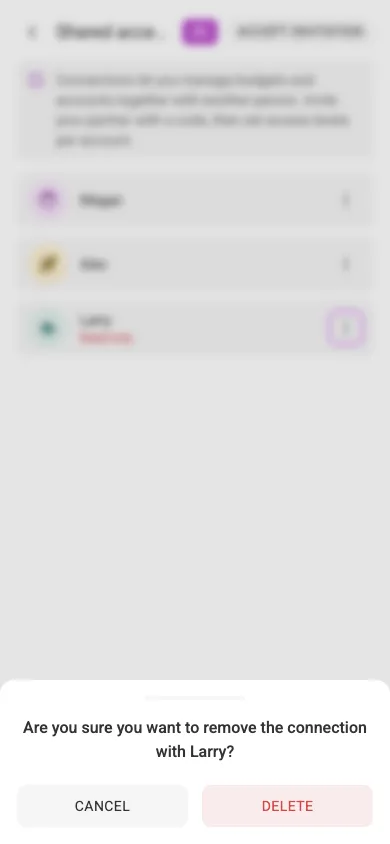
The connection’s dialog (described below) also has a Delete button that removes the connection the same way.
Check shared accounts and budgets #
To view everything you share with a user, choose View in the connection’s menu (on mobile, tap the connection). The dialog lists all shared budgets and accounts, who owns each item, and the current access level:
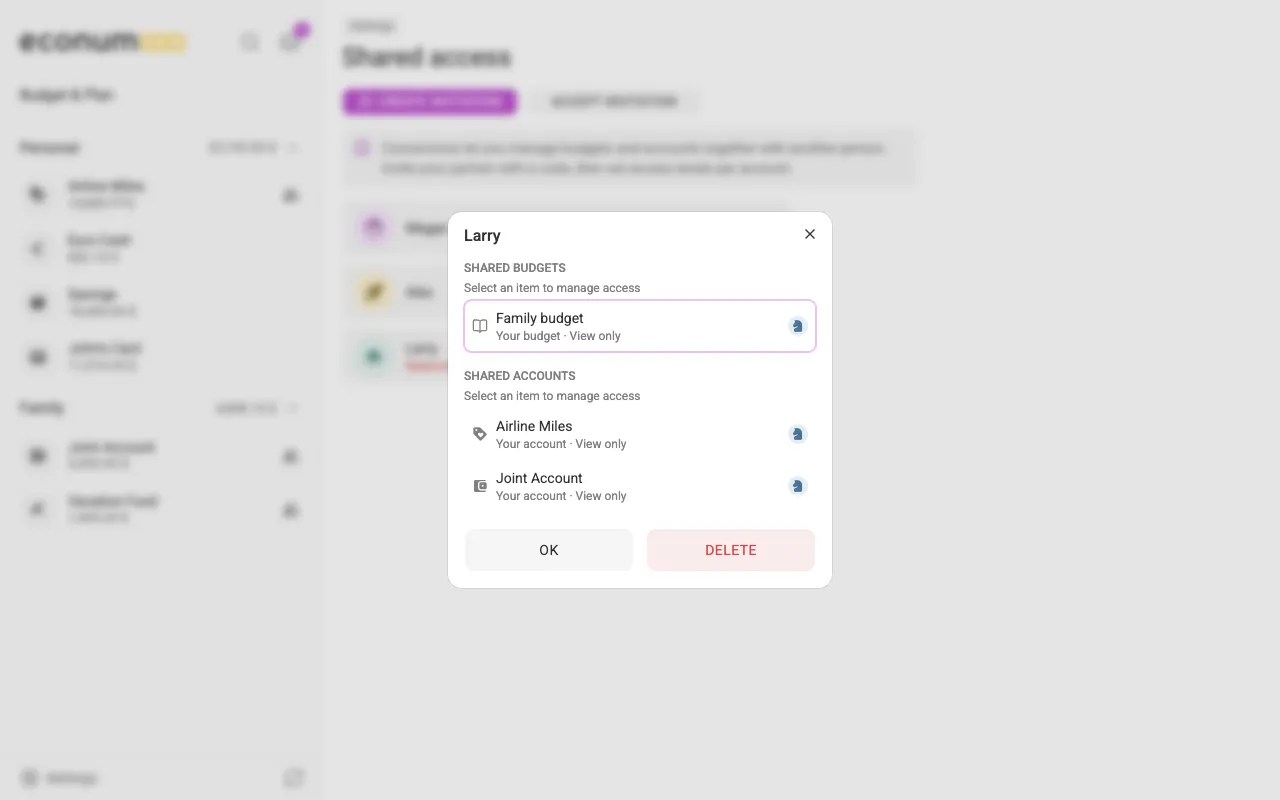
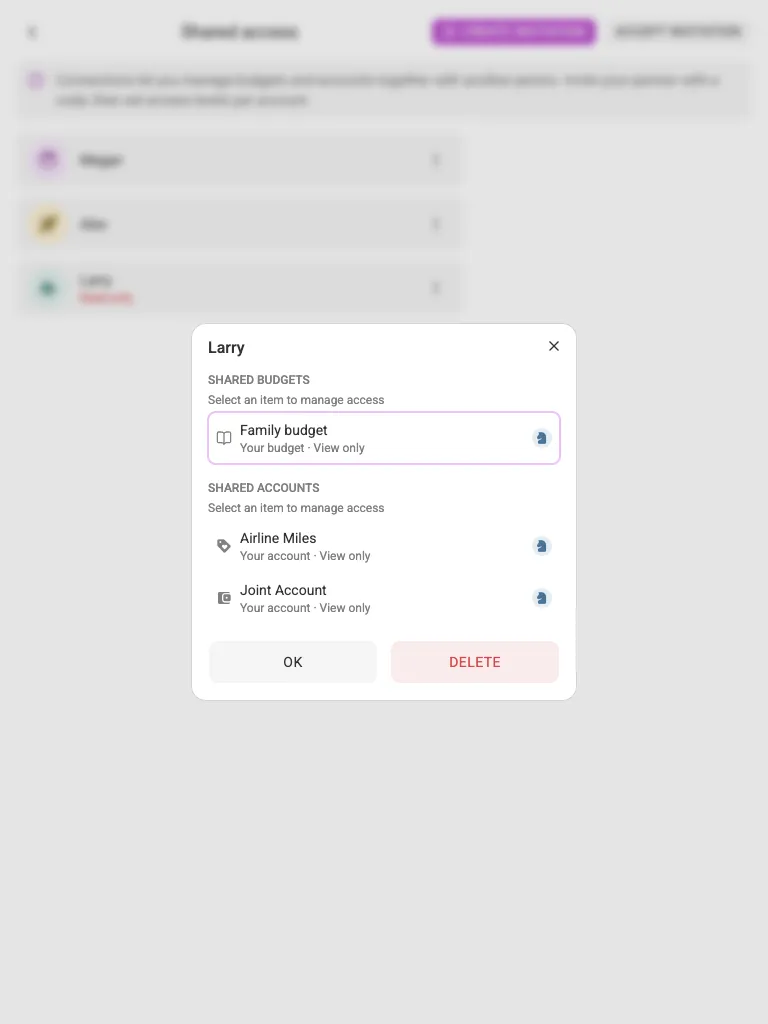
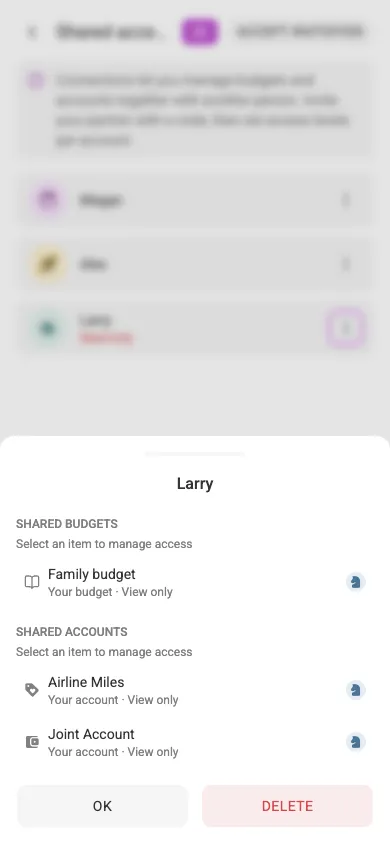
Select an item in this dialog — this is also the way to manage access from a phone. What opens depends on which side you’re on:
- For something you own, you get an access-level picker where you can change the level or press Revoke access.
- For something shared with you, you get a plain confirmation to Decline access instead.
The dialog lists only items that are already shared; sharing a new account or budget is done with Access control, as described in the Accounts and Budgets sections.
Access status #
Econumo can restrict an account to read-only — for example when a trial period runs out. Read access, including exporting your data, keeps working; adding or changing anything is disabled until access is restored. A connection in this state shows a Read-only badge (or a countdown, e.g. Subscription ends in 5 days) next to their name in Settings → Shared access, along with a Manage subscription link where a billing portal is configured.