Currencies #
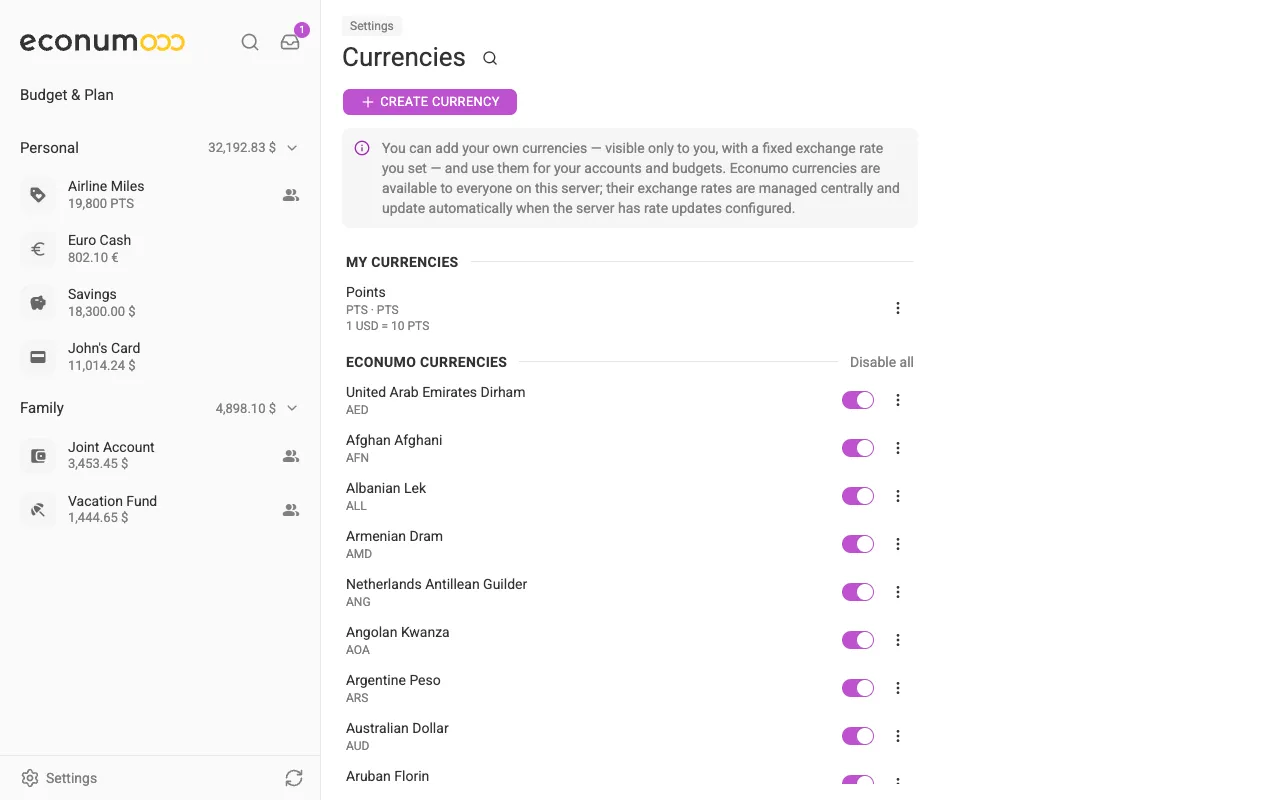
Settings → Currencies controls which currencies Econumo offers you when you create an account, a budget, or a budget element. It holds two kinds of currency:
- Econumo currencies — the ones that ship with your server. They are available to everyone on the instance, and their exchange rates are managed centrally and refresh automatically when the server has rate updates configured.
- My currencies — currencies you add yourself. They are visible only to you, and you set their exchange rate by hand.
In this section #
Choosing which currencies you see #
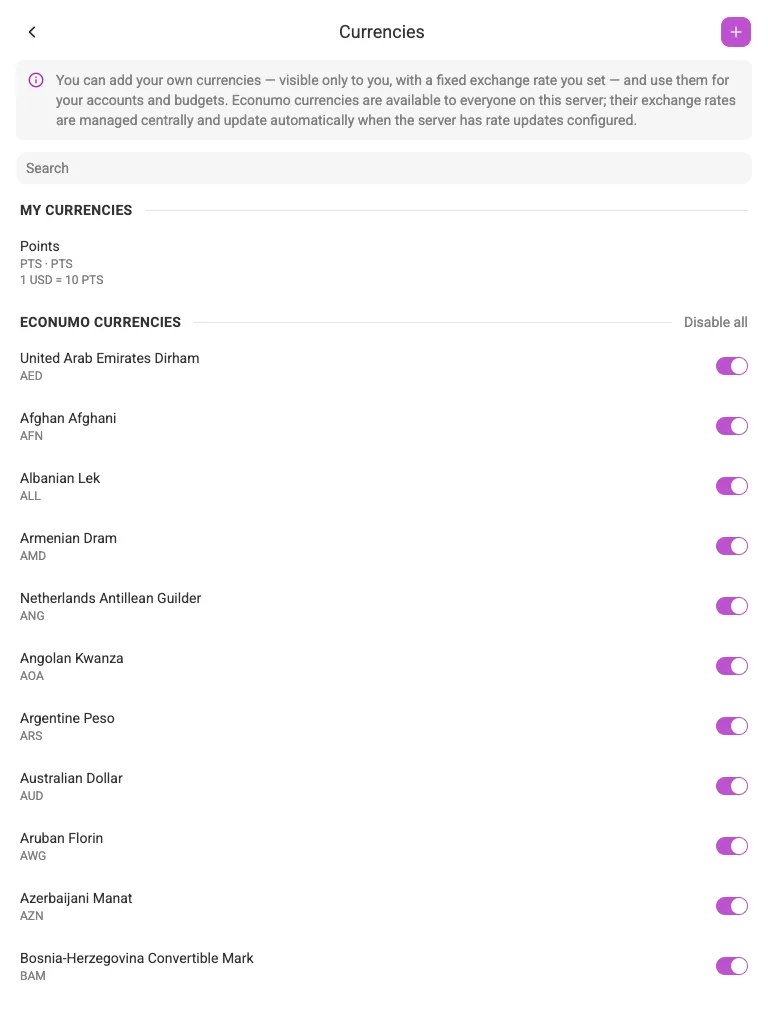
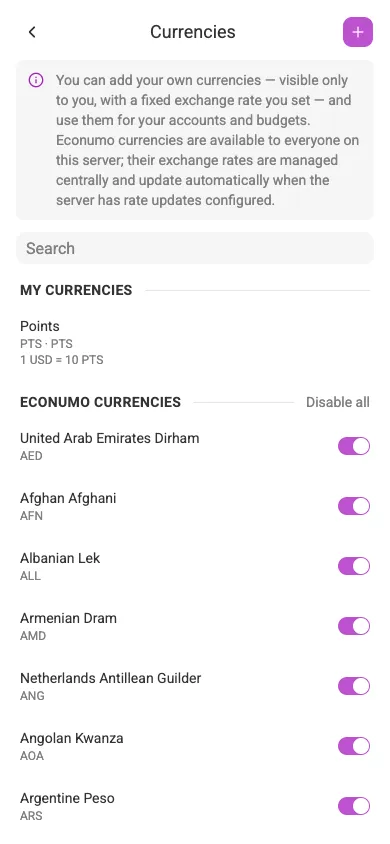
A server can carry a long list of currencies, and you probably use two or three. The switch next to each Econumo currency turns it on or off for your account: only the currencies you keep enabled appear in the currency picker when you create an account or budget. Disable all clears the list in one go, and the search field at the top helps you find a currency in a long list.
Note Your default currency cannot be switched off — its toggle stays on and greyed out. Change the default in your profile first if you want to retire that currency.
Adding your own currency #
Anything you count in units Econumo doesn’t know about — loyalty points, airline miles, a local voucher scheme, a cryptocurrency your server doesn’t carry — can become a currency of your own. Press Create currency and fill in:
- Name — how the currency is labelled, e.g. “Points”.
- Code — a short code, e.g.
PTS. - Symbol — what is shown next to amounts. Optional; the code is used when you leave it empty.
- Decimal places — the slider sets how many decimals amounts carry (2 by default; set it to 0 for something counted in whole units, like miles).
- Exchange rate — how many units of your currency one unit of your default
currency is worth, entered as
1 USD = ….
Your custom currency then behaves like any other: you can open an account in it, and pick it for a budget or a single budget element. In the screenshots throughout this guide, John’s “Airline Miles” account uses a custom PTS currency worth 10 to the dollar.
Note A custom currency’s rate is fixed — Econumo never updates it for you. If the real rate moves and it matters to you, edit the currency to bring the number up to date.
Editing or deleting a custom currency #
Open the three-dots menu next to a currency under My currencies and choose Edit or Delete. Econumo currencies can only be switched on and off — their details belong to the server, not to you.