Search #
One search box finds anything in Econumo: accounts, categories, payees, tags, reporting tags and transactions. Open it from anywhere with Ctrl+K (⌘K on a Mac), or with the magnifying-glass button at the top of the sidebar (on mobile, at the top of the home screen).
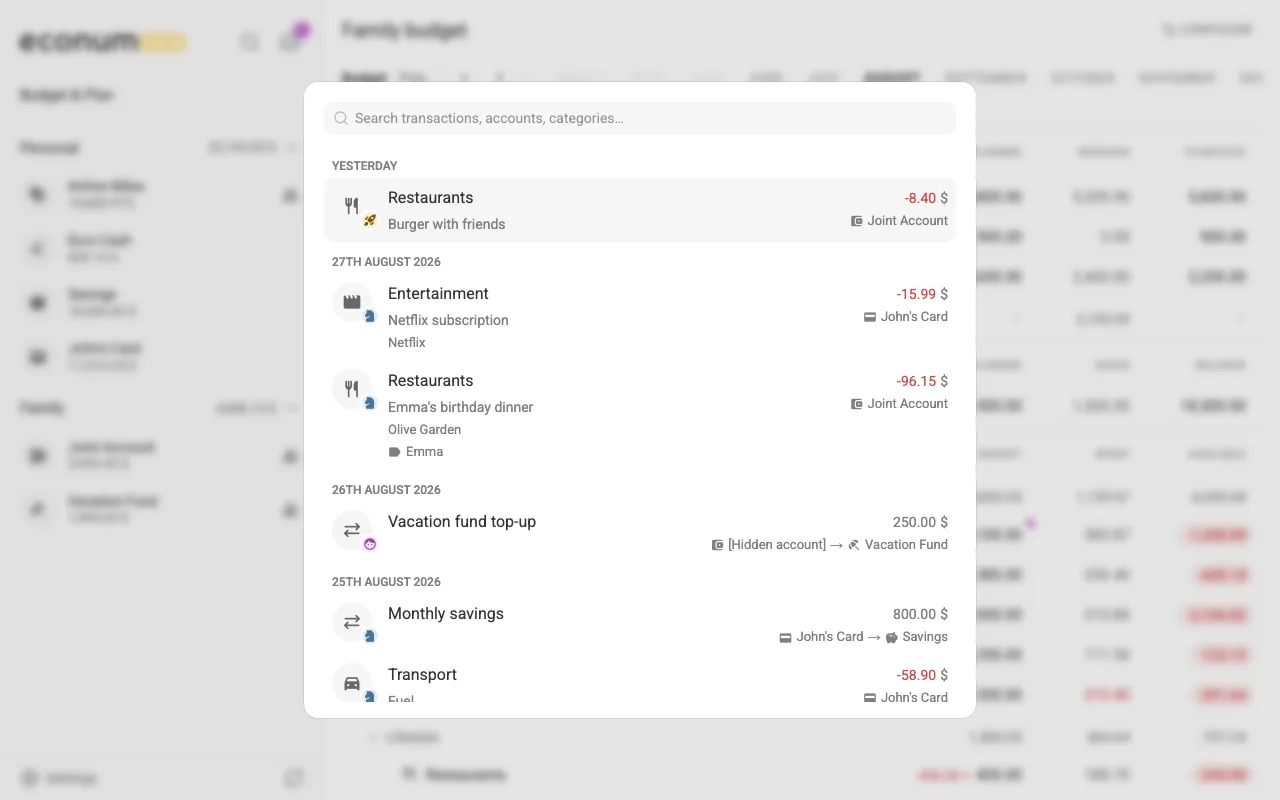
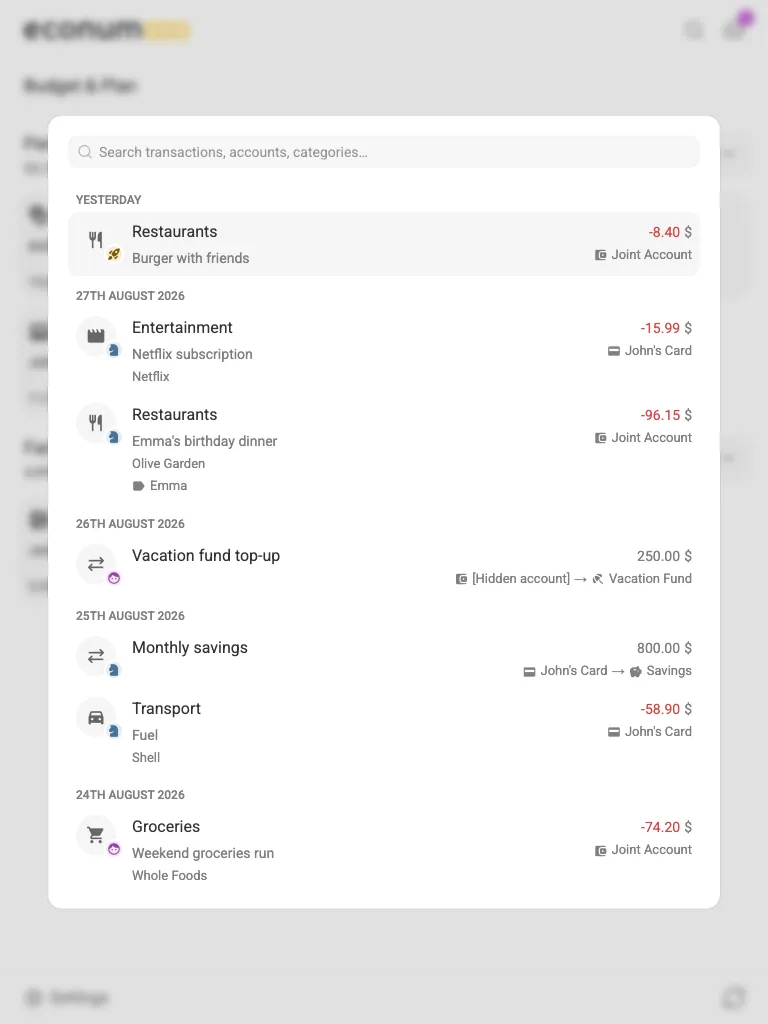
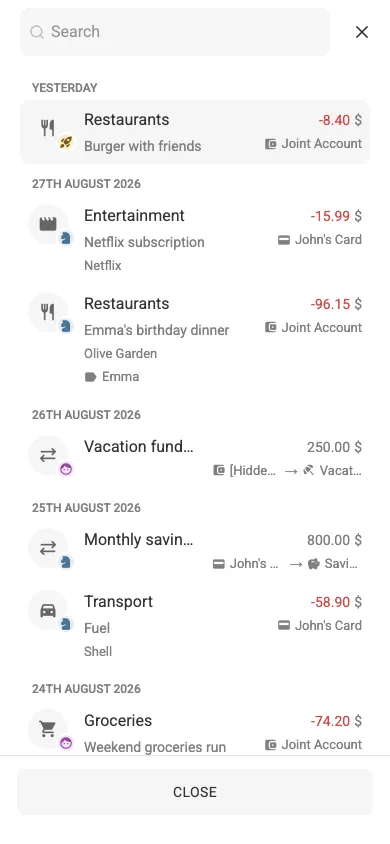
Before you type, the search lists your most recent transactions, newest first:
In this section #
Finding things #
Start typing and the results group by kind — Accounts, Categories, Payees, Tags, Labels (reporting tags) and Transactions — with the best matches first.
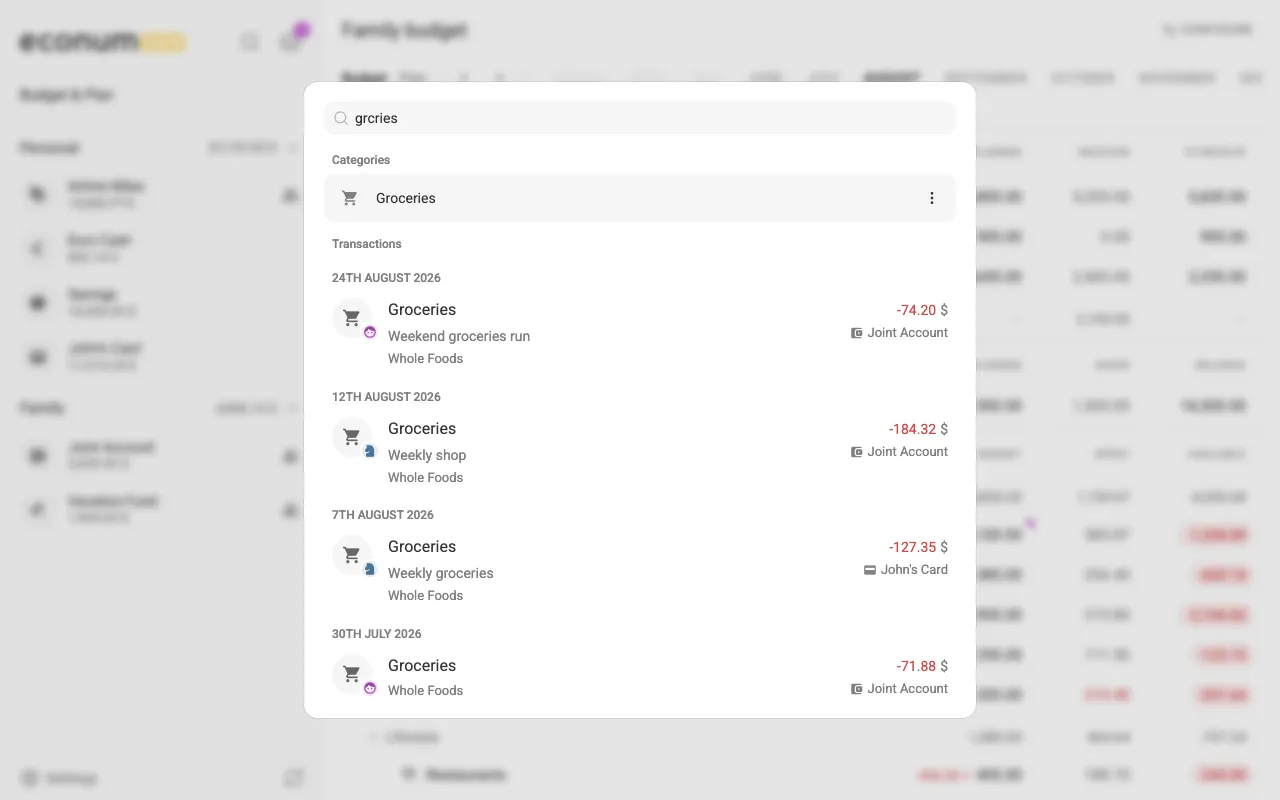
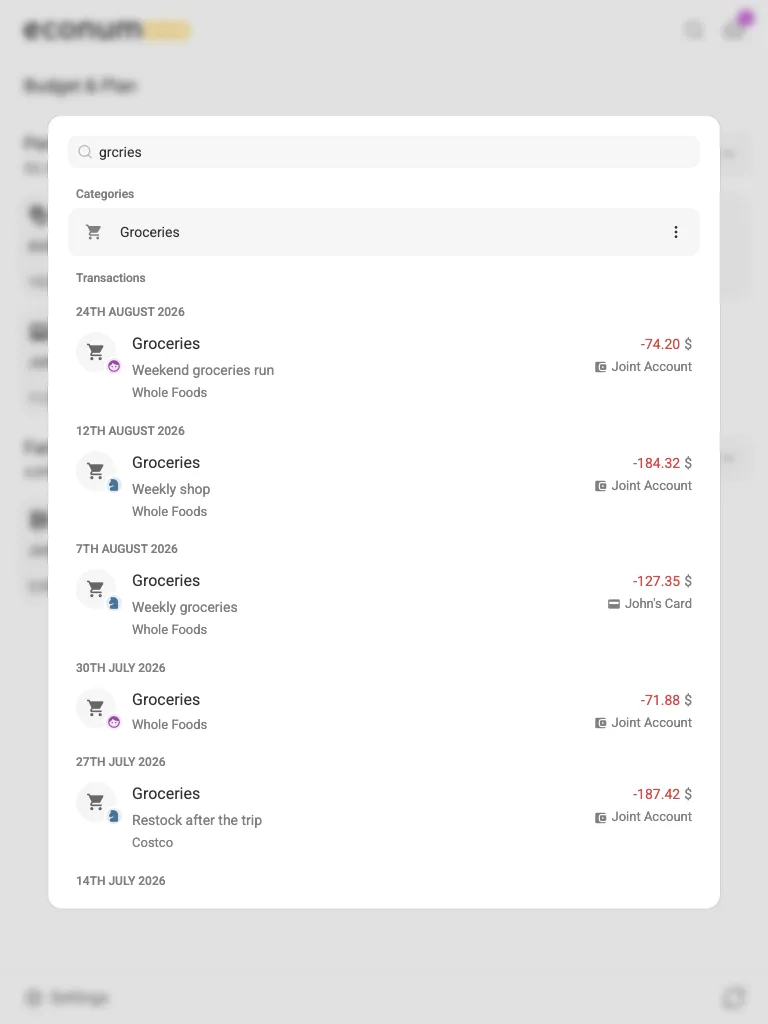
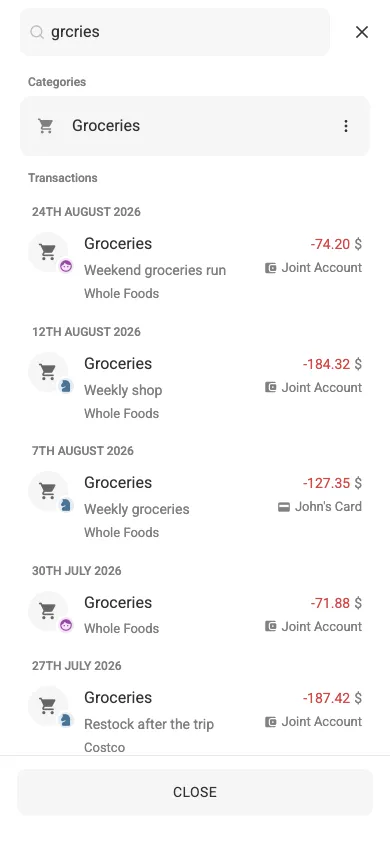
You don’t have to spell things exactly: missing letters are forgiven, so grcries still finds Groceries, along with the transactions filed under it. Amounts work too — type a figure the way it is stored or the way it is displayed.
The recent list leaves out transactions dated in the future, but a search still finds them.
Note The same matcher drives every picker you can type into — the category, payee, account and currency pickers in the transaction dialog and elsewhere — so a typo there finds the right item too.
Acting on a result #
Pick a category, payee or tag to list its transactions right inside the search window. Results also carry a three-dots menu with the actions that fit them — for a category, Edit, Archive, Merge into… and Delete, the same as in Settings → Categories — so you can tidy up a duplicate the moment you spot it.