Managing one person’s money is a budgeting problem. Managing a household’s money is a sharing problem: two or more people spend from the same pot, and the tool has to keep everyone seeing the same numbers without handing everyone the same password. Spreadsheets blur who spent what; single-user apps force one person to be the family bookkeeper.
This guide compares 12 household budgeting apps on the thing that actually decides it for a household — how they share money. For each app you’ll find the sharing model (separate logins, or one shared login?), the price model, the platforms, and how it handles privacy, plus an honest note on where it is the wrong tool. The comparison table leads with the sharing column, because for a household that is the column that matters.
What makes a budgeting app work for a household (not a person) #
A household budgeting app has to solve something a solo app never faces: more than one person putting money in and taking it out, each needing to see the shared picture without seeing everything about each other. Two features decide whether an app can really do that.
Shared access without shared logins #
The lazy way to “share” a budget is to hand your partner your password. It works until it doesn’t — you can’t tell who entered what, you can’t revoke access cleanly, and a teenager with the family login can see (and change) everything. Real household sharing means each person keeps their own login and gets invited to the budget. Econumo works this way: you connect to another user by invitation, and each person keeps a separate account — see how shared access works for the mechanics. YNAB and Monarch also support genuine multi-user access; several apps on this list only offer a single shared login.
Who sees what: per-account and per-budget permissions #
Sharing is rarely all-or-nothing in a real household. You might want a partner to see the joint groceries envelope but not your personal account; you might want an older child to track an allowance without seeing the mortgage. The apps that handle this let you set an access level per account and per budget rather than exposing the whole ledger. Econumo assigns access per account and per budget; most of the field shares the entire budget or nothing.
1. Econumo #
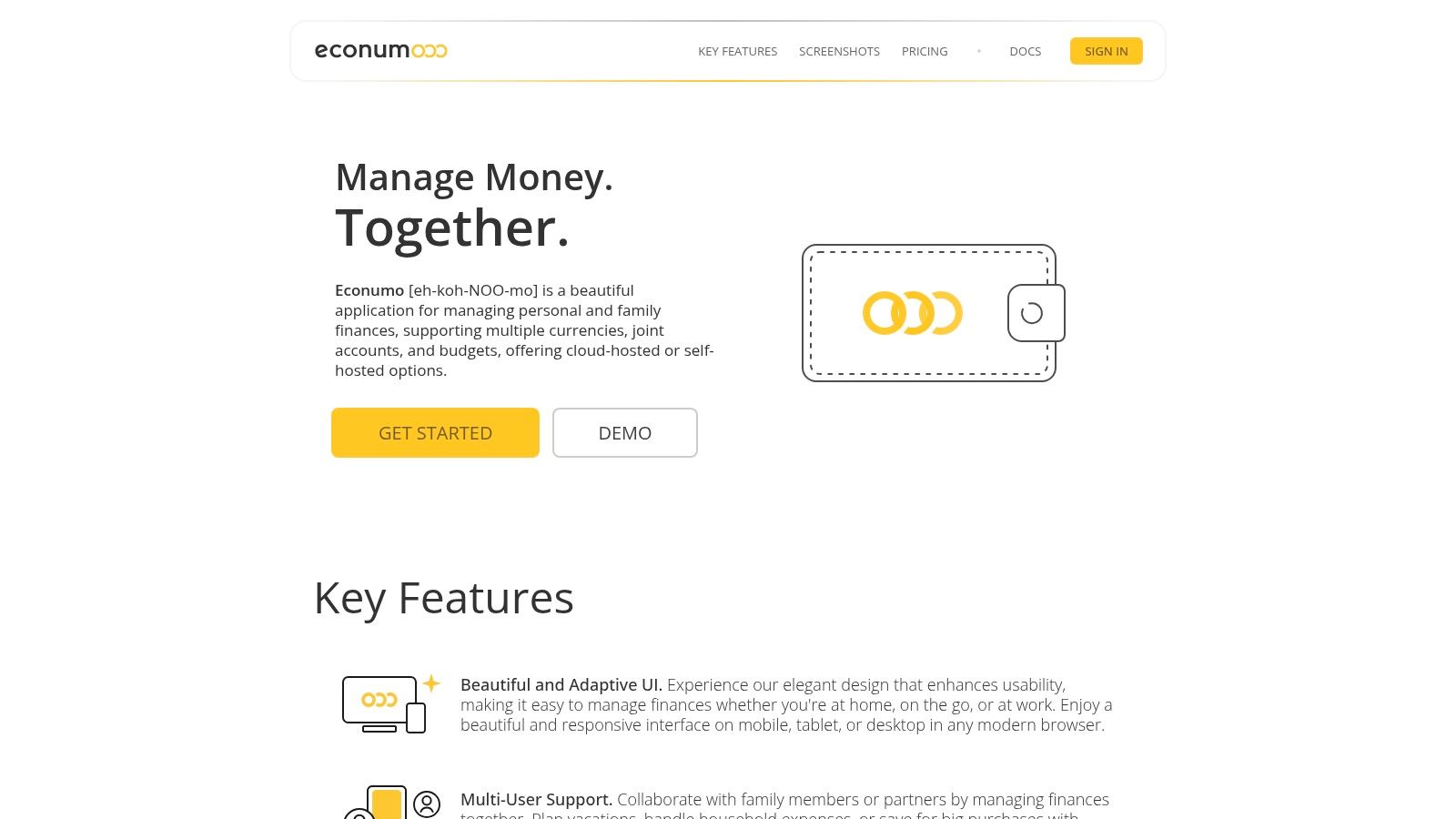
Econumo stands out as a powerful and flexible choice for families seeking deep control over their financial data. It is engineered with a privacy-first philosophy, making it the best budget app for families who are uncomfortable sharing sensitive banking information with third-party cloud services. Its design beautifully marries robust features with a clean, adaptive interface that works seamlessly across desktops, tablets, and mobile devices.
The platform’s architecture is uniquely suited for household collaboration. It supports multiple users and joint accounts, allowing partners to coordinate on shared expenses, track progress toward family goals like a vacation or down payment, and manage complex finances together.
Key Features and Use Cases #
Econumo’s feature set is built for real-world family scenarios. Here’s how it shines:
- Real household sharing: Invite another person and they get their own login — not your password. You set access per account and per budget, so a partner can see the joint groceries envelope while your personal account stays private, and each person logs transactions against the shared budgets from their own device.
- Multi-Currency for Travelers: If your family travels internationally or includes expats, the multi-currency support is a game-changer. You can manage accounts in different currencies without confusing conversions, perfect for tracking spending on a family trip abroad or managing income from another country.
- Mindful Manual Entry: While it lacks automatic bank syncing, Econumo turns this into a strength. By requiring manual transaction entry, it encourages a more conscious and accurate approach to spending, helping families build healthier financial habits.
- Data Sovereignty: For the tech-savvy, the free, self-hosted community edition offers complete ownership of your financial data. You control where it’s stored and who sees it, eliminating privacy concerns.
Pricing and Availability #
Econumo has two editions and no subscription. Self-host the open-source community edition for free on your own server, or use the managed Cloud for a one-time payment of $29.99 per user. You pay once; there is no recurring fee on either edition. The Cloud plan comes with a 45-day free trial, so a household can try it together before committing.
Pros and Cons #
- Pros:
- Excellent multi-user support for family collaboration.
- Top-tier privacy with a self-hosted option.
- Built-in multi-currency handling.
- Clean, modern UI and an available API for customization.
- Cons:
- No automatic bank syncing — you add transactions manually, or import via CSV and the REST API.
- No native App Store / Google Play app; it is an installable web app (PWA) you add to your home screen.
Website: https://econumo.com
2. YNAB (You Need A Budget) #
YNAB, short for You Need A Budget, is more than just an app; it’s a complete financial methodology. It operates on a zero-based budgeting system, meaning every dollar is assigned a “job” before you spend it. This proactive approach makes it an exceptional tool for families who want to gain intentional control over their finances, plan for large expenses, and get out of debt together.
Its standout feature for families is its generous sharing model. A single subscription can be shared with up to six people, allowing spouses, partners, and even older children to collaborate on the same budget in real-time. This structure promotes financial transparency and helps teach valuable money management skills within the household. While the zero-based method has a learning curve, YNAB provides extensive educational resources, including workshops and video tutorials, to guide your family through the process.

Why It’s a Top Pick for Families #
YNAB earns its spot as one of the best budget apps for families by transforming how you think about money, not just how you track it. The “Age of Money” metric is a powerful visual motivator, showing how long your money stays with you before being spent, encouraging healthier saving habits across the family.
- Best For: Families committed to a structured, hands-on budgeting method and want to build lasting financial habits.
- Pricing: YNAB offers a 34-day free trial. After the trial, the cost is $14.99 per month or $99 per year.
- Availability: Web, iOS, and Android apps. Bank syncing is available in the US, Canada, the UK, and the EU.
- Website: https://www.ynab.com
3. Monarch Money #
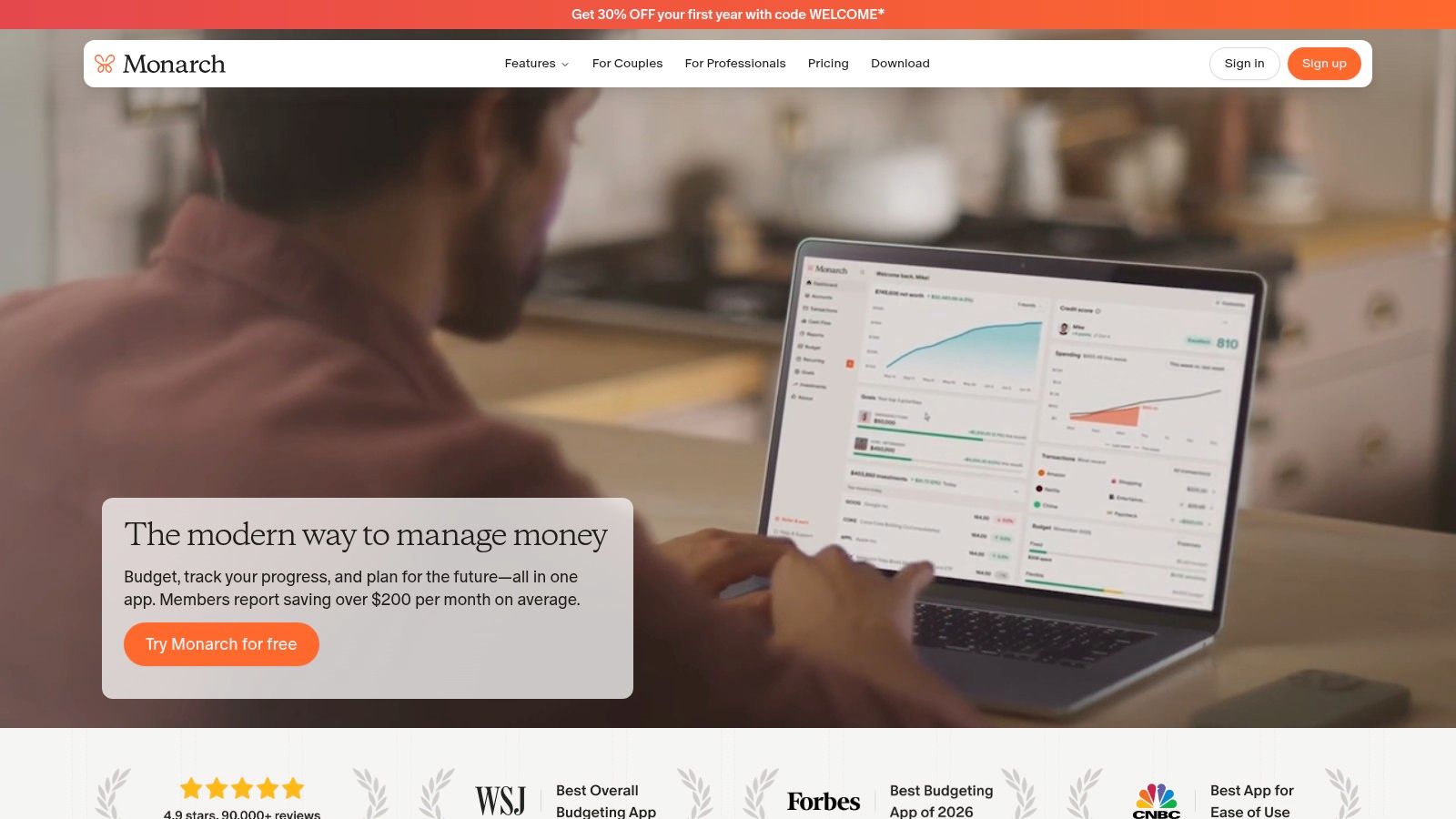
Monarch Money is a modern, collaborative financial platform designed for partners and families seeking a holistic view of their finances. It goes beyond simple budgeting by integrating investments, goals, and net worth tracking into a single, clean dashboard. The platform allows for unlimited collaborators, making it easy for family members to manage their money together.
Its standout feature for families is the ability to create a shared household view while still allowing individual members to maintain private accounts. This granular control means you can collaborate on joint expenses like mortgages and groceries, but keep personal spending separate. Monarch also offers powerful integrations with services like Zillow and Coinbase, providing a complete picture of your family’s assets and liabilities in one place.
Why It’s a Top Pick for Families #
Monarch Money excels as one of the best budget apps for families due to its balance of powerful features and user-friendly design. It allows families to not only manage their day-to-day budget but also to plan for long-term goals like college savings or retirement. The platform’s flexible sharing options support financial transparency and teamwork without sacrificing individual privacy.
- Best For: Couples and families who want a comprehensive financial overview, including budgeting, investments, and net worth, with flexible sharing controls.
- Pricing: Monarch Money offers a 7-day free trial. After the trial, the cost is $14.99 per month or $99.99 per year for the whole family.
- Availability: Web, iOS, and Android apps.
- Website: https://www.monarchmoney.com
4. Quicken Simplifi #
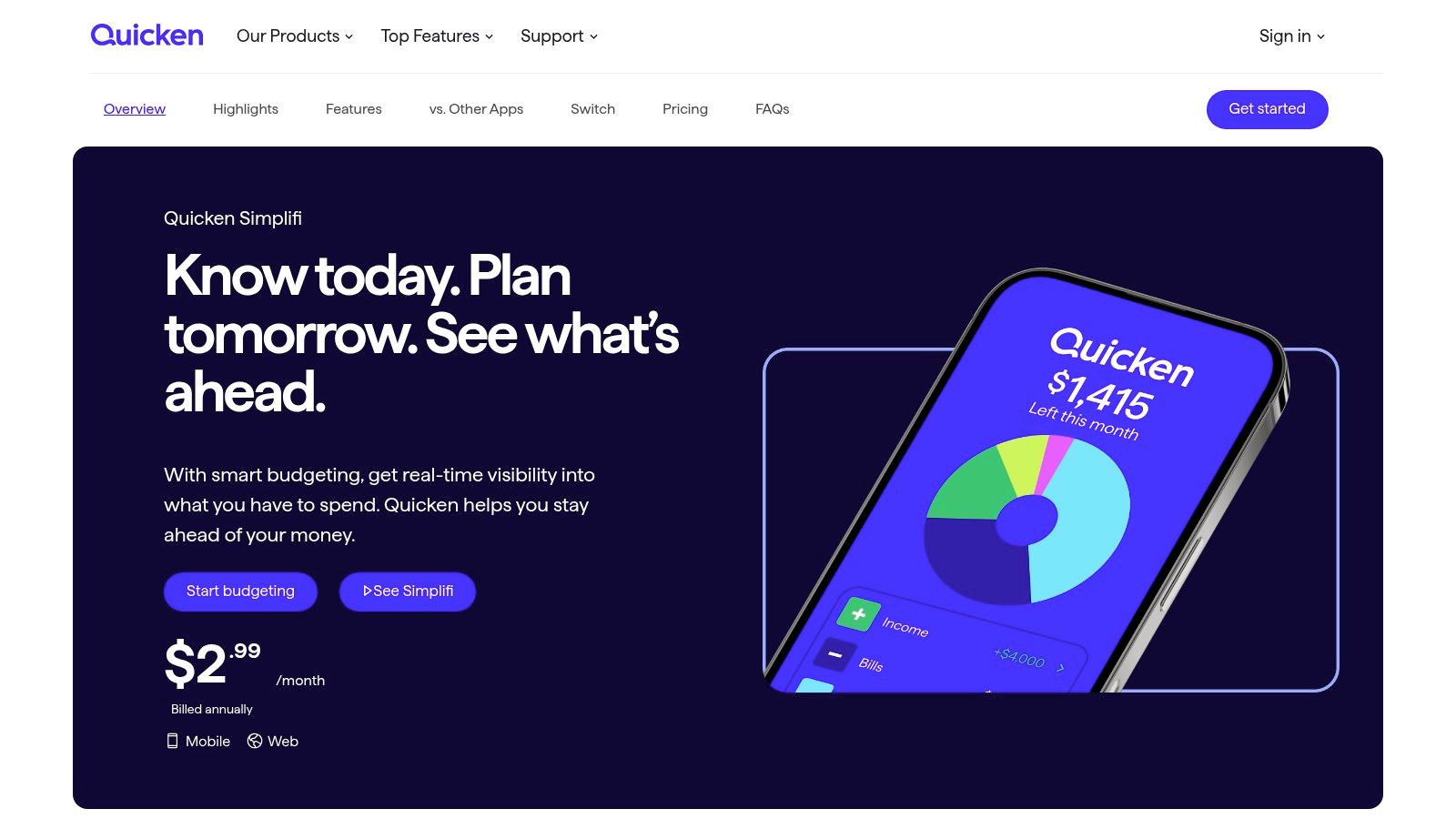
Quicken Simplifi, from the well-known Quicken brand, offers a modern and streamlined approach to managing family finances. It focuses on providing a clear, real-time snapshot of your cash flow, helping you see what’s left after bills and savings. This makes it an excellent choice for families who want to manage day-to-day spending and project future balances without the rigid rules of a zero-based system.
Its strength lies in its simplicity and powerful automation. The app creates a customized spending plan based on your income and bills, while “watchlists” allow you to monitor specific spending categories closely, like groceries or kids’ activities. Its Space Sharing feature lets you invite one additional member who signs in with their own Quicken ID and password — no shared credentials, and that person doesn’t need their own subscription. The optional LifeHub add-on also provides a secure space to organize important family documents, centralizing more than just your budget.
Why It’s a Top Pick for Families #
Simplifi stands out for its focus on forward-looking cash flow projections, which is invaluable for families juggling multiple bills and irregular expenses. This feature helps prevent financial surprises and ensures there’s enough money to cover everything on time. The combination of a user-friendly interface with robust tracking tools makes it one of the best budget apps for families who want comprehensive oversight without a steep learning curve.
- Best For: Families who want a clear, automated view of their cash flow and future financial projections.
- Pricing: Offers a 30-day free trial. Plans typically start around $3.99 per month (billed annually), with frequent discounts for the first year.
- Availability: Web, iOS, and Android apps. Bank syncing is available in the US only.
- Website: https://www.quicken.com/simplifi
5. EveryDollar (Ramsey Solutions) #
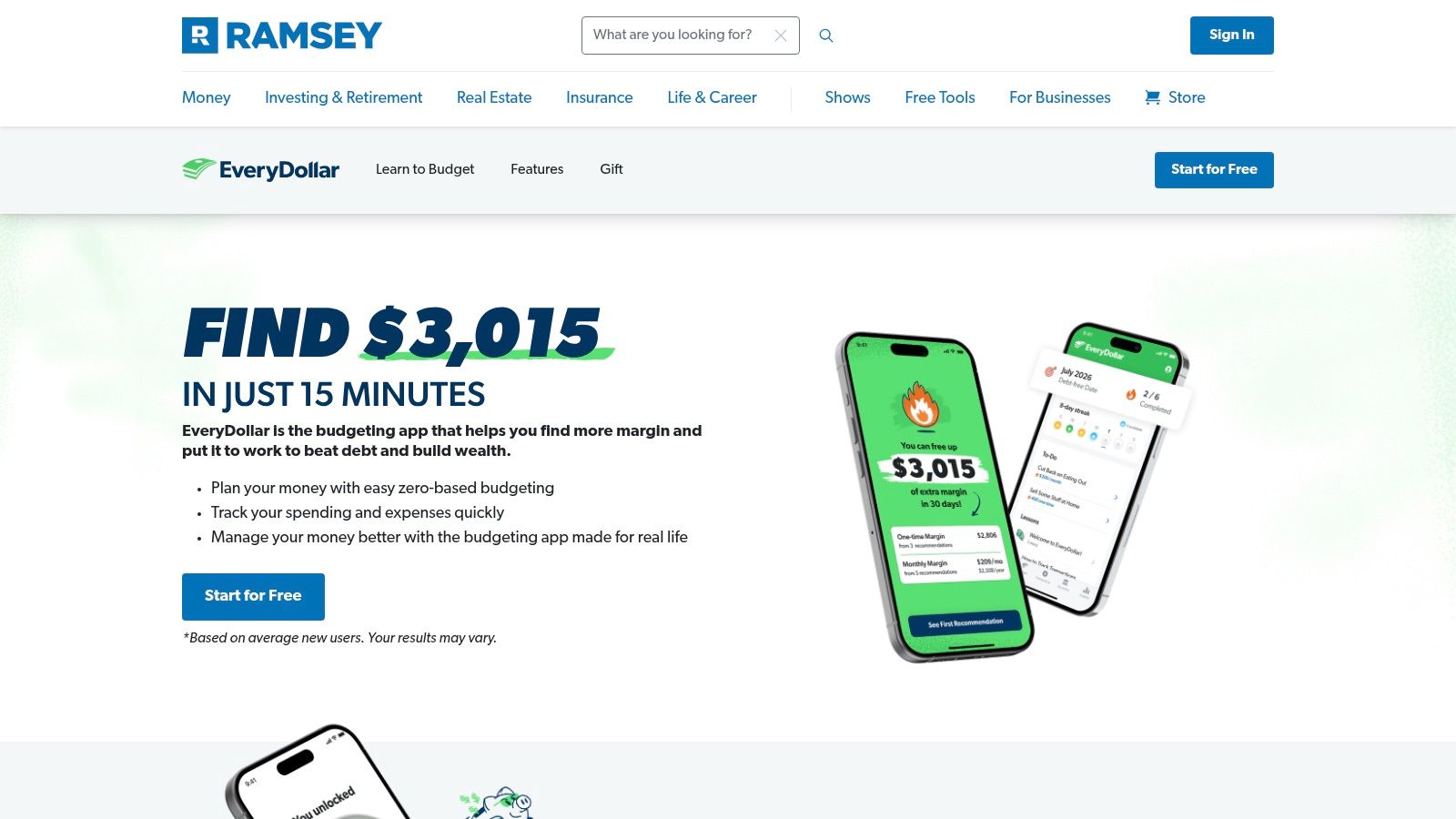
EveryDollar is the official budgeting app from financial expert Dave Ramsey, designed around his popular zero-based budgeting principles. The app guides families to plan their income and expenses for the month ahead, assigning every dollar a specific purpose, from bills to debt payoff. Its primary strength lies in its simplicity and direct approach, making it an excellent entry point for families who feel overwhelmed by more complex financial tools and want a clear, guided path to financial control.
The platform is built to work seamlessly with Ramsey’s “Baby Steps” methodology for getting out of debt and building wealth. While the free version requires manual transaction entry, the paid version, Ramsey+, connects to your bank accounts for automatic syncing. This integration, combined with its straightforward user interface, makes EveryDollar one of the best budget apps for families who are new to budgeting and want a system that is easy to adopt and maintain together.
Why It’s a Top Pick for Families #
EveryDollar’s focus on simplicity and goal-oriented planning makes it a powerful tool for getting the entire family on the same financial page. The zero-based budget format encourages proactive conversations between partners about spending priorities and savings goals each month. For those following the Ramsey plan, the app serves as a practical, everyday tool to implement the financial lessons being learned.
- Best For: Families new to budgeting, especially those following Dave Ramsey’s financial principles who want a simple, no-fuss tool.
- Pricing: A free version is available with manual transaction entry. The premium version (Ramsey+) with bank syncing starts at $59.99 for a 3-month trial, then renews at $129.99 per year.
- Availability: Web, iOS, and Android apps.
- Website: https://www.everydollar.com
6. Honeydue #
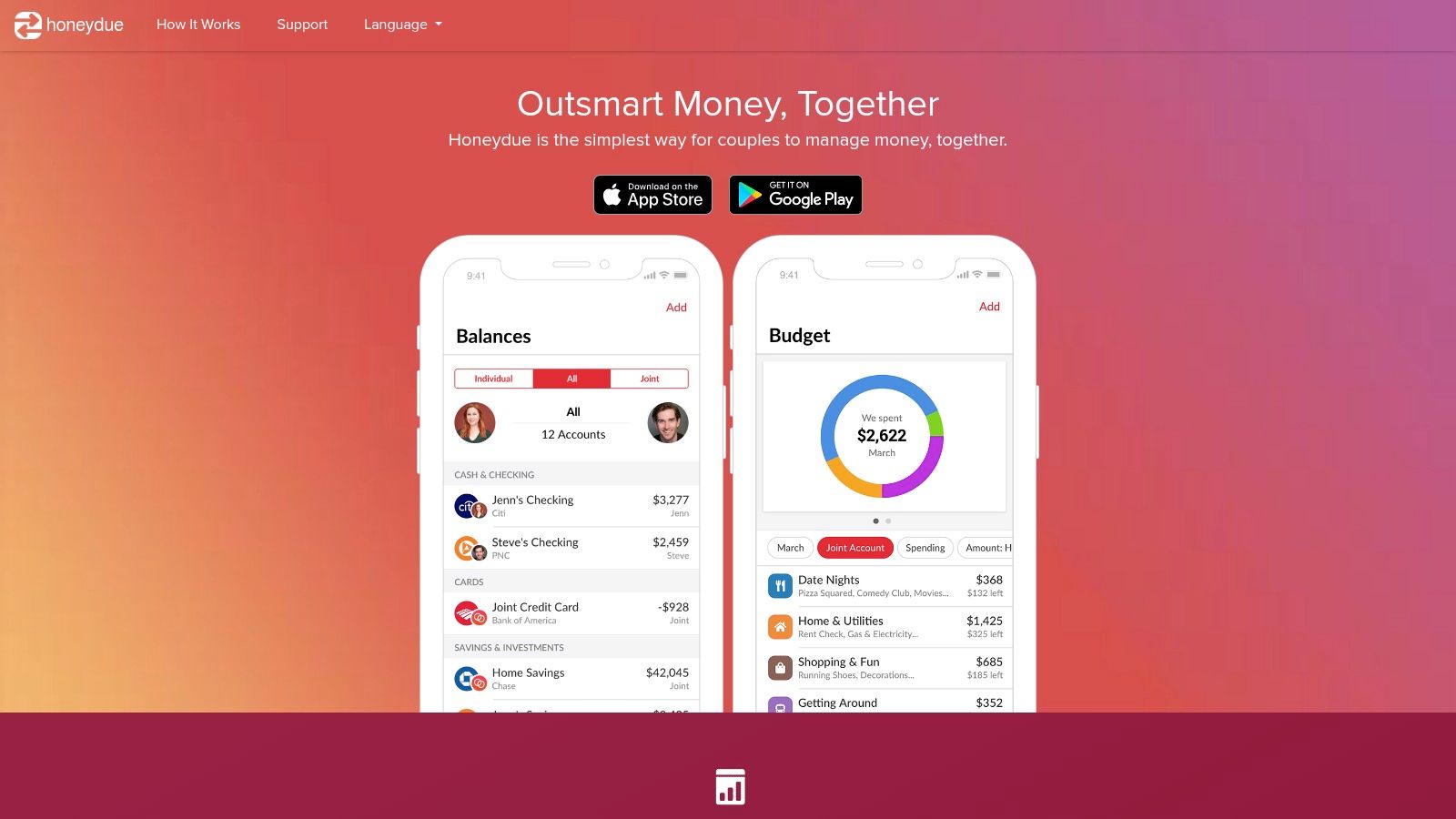
Honeydue is designed specifically for couples, making it a fantastic starting point for partners building a financial life together. It focuses on transparency and communication, allowing you and your partner to link bank accounts, credit cards, and loans to a shared dashboard. The app facilitates joint tracking of bills and spending while maintaining a degree of individual privacy, as you can choose which accounts to share and which to keep private.
Its core strength lies in fostering financial collaboration without forcing fully merged finances. You can add comments to transactions, set up bill reminders, and even send emoji-based nudges to each other. This lighthearted approach encourages open dialogue about money and helps couples get on the same page with their financial goals, like setting a realistic monthly food budget for two and sticking to it.
Why It’s a Top Pick for Families #
Honeydue is the best budget app for families that are just starting out, specifically partners and couples. Its design is purpose-built to reduce financial friction and promote teamwork. By offering a shared view of spending, bills, and account balances, it removes guesswork and helps build a foundation of financial trust and accountability.
- Best For: Couples who want a simple, shared view of their finances without the complexity of a full-fledged family budgeting system.
- Pricing: Honeydue is free to use. They also offer a joint bank account called Joint Cash with no monthly fees or minimums.
- Availability: iOS and Android apps.
- Website: https://www.honeydue.com
7. Goodbudget #
Goodbudget is a digital take on the classic cash envelope budgeting system, making it an excellent choice for families who want to budget category by category. It encourages a hands-on approach where you assign income to virtual “Envelopes” for different spending areas like groceries, gas, or entertainment. This method makes it crystal clear how much you have left to spend in each category at any given moment.
The app’s core strength for family use is its cross-device syncing, which keeps everyone on the same page. You and your partner can share the same budget and see spending from shared Envelopes update in real-time, whether you’re using an iPhone, Android, or the web app. This shared visibility helps prevent overspending and ensures both partners are working toward common financial goals. It’s a straightforward system that’s easy to grasp, even for those new to budgeting. For more on this popular method, you can learn about the cash envelope system and how to apply it digitally.
Why It’s a Top Pick for Families #
Goodbudget stands out as one of the best budget apps for families because its envelope methodology is intuitive and effective for managing shared household expenses. The free plan is quite generous, making it accessible for families just starting their budgeting journey. The focus on proactive planning rather than reactive tracking helps families gain control over their spending habits together.
- Best For: Families who love the envelope budgeting method and want a simple, collaborative tool to manage category spending.
- Pricing: A free plan is available with 10 regular envelopes. The Plus plan is $8 per month or $70 per year for unlimited envelopes and optional bank syncing.
- Availability: Web, iOS, and Android apps. Bank syncing is limited to US and Canadian banks.
- Website: https://goodbudget.com
8. PocketGuard #
PocketGuard simplifies budgeting by focusing on one key question: “How much is in my pocket?” It analyzes your income, recurring bills, and spending habits to calculate a “safe-to-spend” amount, providing a clear daily, weekly, or monthly spending limit. This straightforward approach is perfect for busy families who need quick financial guardrails without getting bogged down in complex budgeting methods.
The app’s strength lies in its automation and overview capabilities. PocketGuard automatically categorizes your transactions, tracks your bills to prevent late fees, and even identifies unwanted subscriptions you can cancel to save money. Its debt payoff planner, “In My Pocket,” also helps families create a clear strategy for paying down loans or credit card balances, making it a comprehensive tool for both everyday spending and long-term financial health.

Why It’s a Top Pick for Families #
PocketGuard stands out as a top budget app for families who value simplicity and automation over granular control. The “safe-to-spend” feature is an intuitive tool that helps prevent overspending without requiring constant manual input. While the free version is quite limited, the competitively priced premium plan unlocks powerful features like unlimited accounts, custom categories, and goal tracking, offering significant value for a family managing a busy household.
- Best For: Busy families who want a quick, automated overview of their spending capacity and help with tracking bills and subscriptions.
- Pricing: A limited free version is available. PocketGuard Plus costs $12.99 per month, $74.99 per year, or a one-time lifetime payment of $99.99.
- Availability: Web, iOS, and Android. Bank syncing is available in the US and Canada.
- Website: https://pocketguard.com
9. Rocket Money #
Rocket Money (formerly Truebill) takes a unique approach to family budgeting by focusing on trimming the fat from your monthly expenses automatically. Its primary strength lies in identifying recurring subscriptions and negotiating bills on your behalf, which can free up significant cash flow for a busy family without requiring manual effort. The app analyzes your spending to find forgotten subscriptions, and with your permission, its concierge service will cancel them for you.
For family collaboration, the Premium version allows you to link and share all your financial accounts with a partner. This provides a complete picture of your collective net worth, spending habits, and progress toward savings goals. While its core budgeting tools are solid, the standout features are the automated savings services that work in the background to lower household costs, making it an excellent choice for families who want to save money with minimal hands-on time.
Why It’s a Top Pick for Families #
Rocket Money is one of the best budget apps for families who feel their monthly bills and subscriptions have gotten out of control. The bill negotiation and subscription cancellation features act as a financial assistant, finding savings opportunities you might miss. This automated cost-cutting is a powerful and practical way to improve a family’s financial health.
- Best For: Families looking for an automated way to reduce recurring bills and cancel unwanted subscriptions with minimal effort.
- Pricing: A free version is available with limited features. Premium tiers offer flexible pricing, ranging from $4 to $12 per month (billed annually) or a monthly option. Some services, like bill negotiation, take a percentage of the savings.
- Availability: Web, iOS, and Android apps.
- Website: https://www.rocketmoney.com
10. Copilot Money #
Copilot Money is a beautifully designed, AI-powered smart money app with a strong Apple focus, and now also a web app. It excels at providing a visually intuitive overview of your finances by automatically categorizing transactions, tracking recurring bills, and monitoring investments. While it doesn’t offer a native joint account feature for family collaboration, it’s an excellent choice for households where one person manages the finances and shares insights with the rest of the family.
The app’s strength lies in its polished user experience, smart notifications, and powerful insights that help you understand your spending habits without manual effort. Its dashboard presents a clear picture of your cash flow, net worth, and budget progress at a glance. For families invested in Apple products, Copilot provides a seamless and aesthetically pleasing way to stay on top of financial goals.
Why It’s a Top Pick for Families #
Copilot secures its place as a top budget app for families who prioritize a high-quality user experience and powerful, automated insights within the Apple ecosystem. Its intelligent categorization and investment tracking capabilities make it easy for the designated family financial manager to get a comprehensive view and share progress reports. The app’s privacy-first approach, with no ads or data selling, also provides peace of mind.
- Best For: Apple-centric families where one partner takes the lead on financial tracking and wants a modern, automated experience.
- Pricing: Copilot offers a free trial. After the trial, the cost is $13 per month or $95 per year.
- Availability: iPhone, iPad, Mac, and the web. Bank syncing is primarily available for US and Canadian institutions.
- Website: https://copilot.money
11. Splitwise #
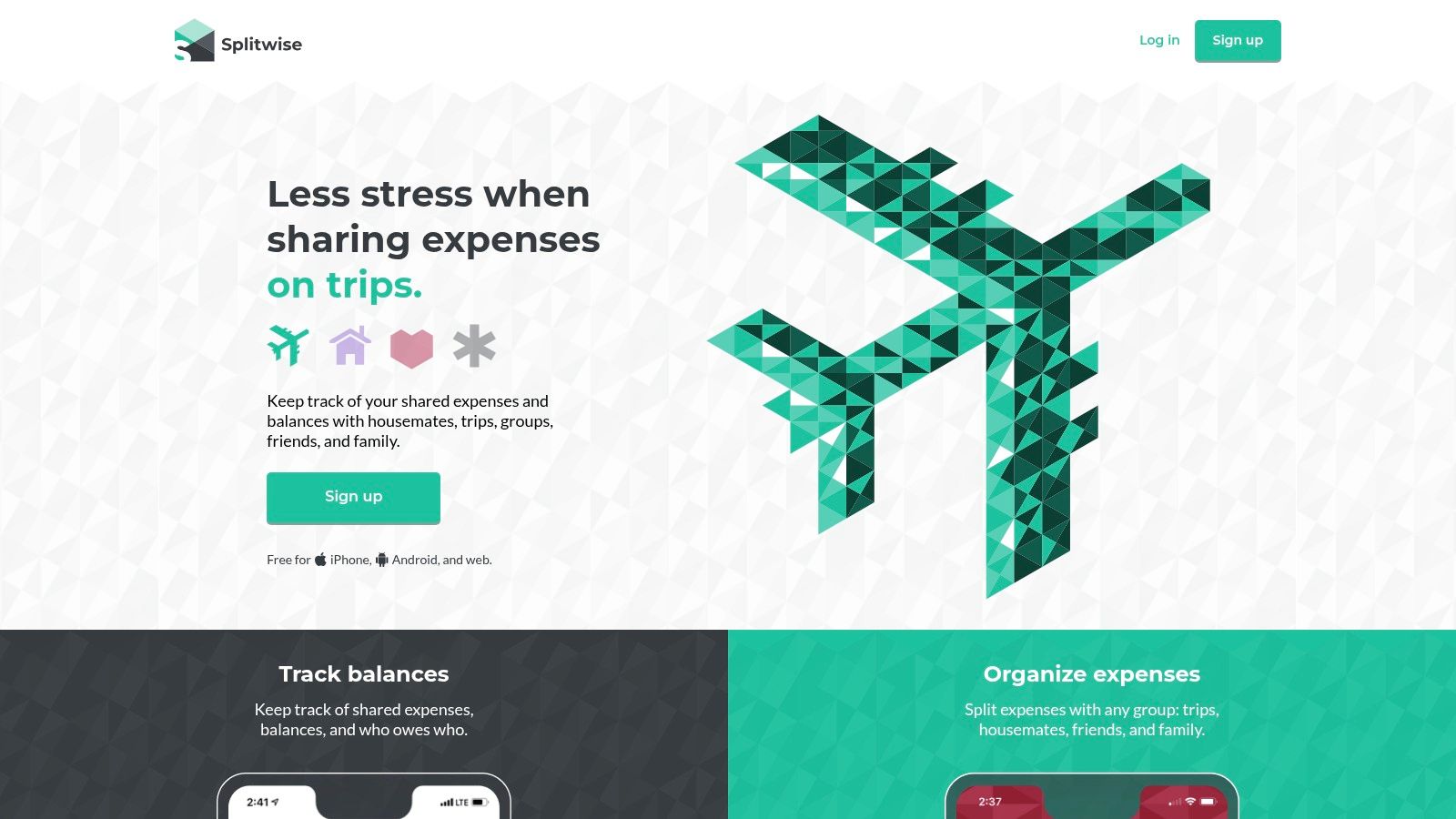
Splitwise is less of a comprehensive budget app and more of a powerful, specialized tool for tracking shared expenses and IOUs. For families, it excels at simplifying the process of splitting costs for everything from groceries and utility bills to vacation expenses and group gifts. Rather than trying to manage who paid for what in a spreadsheet or notebook, Splitwise provides a running, simplified balance among family members.
Its strength lies in its simplicity and low-friction approach. You can quickly add an expense, assign who owes what, and the app keeps a clear, real-time tally. This makes it perfect for managing day-to-day shared spending without the complexity of a full-fledged budgeting system. For families looking beyond basic bill splitting and needing more comprehensive shared expense management, a dedicated shared expense tracker offers more robust features.
Why It’s a Top Pick for Families #
Splitwise makes our list because it solves a common family finance problem with exceptional ease. It removes the awkwardness from “who owes what,” making it easy for partners, adult children, or extended family members to track shared costs transparently. While not a standalone budget app, it serves as an indispensable companion to one.
- Best For: Families, roommates, or couples needing a simple and effective way to track and settle shared expenses and IOUs.
- Pricing: The core features are free. Splitwise Pro, which adds receipt scanning and currency conversion, is available for $2.99 per month or $29.99 per year.
- Availability: Web, iOS, and Android.
- Website: https://www.splitwise.com
12. FamZoo #
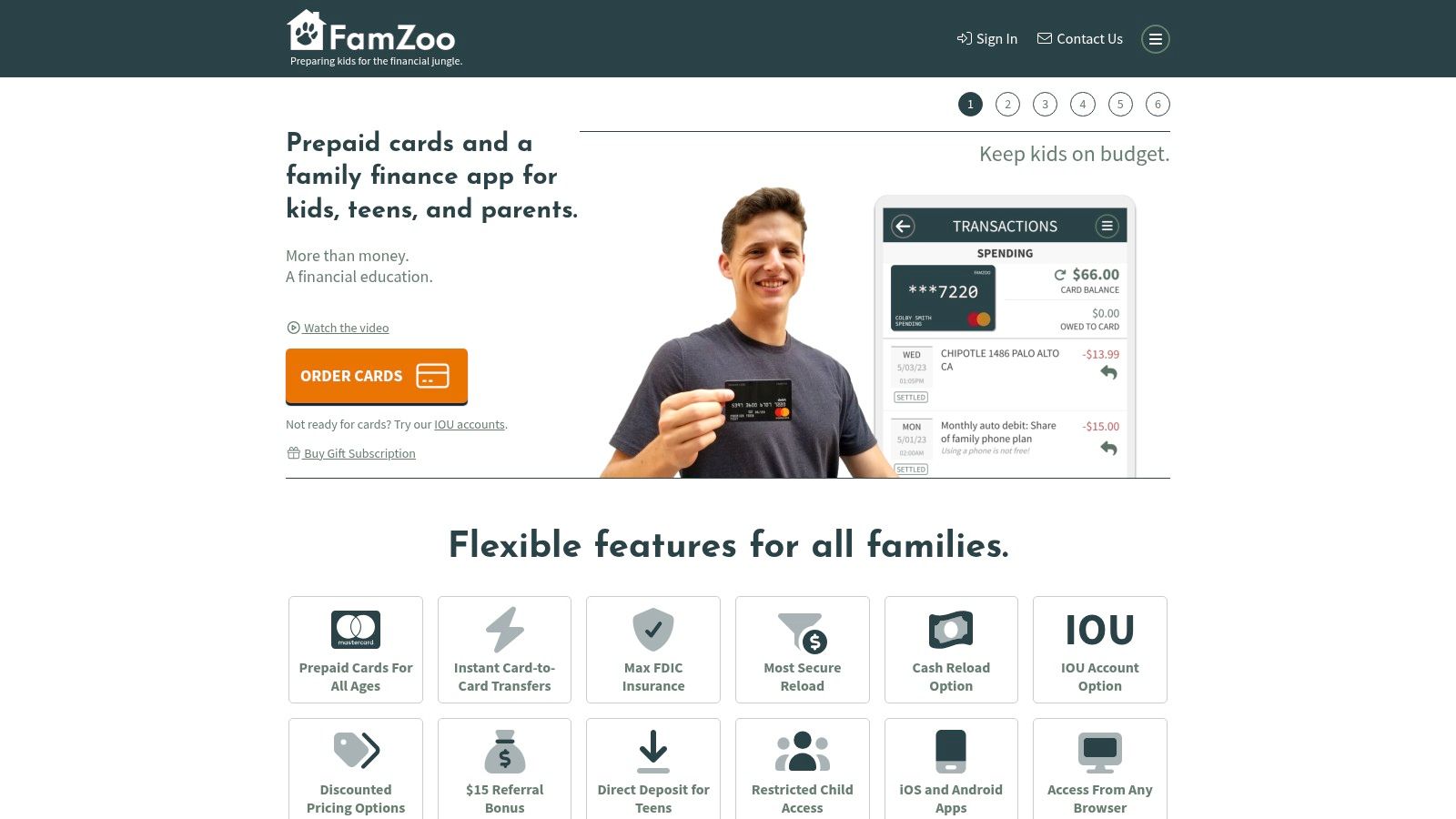
FamZoo is less of a traditional budgeting app and more of a hands-on financial education system for the entire family. It revolves around a system of parent-managed prepaid cards for kids and teens, combined with a robust chore and allowance tracker. This unique approach allows parents to teach practical money management skills, like saving, spending, and giving, in a controlled and observable environment. The platform is designed to mimic a real banking experience, helping children understand financial concepts from an early age.
The system uses IOU accounts for younger kids and transitions to prepaid debit cards as they get older, all managed from a central family dashboard. Parents can set up automated allowances, create paid chore lists, and even apply “parent-paid interest” to encourage saving. While its core focus is on children’s financial literacy rather than comprehensive adult budget management, it’s an unparalleled tool for families who want to raise financially savvy kids. The platform’s extensive educational resources and transparent model make it a standout choice for this purpose.
Why It’s a Top Pick for Families #
FamZoo earns its place as a top pick by gamifying financial education and giving children practical, real-world experience with money. It empowers parents to guide their kids’ financial habits directly, a feature that distinguishes it from adult-focused budgeting apps. By integrating these lessons into your household’s routine, you can seamlessly create a family budget that includes everyone.
- Best For: Parents who want to teach their children financial responsibility through a hands-on, card-based system.
- Pricing: FamZoo offers a free trial, with subscriptions starting at $5.99 per month for the whole family. Discounts are available for longer-term plans.
- Availability: Web, iOS, and Android apps. Prepaid cards are available in the US.
- Website: https://famzoo.com
The best household budgeting apps compared #
The table leads with the sharing model, because for a household that is the deciding column. “Price model” is the shape of the cost (one-time, subscription, or free), not an exact figure — see each app’s section above for current prices.
| Product | Sharing model | Price model | Platforms | Privacy / data |
|---|---|---|---|---|
| Econumo | Separate logins; access set per account and per budget | Free self‑host, or $29.99 one‑time Cloud (no subscription) | Web + installable app (PWA) | Manual entry, CSV import & REST API; self‑host option; no bank sync |
| YNAB (You Need A Budget) | One plan shared with up to 6 people | Subscription; 34‑day free trial | Web, iOS, Android | Bank‑linked (US, CA, UK, EU) |
| Monarch Money | Unlimited collaborators; shared household view plus private accounts | Subscription; no permanent free tier | Web, iOS, Android | Bank‑linked |
| Quicken Simplifi | Space Sharing: invite one extra member who signs in with their own Quicken ID — no shared credentials | Subscription (billed annually) | Web, iOS, Android | Bank‑linked (US only) |
| EveryDollar (Ramsey) | Shared budget on a Ramsey account | Free basic; paid plan for bank links | Web, iOS, Android | Manual (free) or bank‑linked (paid) |
| Honeydue | Shared dashboard; choose which accounts each partner sees | Free, with optional paid features | iOS, Android | Bank‑linked; per‑account privacy controls |
| Goodbudget | Shared budget synced across devices | Free (limited); Premium subscription | Web, iOS, Android | Manual envelopes; Premium bank sync (US, CA) |
| PocketGuard | Primarily single‑user | Free (limited); Premium subscription | Web, iOS, Android | Bank‑linked (US, CA) |
| Rocket Money | Premium shares linked accounts with a partner | Free; Premium subscription (some fees on savings) | Web, iOS, Android | Bank‑linked |
| Copilot Money | No joint account; single‑user | Subscription; free trial | iPhone, iPad, Mac, Web | Bank‑linked (US, CA); no ads or data selling |
| Splitwise | Shared ledger of who‑owes‑whom among members | Free; Pro subscription | Web, iOS, Android | Manual expense entry |
| FamZoo | Parent‑managed accounts for kids and teens | Subscription (covers the family) | Web, iOS, Android; prepaid cards (US) | Parent‑controlled; prepaid‑card accounts |
Sharing money without sharing a password #
The apps that genuinely work for a household have one thing in common: each person gets their own login, and you decide what each person can see. Passing your password around is not sharing — it is a single account two people happen to use, with no way to tell who did what and no way to give someone limited access.
How real households split visibility (allowances, joint envelopes) #
In practice a household rarely wants everyone to see everything. A few common shapes:
- Couples with a joint pot and separate spending. Share the joint envelopes — rent, groceries, utilities — and keep personal accounts private. Econumo’s per-account, per-budget access does exactly this; Honeydue and Monarch also let you choose which accounts are visible.
- A parent and an older child. Give the child access to a single allowance envelope and nothing else, so they can track their spending without seeing the household’s full finances.
- Roommates or extended family splitting costs. Here you often don’t want a shared budget at all — you want a shared ledger of who owes whom, which is what Splitwise or a dedicated shared expense tracker app is built for.
Apps for teaching kids to spend #
“Children’s spending” is a different job from household budgeting, and it is worth separating. If the goal is to give a child hands-on practice with real money, a card-based system built for kids does it better than a general budgeting app. On this list, FamZoo is that tool: parent-managed prepaid cards, IOU accounts for younger kids, and chore-and-allowance tracking from a family dashboard (covered in full above).
A general household app can still teach an older child without a dedicated kids’ card. Because Econumo gives each person a separate login and lets you set access per budget, you can hand a teenager their own allowance envelope to track — they see and manage that envelope, and nothing else. It is less gamified than FamZoo, but it lives in the same budget the rest of the household already uses. For where a child’s allowance fits in the wider picture, our guide to creating a family budget walks through it.
How to pick in 10 minutes #
You don’t need to trial all twelve. Start from your household’s shape, and two or three candidates fall out immediately.
Decision checklist by household shape #
- A couple sharing one budget. You want separate logins, shared joint envelopes, and private personal accounts. Look at Econumo (per-account, per-budget access, one-time payment), Monarch (subscription, unlimited collaborators), or Honeydue (free, couple-focused).
- A family with kids. Split the job: run the household budget in a shared app (Econumo, YNAB, or Goodbudget) and, if you want the kids handling real money, add a card-based teaching tool like FamZoo. Don’t expect one app to do both jobs well.
- An expat or cross-border household. Multiple currencies is the deciding constraint. Econumo handles multi-currency natively — each account stays in its own currency and the budget reconciles everything into one — where most US-centric apps assume a single currency.
Already picked an app? The next job is cutting the expenses it tracks — our guide to reducing your monthly expenses is the practical follow-up. And if you’re comparing heavier, planning-oriented tools rather than the apps a household opens day to day, our roundup of the best family budget software covers that adjacent category: “software” leans toward deeper planning and reporting, where this page is about the apps you actually use each day.
Whichever you choose, the win is the same: everyone sees the same numbers, from their own login, and no one has to be the family’s sole bookkeeper. Pick the one that matches how your household already talks about money, set it up together, and give it a full month before you judge it.