The v1.5.0 release adds single sign-on. You can now sign in with Google, with Apple, or through your own OpenID Connect provider — Authentik, Keycloak, Cloudflare Access for SaaS, or anything else that speaks OIDC. For self-hosters that means the identity provider you already run can front Econumo; for everyone else it means one less password to keep.
Every provider slot is optional and off by default, so an instance that enables none behaves exactly as v1.4.3 did.
Upgrading from v1.4.x — this release runs two database migrations on boot, so back up your database file or volume before pulling the new image. Nothing else changes for an existing install: no configuration is required unless you want to turn a provider on. If you do, note that Apple’s signing key is configured as a path to the
.p8file (ECONUMO_OAUTH_APPLE_PRIVATE_KEY_FILE), not as an inline value.
Sign in with Google, Apple, or your own provider #
Each provider your instance enables appears as its own button on the sign-in page, under an or continue with divider. Password sign-in is untouched and still sits above it — single sign-on is an addition, never a replacement.
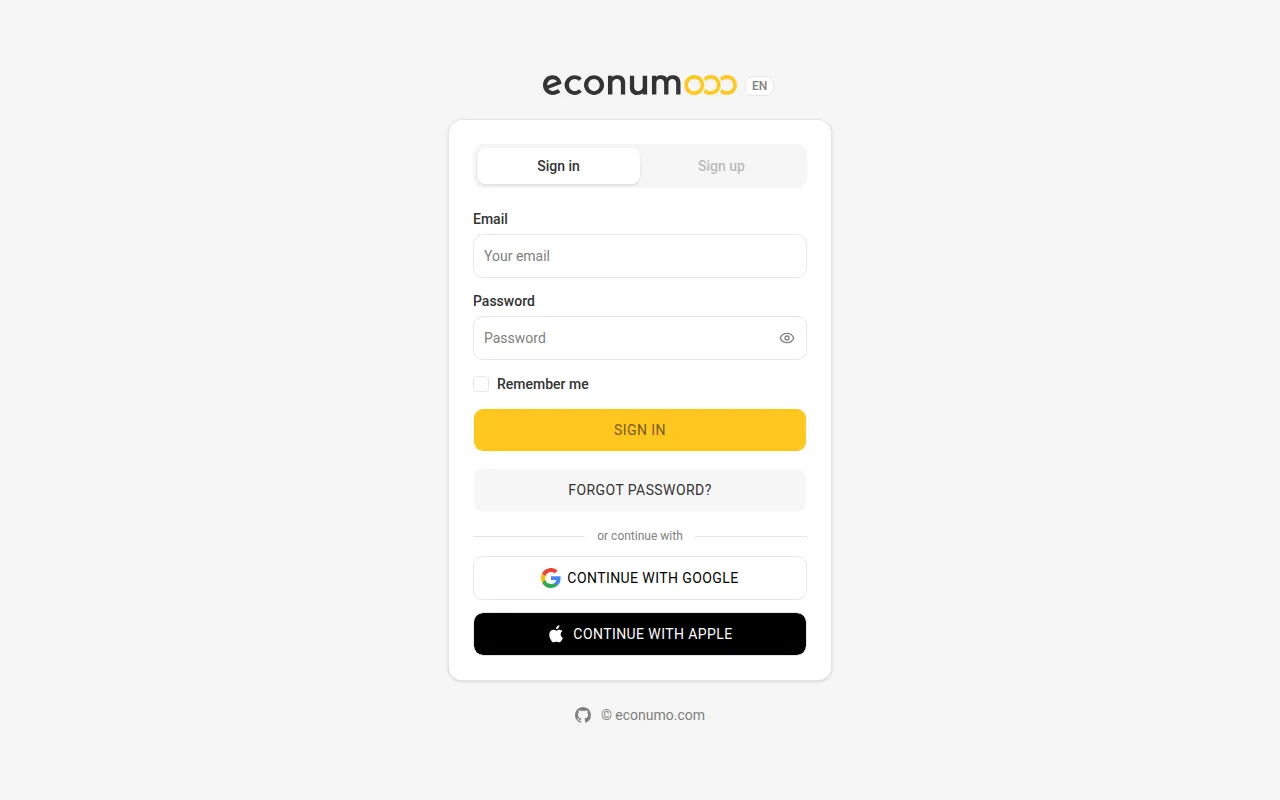
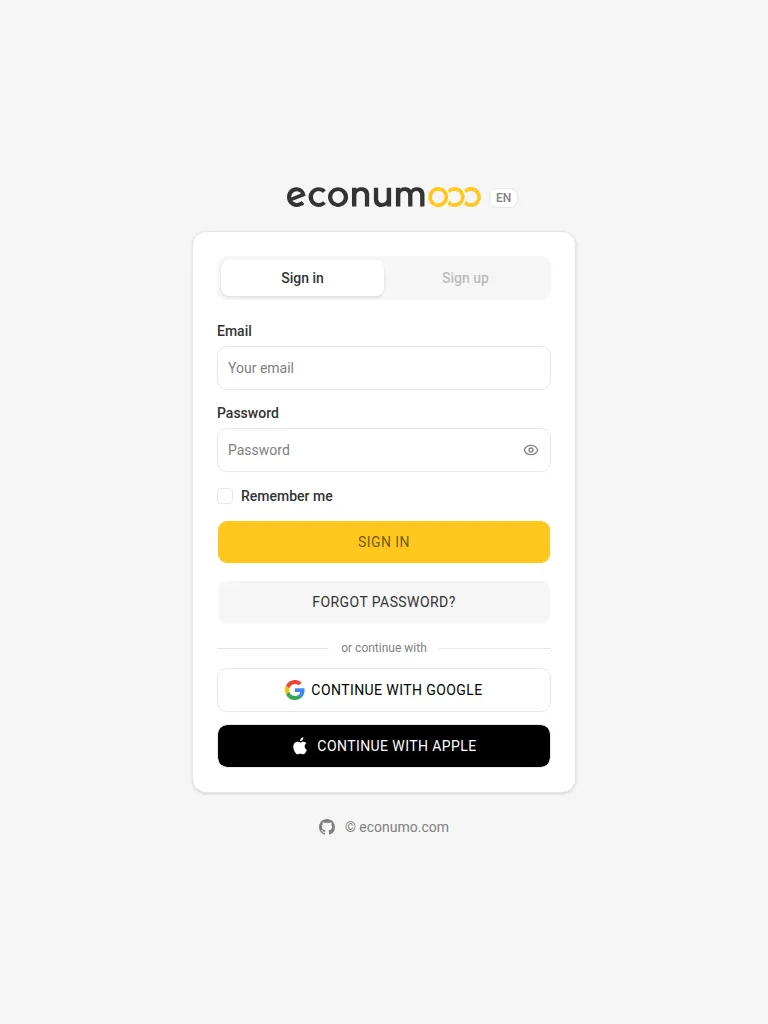
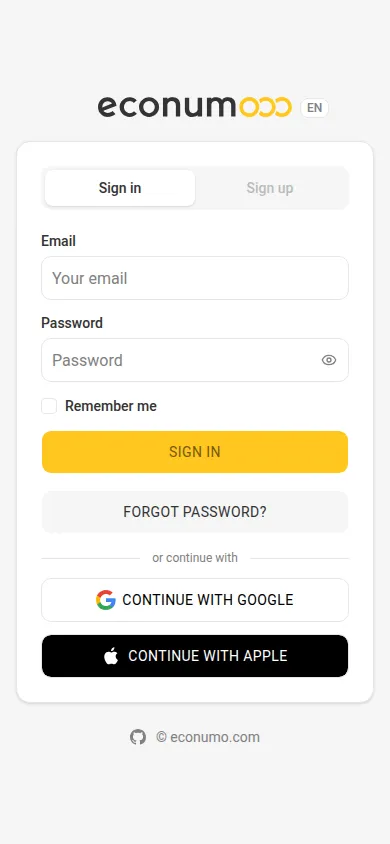
To sign in with a provider:
- Open your Econumo sign-in page.
- Look below FORGOT PASSWORD? for the or continue with divider.
- Tap CONTINUE WITH GOOGLE or CONTINUE WITH APPLE. A custom OIDC provider appears the same way, under the name your instance gives it.
- Approve the sign-in at the provider. Econumo brings you back signed in.
Note On a server that allows registration, a first sign-in through a provider creates a new, passwordless account. You can add a password later from Settings → Profile → Sign-in methods, which offers Set a password and emails you a code to set one.
Link a provider to an account you already have #
If you already have an Econumo account with a password, you link providers to it yourself — from a new Sign-in methods page in your profile. After that, either way in works.
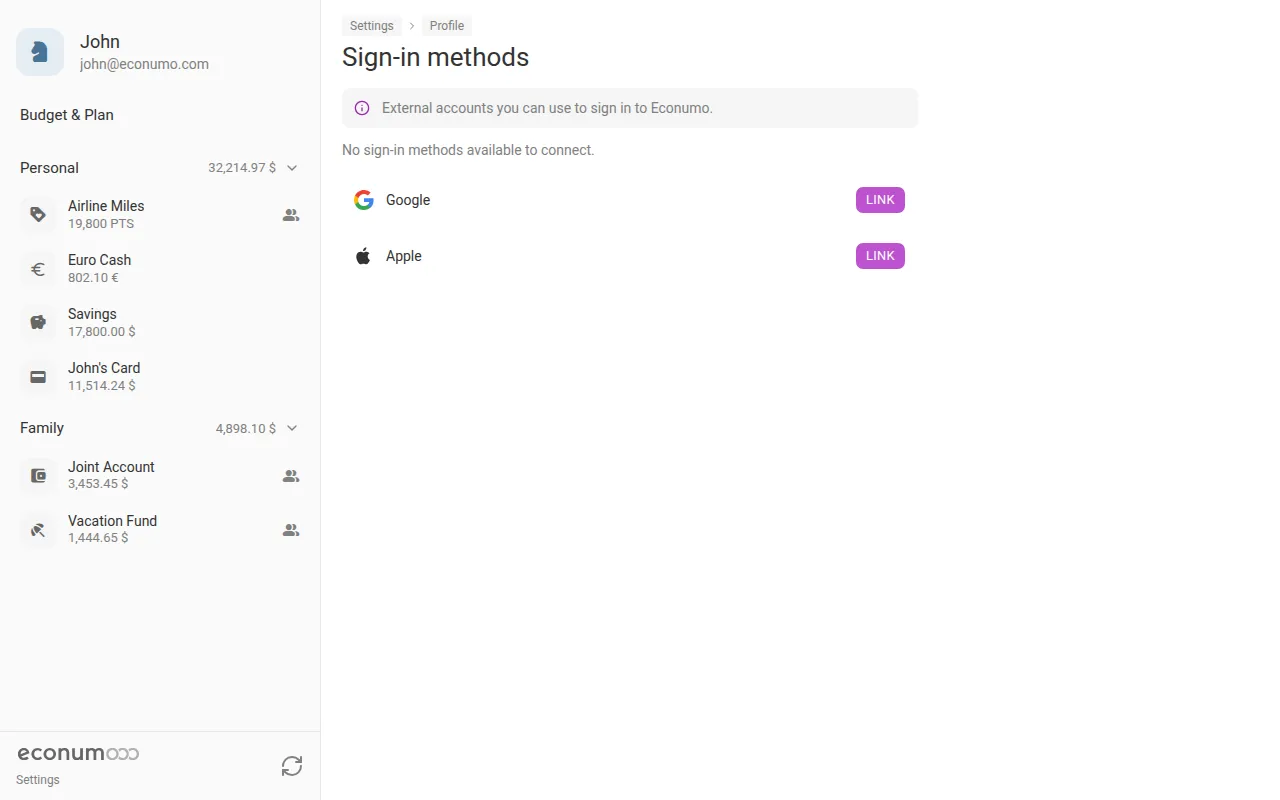
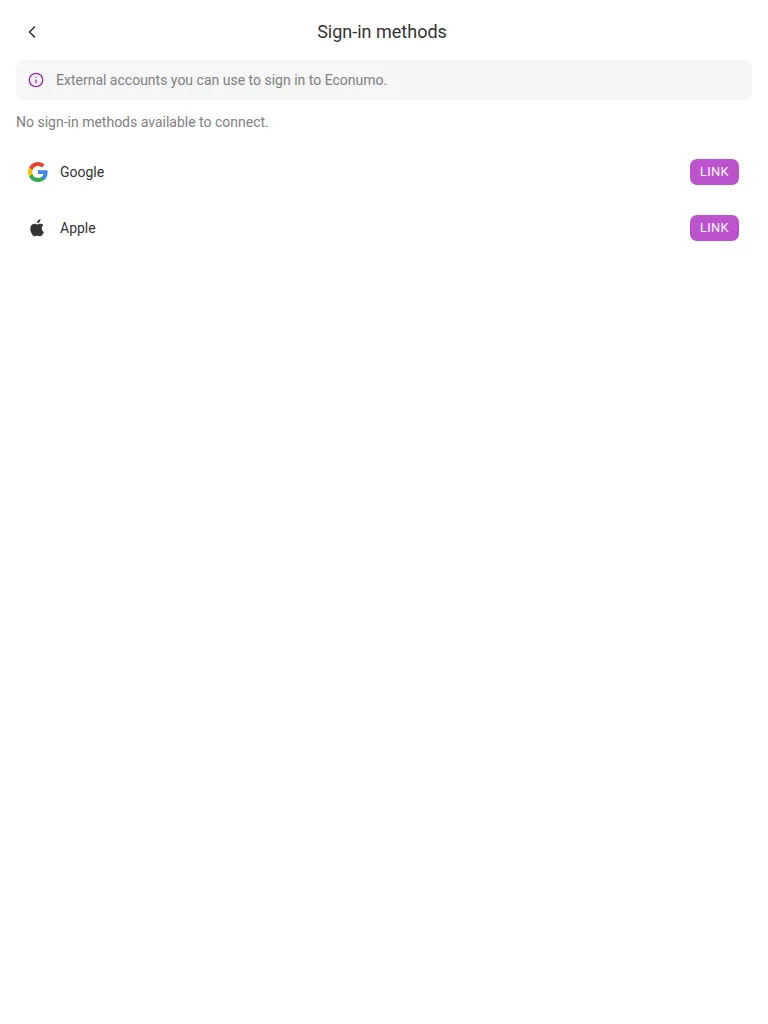
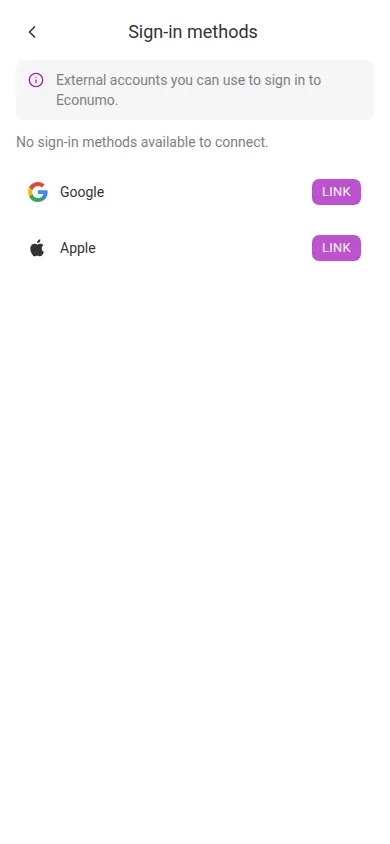
To link a provider:
- Open Settings → Profile → Sign-in methods. It sits in the SECURITY group, between Change password and Sessions.
- Find the provider you want in the list — every provider the server enables is shown, each with a LINK button.
- Tap LINK. Econumo hands you off to that provider to confirm it’s you.
- Approve it there. You come back to Sign-in methods with the provider now listed as linked, showing the address it vouches for and the date you linked it, and its button switched to UNLINK.
Note Unlinking is the same page in reverse: tap UNLINK and confirm. If a linked provider is the only way into your account, Econumo won’t let you remove it — set a password first.
Resetting your password now reclaims the account #
Completing a password reset has become a deliberate, thorough act. It signs out every session, revokes every API token, drops any pending codes, and unlinks any provider that vouches for a different email address than your own. The reset screen says so before you go through with it:
Resetting the password signs out every session, revokes API tokens, and removes linked sign-in methods that use a different email address.
Sharing deliberately survives: your connections and budget grants are left alone, so a routine reset doesn’t dissolve a family’s shared budget.
Turning it on (self-hosters) #
Setup walkthroughs for Google, Apple, Authentik and Cloudflare Access live in docs/oidc-setup.md. The short version:
- Set
ECONUMO_URL— enabling any provider requires it. - Register this one callback URL with the provider:
<ECONUMO_URL>/api/v1/oauth/callback-google,-apple, or-oidc. - Fill in the provider’s client credentials. Every new variable is documented in
.env.example.
An unverified email is never accepted. A provider that doesn’t send
email_verifiedneedsECONUMO_OIDC_TRUST_EMAIL=truebefore any sign-in through it will work. And a verified provider email auto-links only into a passwordless account — if it matches an account that has a password, the sign-in is refused rather than merged. Sign in with the password and link the provider from Sign-in methods instead.
More in this release #
- Linking or unlinking a provider now emails the account owner, naming the provider, in the account’s language — gaining or losing a way into your account is worth knowing about.
- Those notices, and the “email changed” notice, are also copied to the addresses attached through your linked providers, so one still reaches you when your primary mailbox isn’t the one you read. Single-purpose codes — password reset, email verification, email change — deliberately stay single-recipient.
- Sessions now shows which provider a session came from, and signing out of a custom-OIDC session also ends the session at your identity provider.
- For API clients this release only adds surface: a new
/api/v1/oauth/module, and alogoutUrlfield onlogout-userthat is non-empty only for custom-OIDC sessions. Nothing existing changed.
GitHub release #
- Econumo: v1.5.0
- Full changelog: v1.4.3…v1.5.0