The v1.4.1 release finishes moving Econumo’s in-app product analytics onto
its own infrastructure and, because that also ties events to your account
instead of an anonymous id, gives every user a direct, one-tap way to turn
them off. No breaking changes, no .env changes, no manual steps to upgrade.
Opt out of usage analytics #
Econumo now identifies analytics events with your account (a one-way hash of your user id — never your name or email) rather than a daily-rotating anonymous id, so we can tell how the app is actually used across sessions instead of guessing from disconnected pageviews. To balance that, every account gets a Privacy section with a single switch that turns it off.
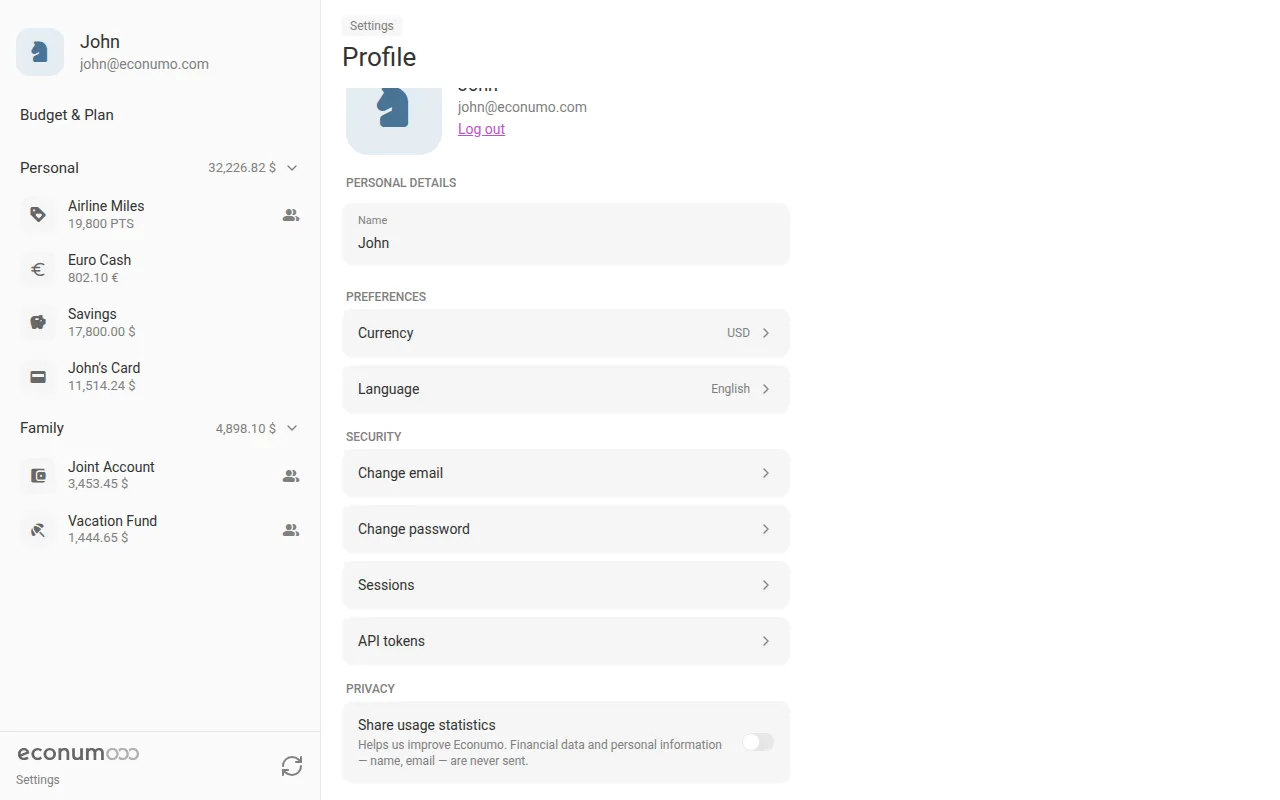
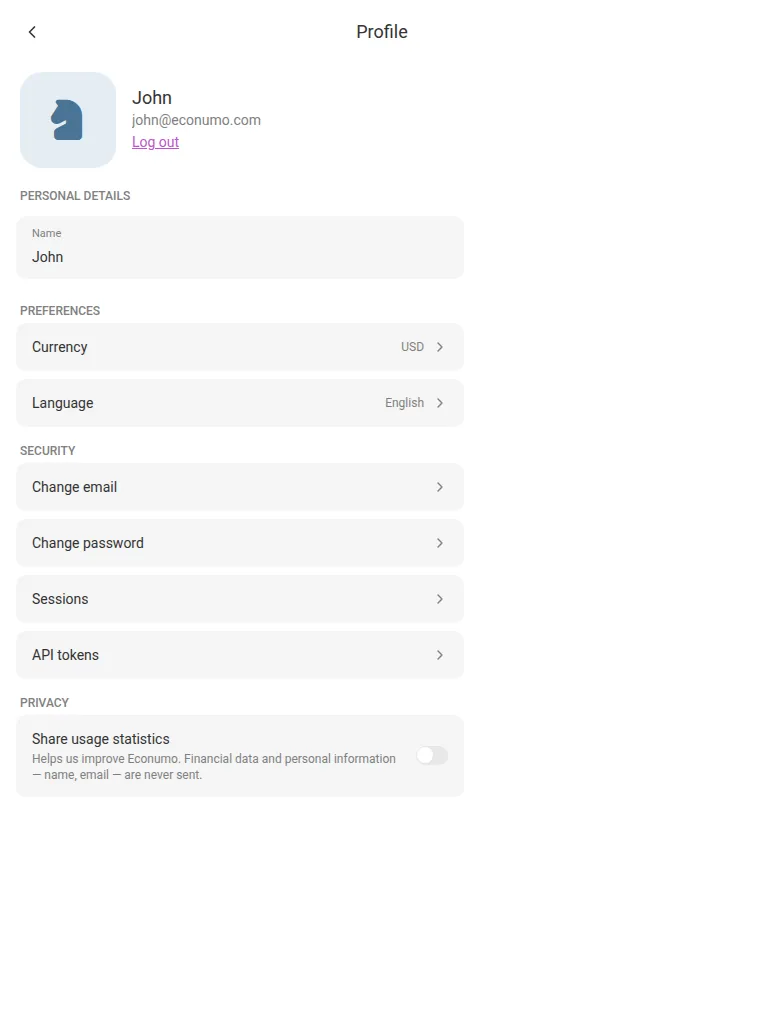
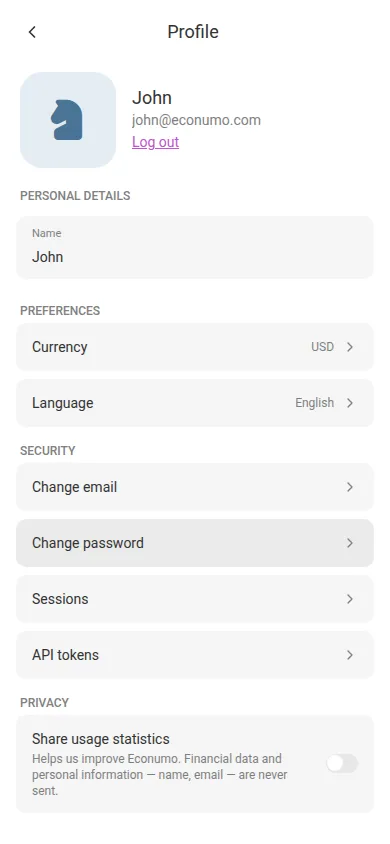
To turn analytics off:
- Open Settings → Profile.
- Scroll down to the Privacy section, below Security.
- Switch off Share usage statistics. Econumo stops sending usage events right away — no page reload needed, and the setting sticks across devices.
Note Sharing is on by default, same as most apps. Turning it off never touches your budgets, transactions, or any other data in your account — it only stops Econumo from reporting how you use the app. Financial data and personal information such as your name or email are never sent either way.
More in this release #
- In-app product analytics now flows through Econumo’s own self-hosted Twillingate collector instead of PostHog.
- Dependency and test-infrastructure maintenance across the Go and frontend stacks, including a move to Go 1.27.
GitHub release #
- Econumo: v1.4.1
- Full changelog: v1.4.0…v1.4.1