The v1.3.0 release is built around three themes: recurring transactions, user-managed currencies, and a jump from 2 to 11 UI languages. Transactions can also be saved without a category now, and that spending finally shows up in the budget. Everything is a drop-in upgrade — no configuration changes, no manual migration steps.
Recurring transactions #
Save a bill or paycheck as a repeating template instead of re-entering it every month. Econumo tracks the next due date for you and never posts anything automatically — you stay in control of exactly when a payment lands.
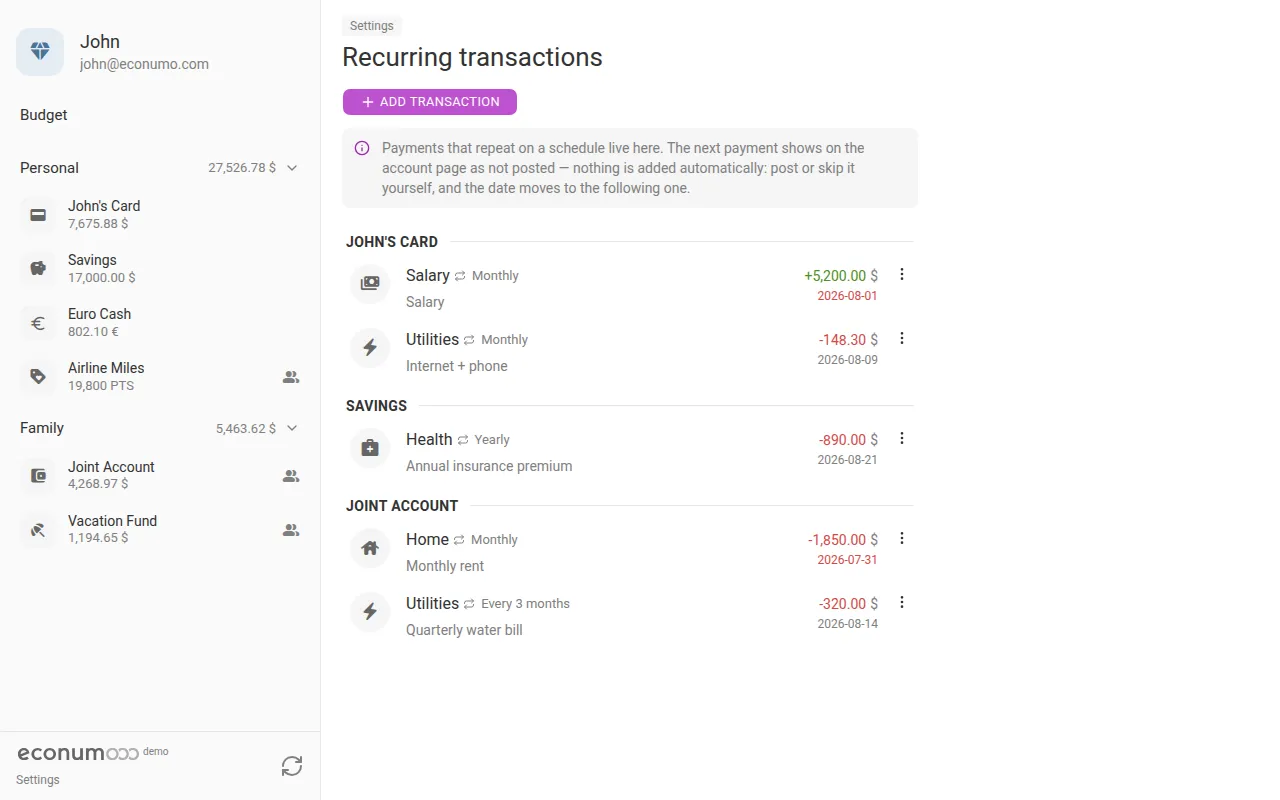
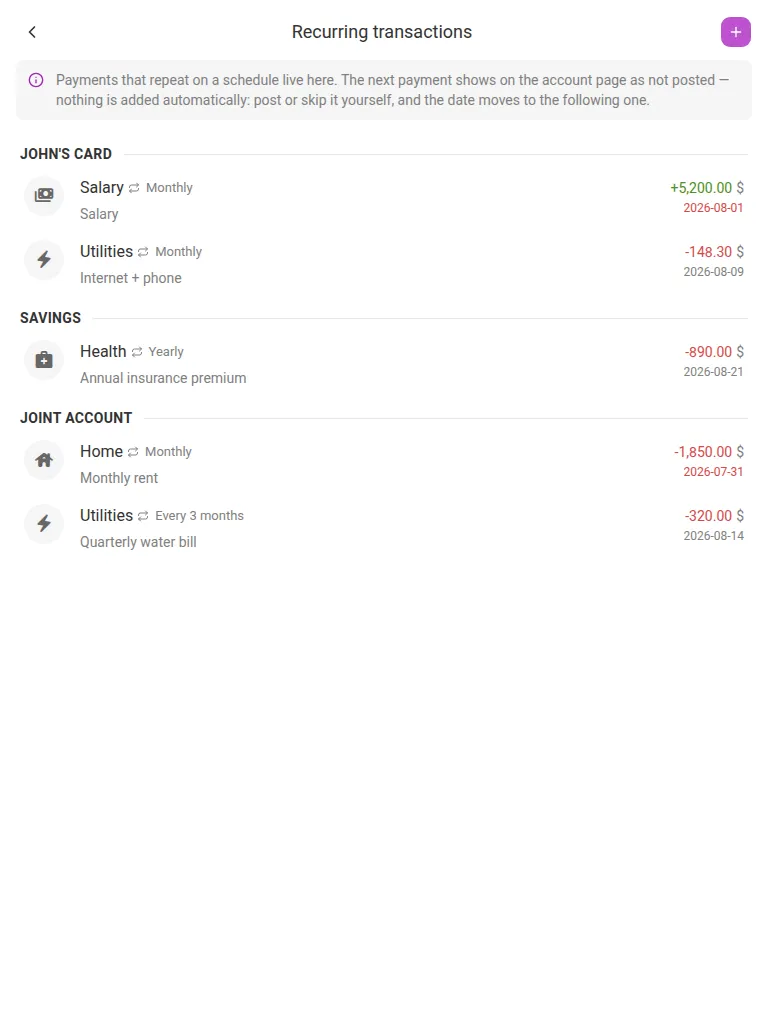
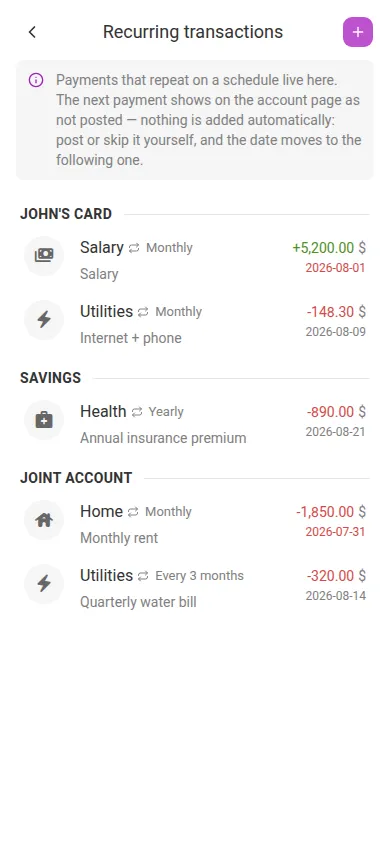
To set one up:
- Open Settings → Recurring transactions (under Finances).
- Tap + Add transaction.
- Pick Income, Transfer, or Expense, choose the account, enter the Amount, and set a Category if you want one.
- Set Repeats to Weekly, Every 2 weeks, Monthly, Every 3 months, or Yearly, then tap Add to save the template.
Once a template is due, its next occurrence shows up as a Not posted row right inside the account’s transaction list — tap that row to post it in one step. From the Recurring transactions list itself, each template’s ⋮ menu lets you Post it immediately, Edit it, or Delete it.
Note The schedule advances with proper month-end handling — the 31st becomes Feb 28, then Mar 31 again, so nothing drifts over time. Creating a template from an existing transaction also links that transaction into the series.
User-managed currencies #
Create your own currency — a rewards-points balance, a family “chore bucks” system, or any currency your instance’s rate provider doesn’t cover — with a single fixed exchange rate against the instance’s base currency.
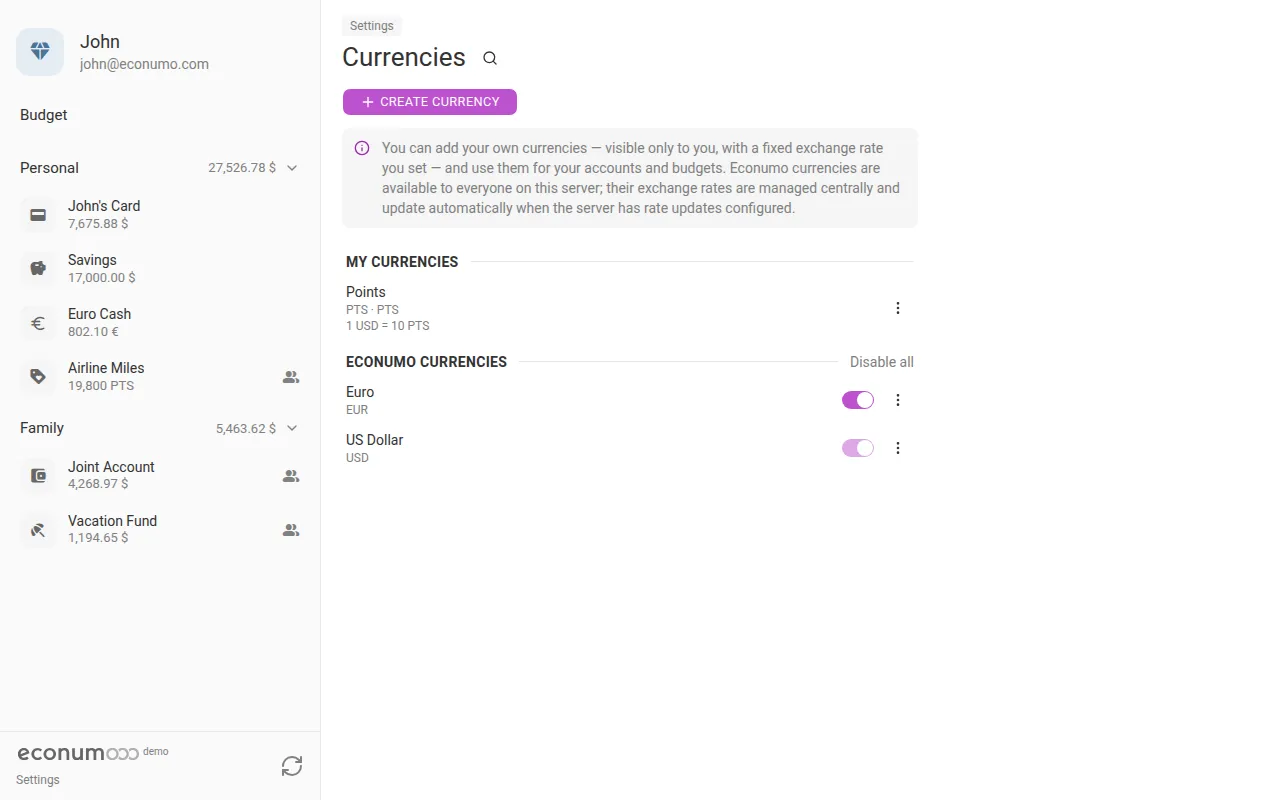
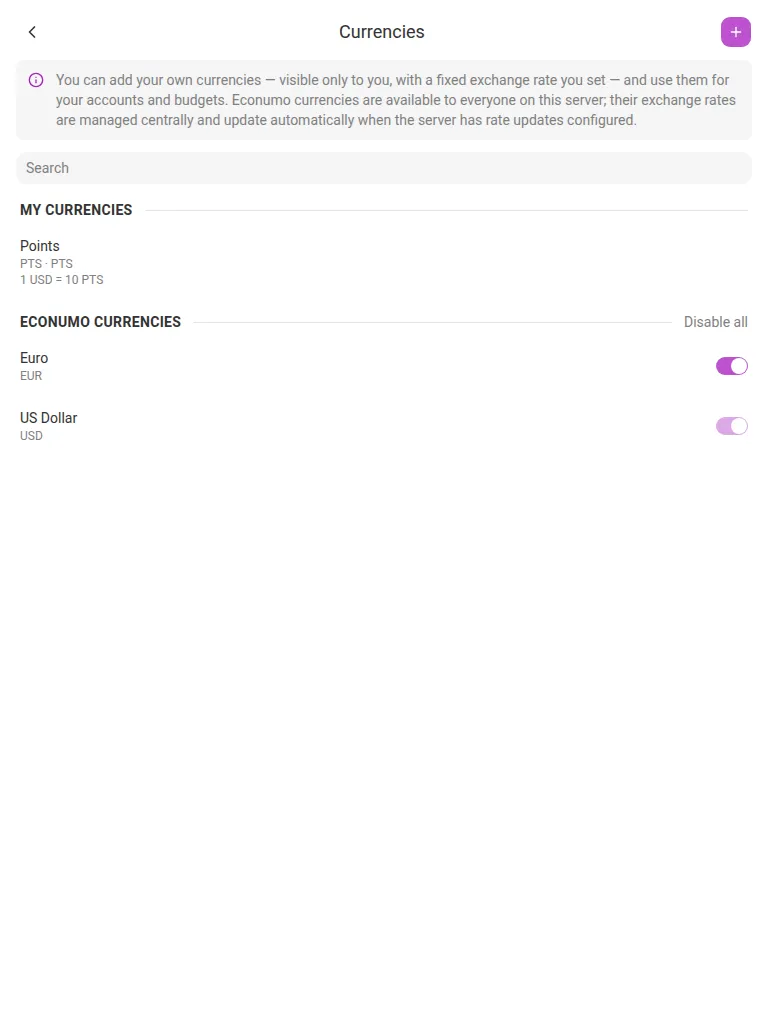
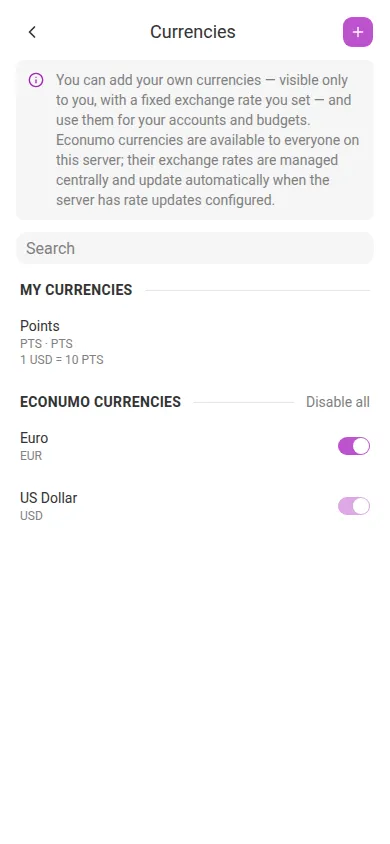
To add one:
- Open Settings → Currencies (under Classification).
- Tap + Create currency.
- Fill in Name, Code, an optional Symbol, and the number of Decimal places.
- Set the fixed Exchange rate against the base currency (e.g.
1 USD = 10 PTS), then tap Create.
Your own currencies work through shared accounts and budgets just like the built-in ones, and appear under My currencies while the server-managed ones sit under Econumo currencies. Every currency — global or your own — can be hidden from the pickers you don’t use with the toggle next to it, or all at once with Disable all.
Note Global currencies stay admin/CLI/rate-provider managed — only your own currencies get a fixed rate you set yourself.
Nine new languages #
Econumo’s UI now speaks German, French, Spanish, Italian, Dutch, Polish, Portuguese, Ukrainian, and Simplified Chinese, on top of English and Russian — 11 languages in total, each a complete catalogue covering the UI, server-rendered error messages, and transactional email.
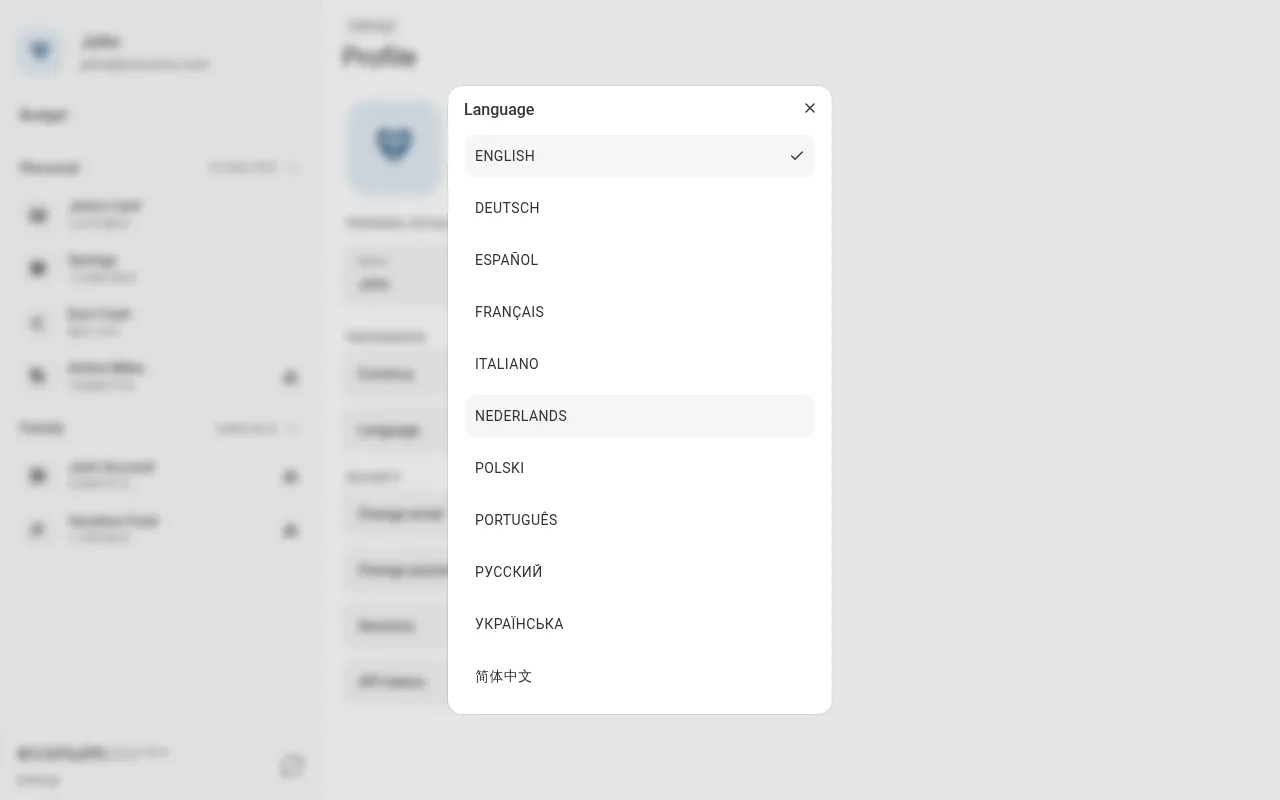
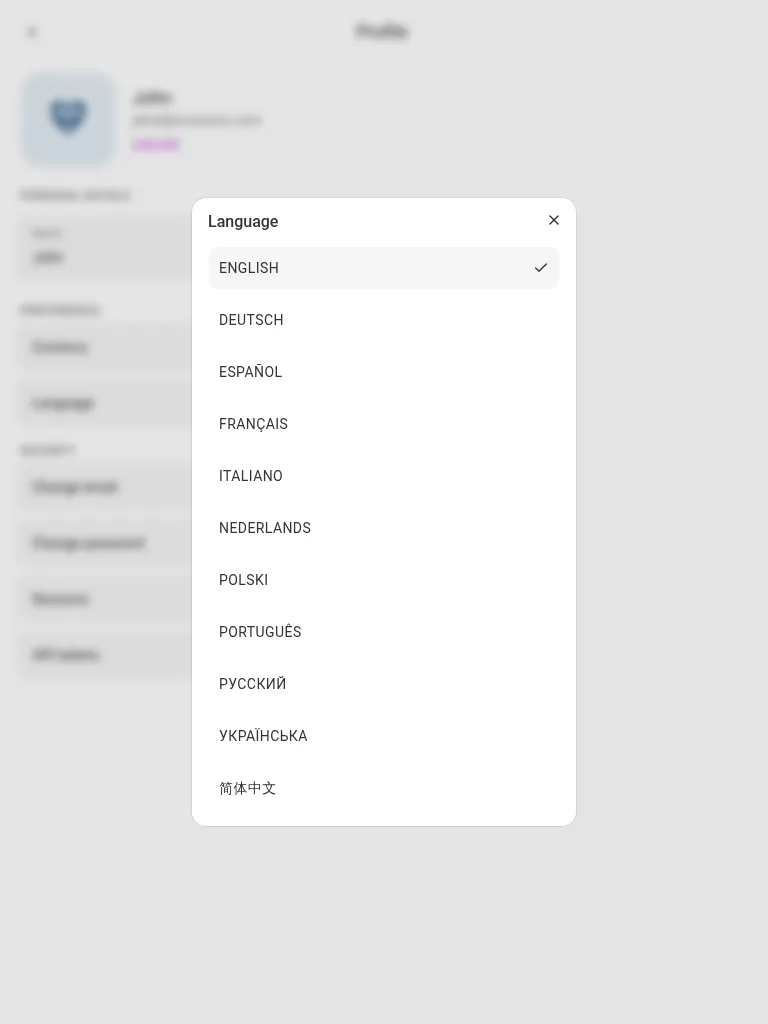
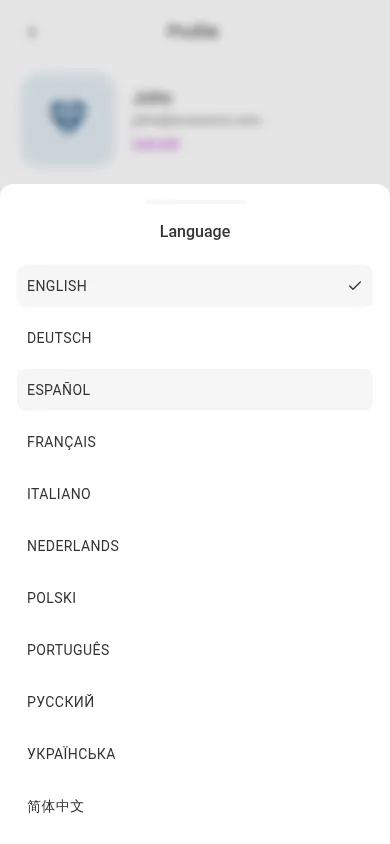
To switch languages:
- Open Settings → Profile.
- Tap Language.
- Pick your language from the list — the UI updates immediately.
The same picker is also reachable from the sign-in and registration pages, before you’re even logged in.
More in this release #
- Transactions without a category — the category field is now optional on regular income and expenses. Spending with no category appears in the budget as a read-only Uncategorized element instead of being silently left out of the totals.
- Fuzzy search on the classification pages — Categories, Tags, Payees, and Currencies all gained an instant filter (the search field/icon next to the page heading), so long lists no longer mean scrolling.
- The CLI no longer logs plaintext secrets:
user:createanduser:change-passwordused to write their full argument vector — including the password — to the debug log. - Two dependency advisories closed in the frontend build toolchain (
postcss,@hono/node-server). - Deleting an account no longer makes a transfer disappear from the other account until the next refresh.
- A custom currency that was only pinned by a since-deleted account can be deleted again — currency deletion is now always a soft delete.
- Read-only shared accounts are greyed out and unselectable in the transaction pickers, instead of being offered and then rejected on save.
- Bigger touch targets in the account/category/payee dropdowns on mobile, and no more iOS zoom when tapping a picker.
- Dependency updates across the Go and frontend stacks.
Upgrading #
Drop-in for self-hosters: pull the new image and restart. Database migrations (including the new recurring_transactions table) run automatically on boot. No .env changes are required.
GitHub release #
- Econumo: v1.3.0
- Full changelog: v1.2.1…v1.3.0