The v1.2.0 release is Econumo’s biggest yet: run it as a single self-contained binary with no Docker at all, let an AI assistant read and log your transactions through a built-in MCP server, migrate to PostgreSQL in one command, and manage your own account email without contacting support.
Run Econumo with no Docker at all #
The React SPA is now embedded directly in the Go binary, so each release ships self-contained econumo-linux-amd64 and econumo-linux-arm64 binaries alongside the Docker image — one file is the whole app, with no separate frontend to serve and nothing else to mount.
To run it as a systemd service:
$ curl -LO https://github.com/econumo/econumo/releases/latest/download/econumo-linux-amd64
$ curl -LO https://github.com/econumo/econumo/releases/latest/download/SHA256SUMS
$ sha256sum --check --ignore-missing SHA256SUMS
$ sudo install -m 0755 econumo-linux-amd64 /opt/econumo/econumo
Point it at a DATABASE_URL and a PORT in /etc/econumo/env, install the reference systemd unit, and systemctl enable --now econumo — migrations run on boot exactly as in the Docker image. /opt/econumo/econumo version prints the installed version, and upgrading is just dropping in the new binary and restarting.
Note The full walkthrough, including the systemd unit and backup notes, is in
docs/run-without-docker.md.
Talk to your finances from an AI assistant #
Econumo now ships a built-in MCP server, so any MCP-compatible client — Claude Code, Claude Desktop, Cursor — can list your accounts and balances, categories, tags, payees and budgets, and log, edit, or delete transactions directly from a chat. It runs behind the same personal access tokens you already use for the API, so there’s nothing extra to enable.
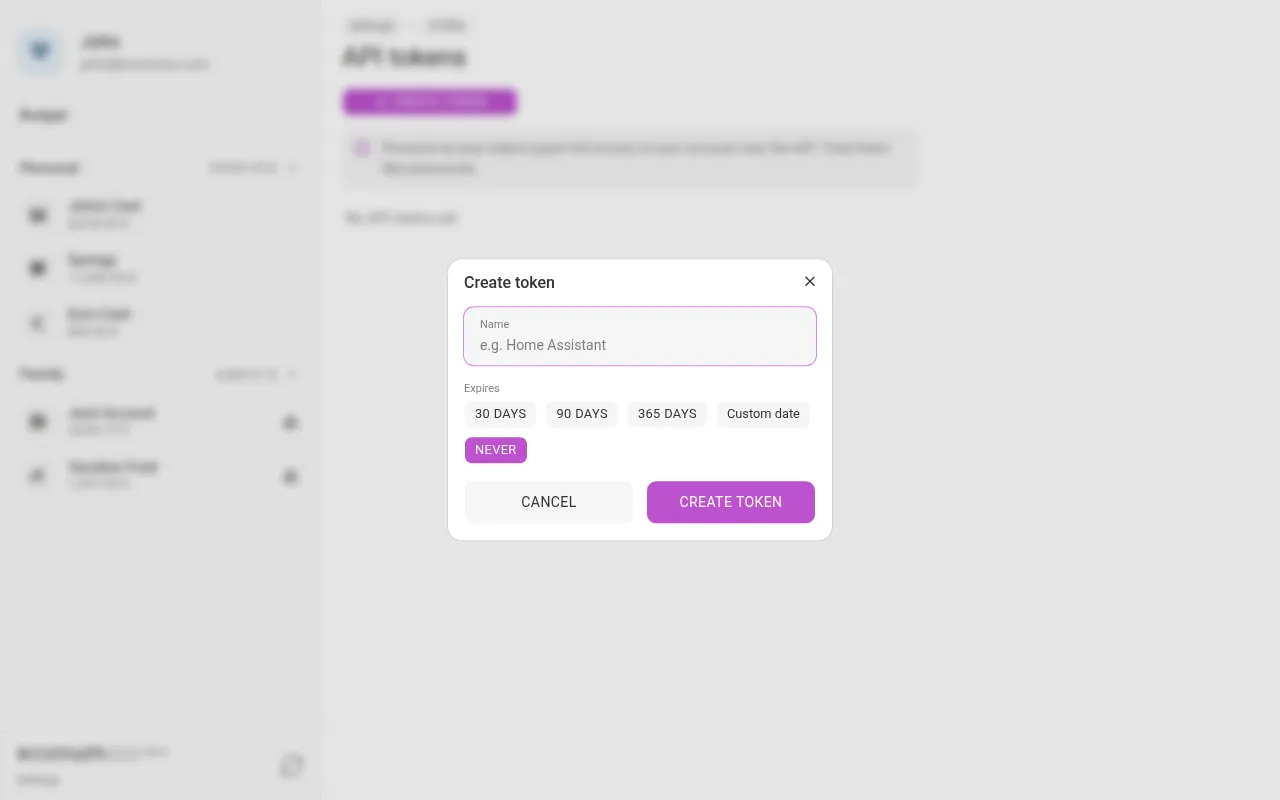
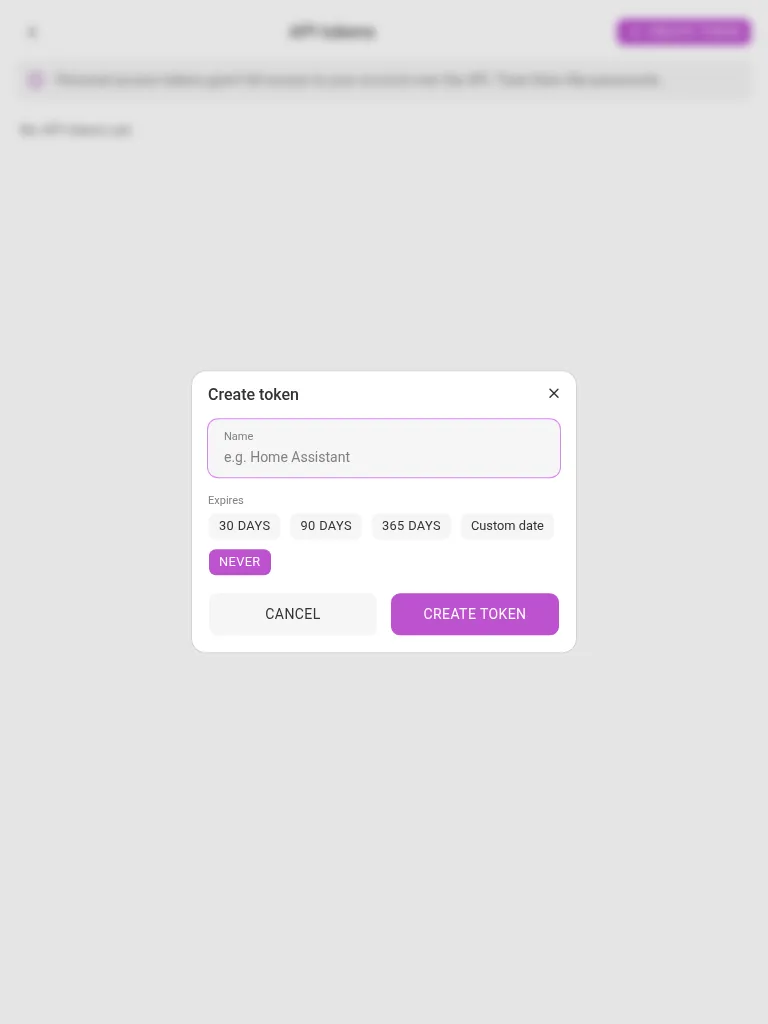
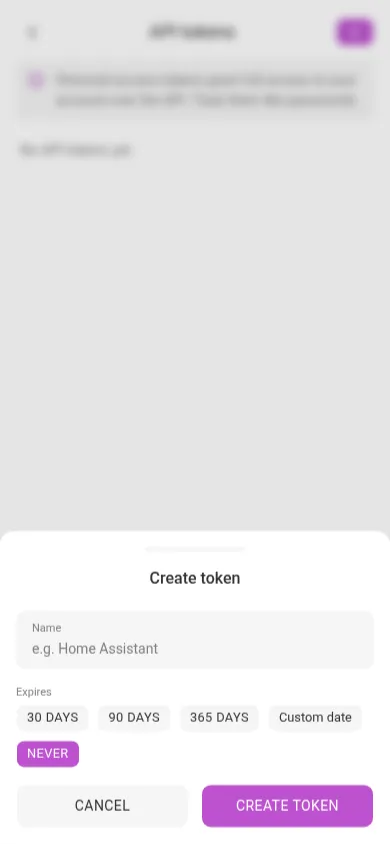
To connect an MCP client:
- Open Settings → Profile.
- Tap API tokens.
- Tap Create token, name it (e.g. “Claude”), pick an expiry, and tap Create token to mint it. Copy the token — it’s shown only once.
- In your MCP client’s configuration, point it at
https://<your-instance>/mcpwith the token as a bearer credential, for example in Claude Desktop’s config:
{
  "mcpServers": {
    "econumo": {
      "url": "https://<your-instance>/mcp",
      "headers": { "Authorization": "Bearer <your-token>" }
    }
  }
}
Note The server ships ready-made prompts — log-expense to record a transaction from a natural-language description, budget-review to walk through where you’re over or under, and setup-econumo to build a starter budget for a brand-new account. Personal access tokens grant full account access over MCP just as they do over the REST API, so treat them like a password.
Change your email yourself #
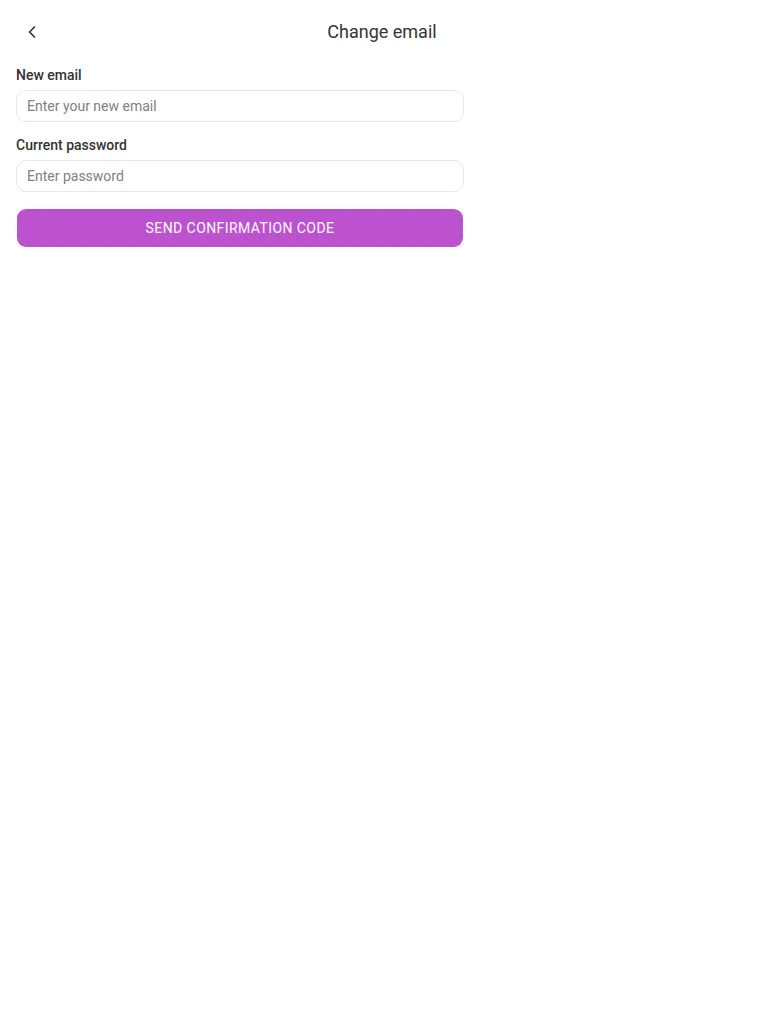
You no longer need to ask support to update your account’s email address. From Settings → Profile, confirm your current password and a code sent to the new address, and you’re done — the old address gets a notice, and every other session is signed out.
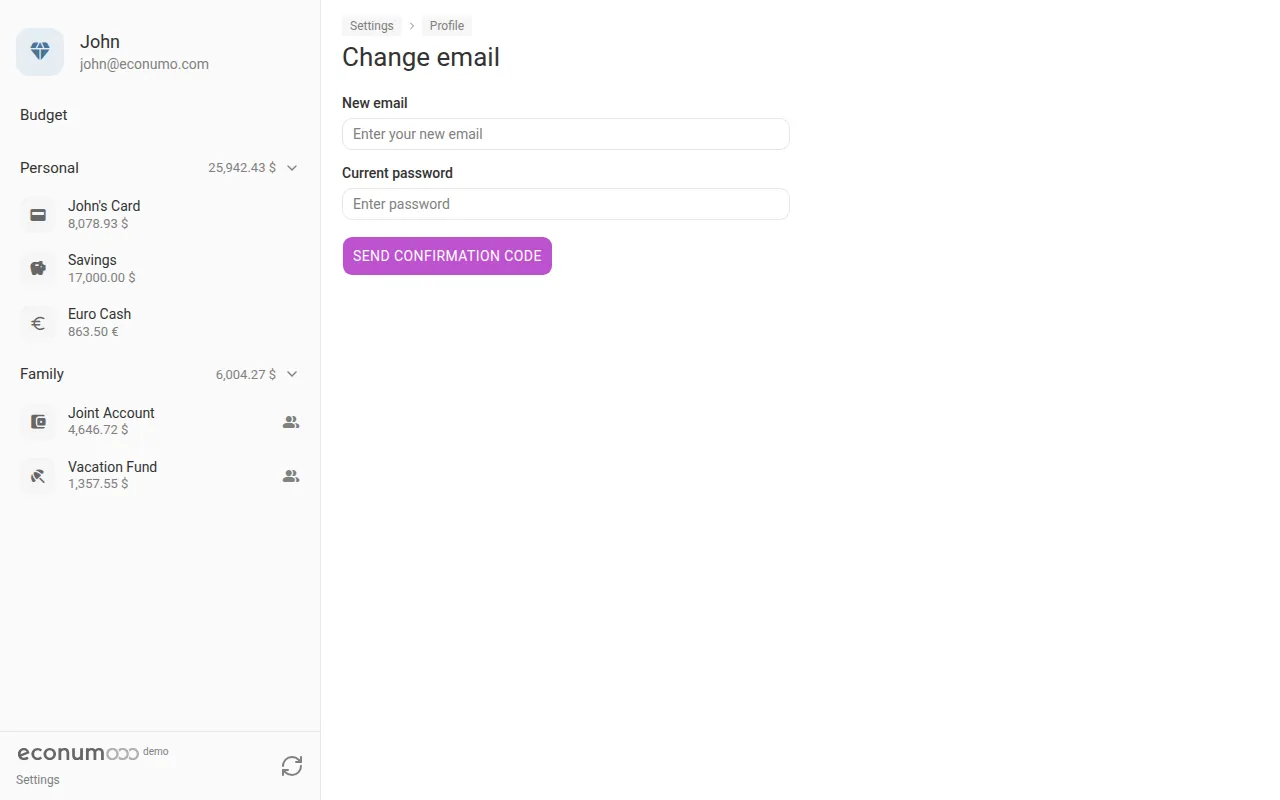
To change your email:
- Open Settings → Profile.
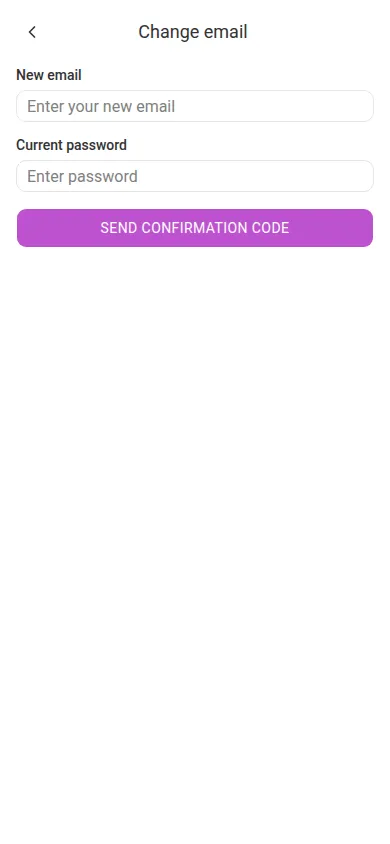
- Tap Change email.
- Enter your New email and Current password.
- Tap Send confirmation code — Econumo emails a code to the new address to confirm you own it before the change takes effect.
More in this release #
- PostgreSQL is now a first-class engine, with a one-command importer for existing SQLite installs:
econumo data:import-sqlite /path/to/db.sqliteruns the target migrations and copies every table — sessions included — in a single transaction, refusing to touch a non-empty database unless you pass--force. - Email verification — self-hosters can opt in with
ECONUMO_EMAIL_VERIFICATION=trueto require new users to confirm an emailed code before their first sign-in. Off by default. - Scheduled exchange-rate updates — set
ECONUMO_CURRENCY_UPDATE_INTERVAL(in days) alongside an Open Exchange Rates token, and the server refreshes rates on its own schedule instead of relying on external cron. - Access status in the UI — accounts with expired or restricted access keep read access but can no longer write until access is restored; the account menu and connections list now show that status, with a billing link where a payment portal is configured.
- App link in transactional emails — set
ECONUMO_URLto your instance’s public URL and every email Econumo sends ends with a link back to the app. - Server-side error translation — API error messages now render in the caller’s language (English or Russian), based on the request’s
Accept-Languageheader and the user’s stored language preference. - Shared-account owners can once again use their own categories, payees, and tags on accounts they’ve shared with others.
- Dependency updates across the frontend and backend toolchains.
GitHub release #
- Econumo: v1.2.0
- Full changelog: v1.1.1…v1.2.0