The v1.1.0 release follows the maintenance-only v1.0.2 with real new features: multi-language support, a redesigned account-sharing flow, exact decimal money handling, and new-release notifications — plus a substantial security-hardening pass after an authorization audit and an external security review, and a batch of budget and UI fixes.
Breaking changes for third-party API clients — the bundled web app is unaffected and needs nothing from you beyond the usual image bump, but if you talk to the API directly:
- Money amounts (balances, transactions, budget limits/spent) are now JSON strings, e.g.
"10.50", in both requests and responses — not numbers.- Account sharing moved to
POST /api/v1/account/{grant,accept,decline,revoke}-access. The oldconnection/set-account-accessandconnection/revoke-account-accessendpoints are gone.Self-hosting is still a drop-in upgrade: pull the new image and restart — migrations run on boot, and the bundled web app always matches the API.
Multi-language support #
Econumo now speaks English and Russian. Validation errors and the password-reset email are localized too, your choice is remembered per browser and saved to your profile, and adding another language is meant to be easy — contributions welcome.
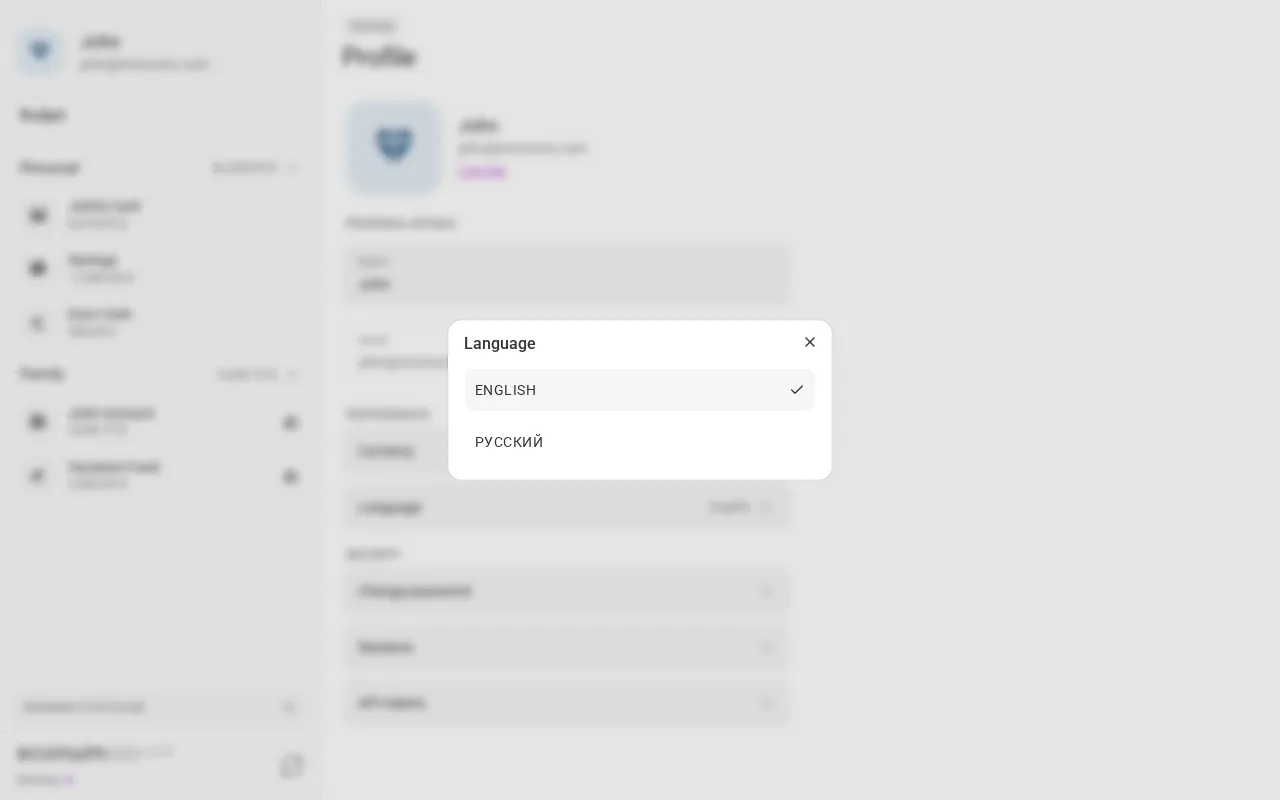
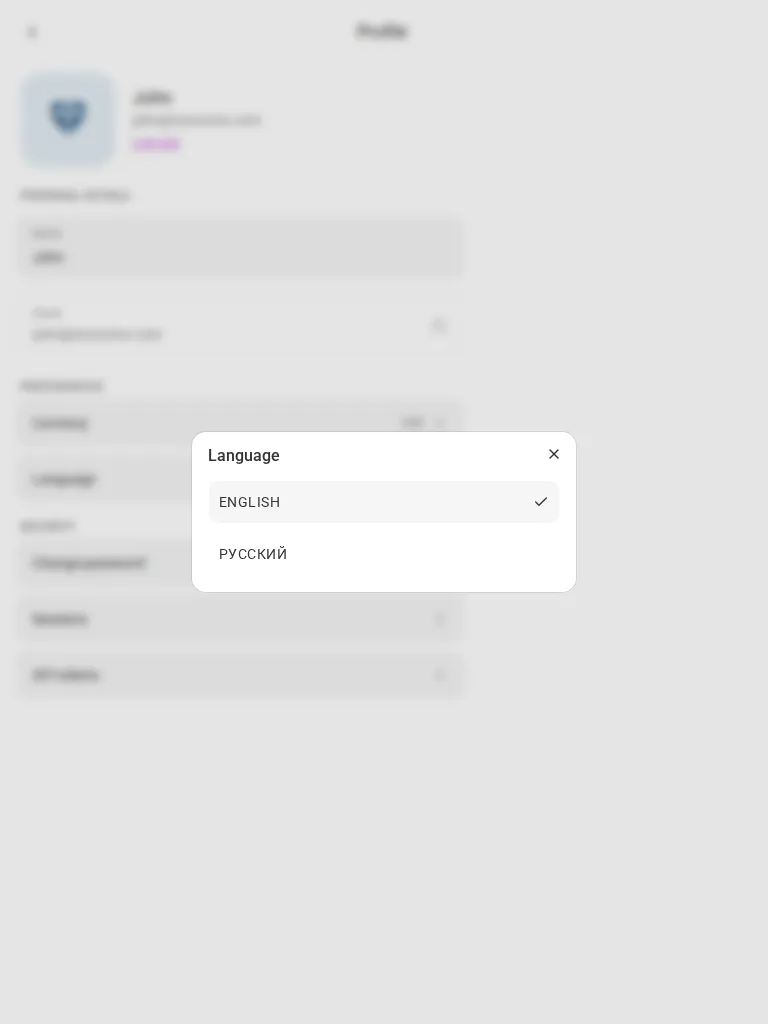
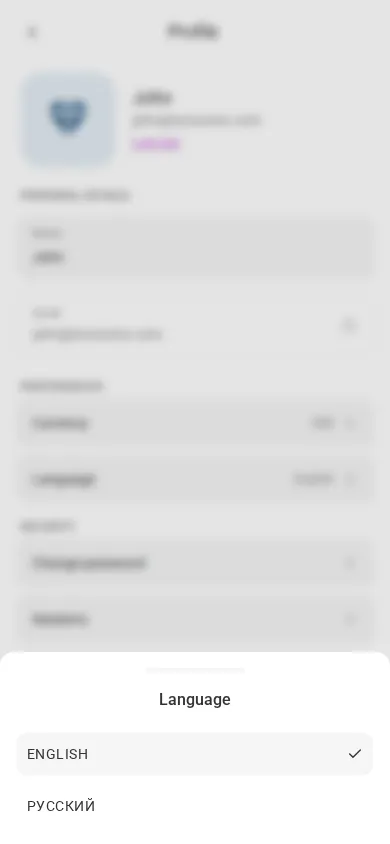
To switch languages:
- Open Settings → Profile.
- Under Preferences, tap Language (it shows your current choice, e.g. English).
- Pick English or Русский — the app switches immediately, no reload needed.
Note The same switcher — an EN badge next to the Econumo logo — sits on the sign-in and sign-up pages too, so you can pick a language before you even log in.
Standardized account sharing #
Sharing an account now works like sharing a budget always has: instead of an account silently appearing in someone else’s list, they get a pending invite they have to explicitly accept — choosing which folder to file it under — or decline. Existing shares keep working exactly as before (they’re grandfathered in as already accepted).
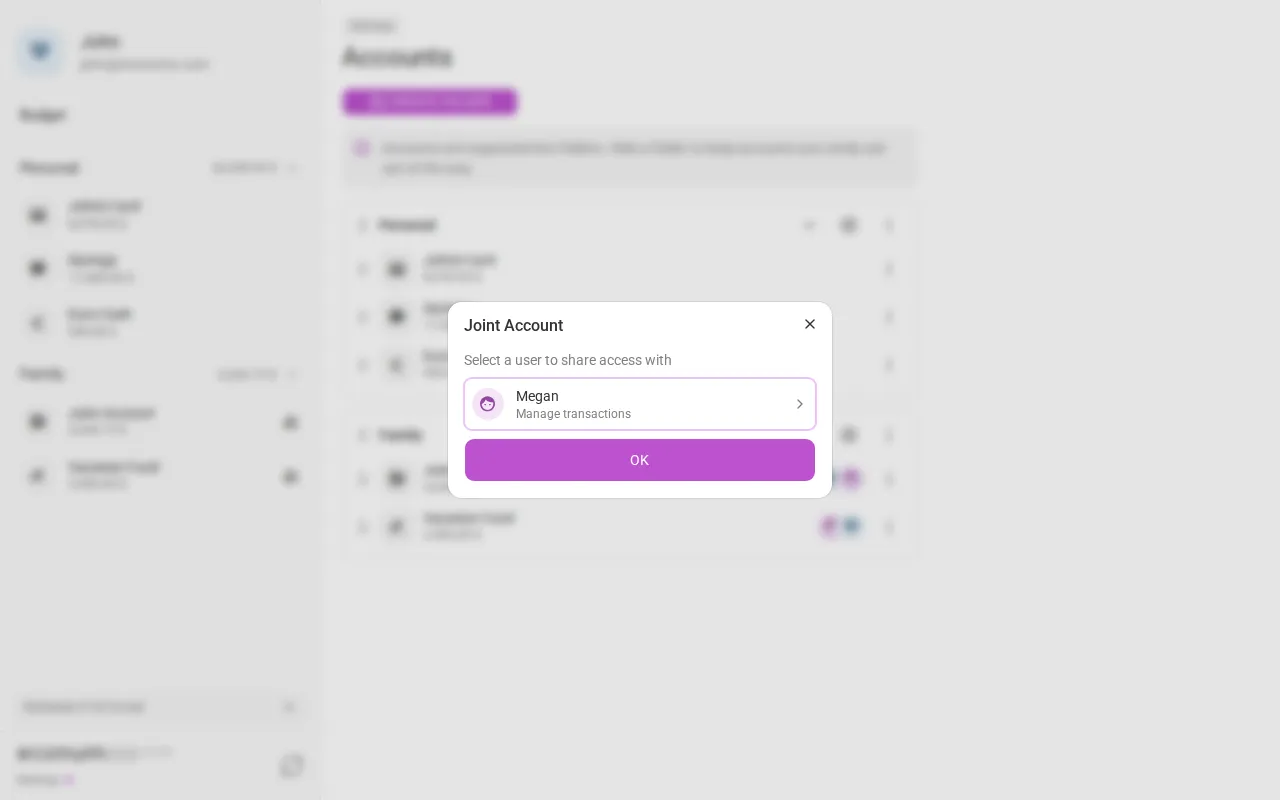
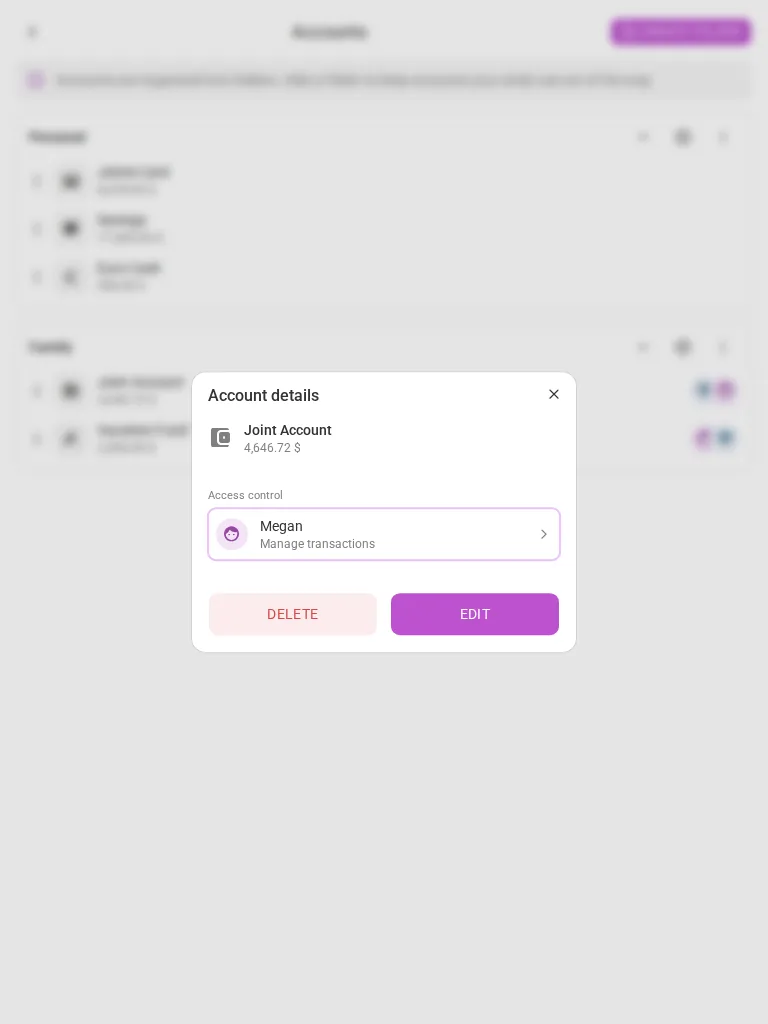
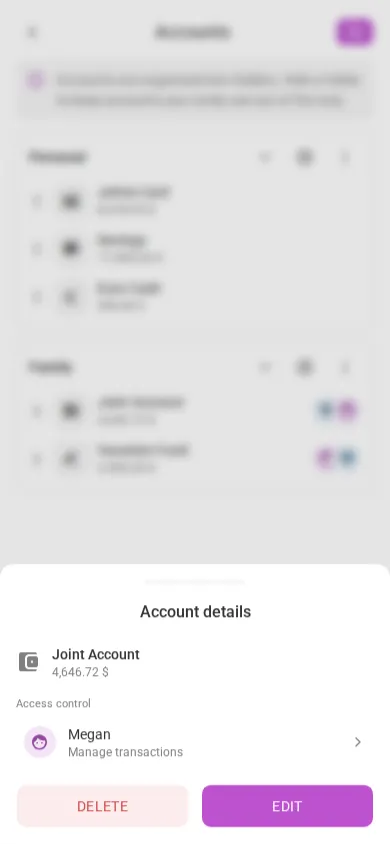
To share an account:
- Open Settings → Accounts.
- On desktop, open a shared account’s ⋮ menu (the people icon marks one, e.g. Joint Account) and choose Access control; on tablet and mobile, tap the account to open its Account details, which lists current access under Access control.
- Pick a person and set their level — View only, Manage transactions, or Full control.
- Confirm — Econumo sends a pending invite rather than granting access outright; the other person accepts (choosing a folder for the account) or declines it.
Note Leaving an account someone else shared with you is friendlier now too: from their side, the action reads Decline — with a plain confirmation (“Are you sure you want to decline access to the account…?”) — instead of the old, scarier Delete.
New-release notifications #
Self-hosters no longer have to watch GitHub for updates. Once a day, the server checks econumo.com for a newer release (one outbound request, nothing about your instance is sent) and the app surfaces it right in the UI.
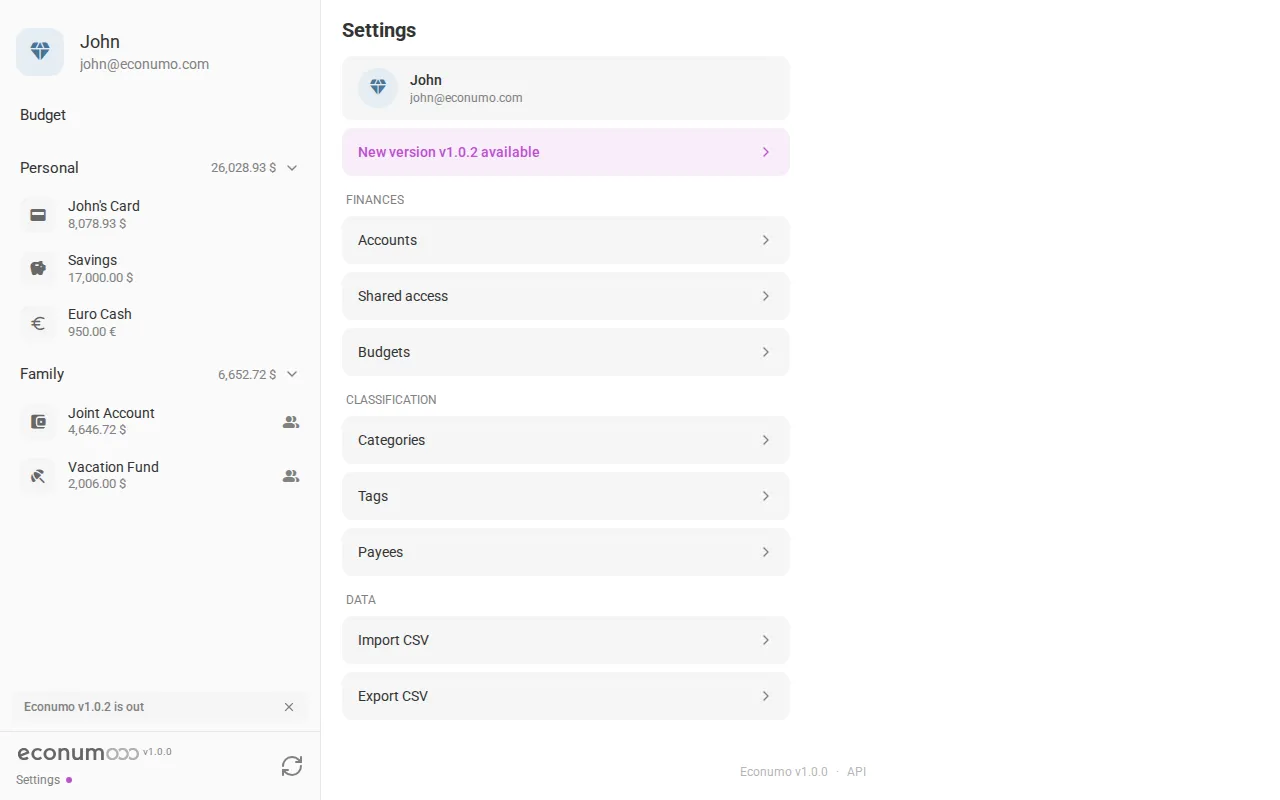
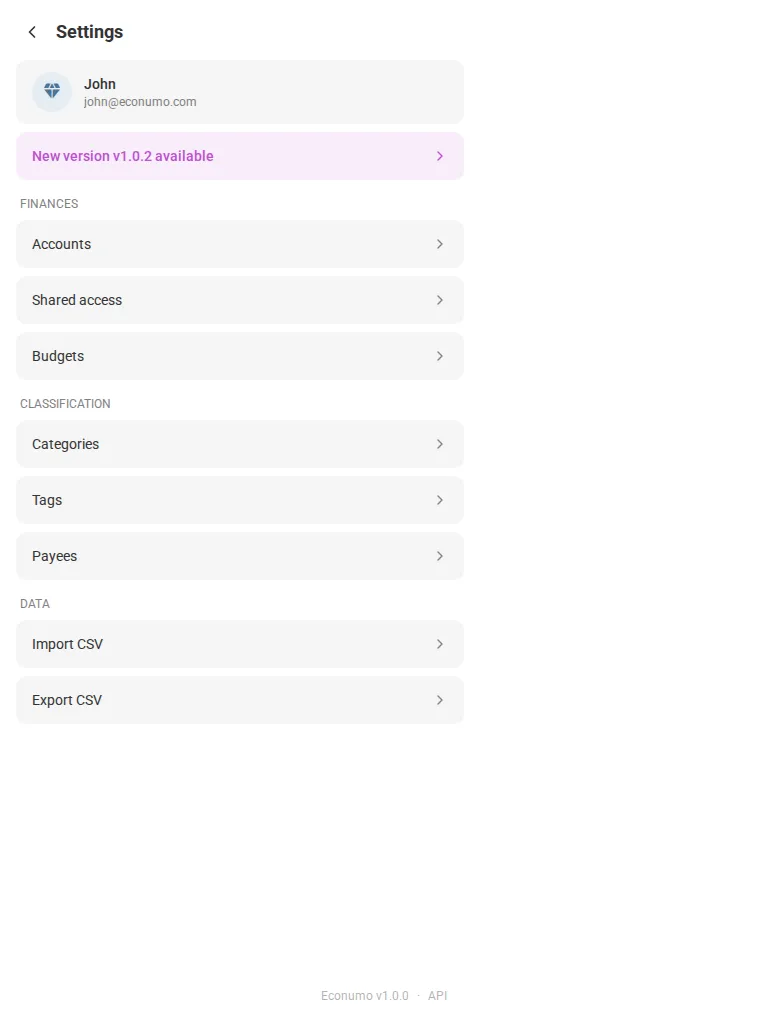
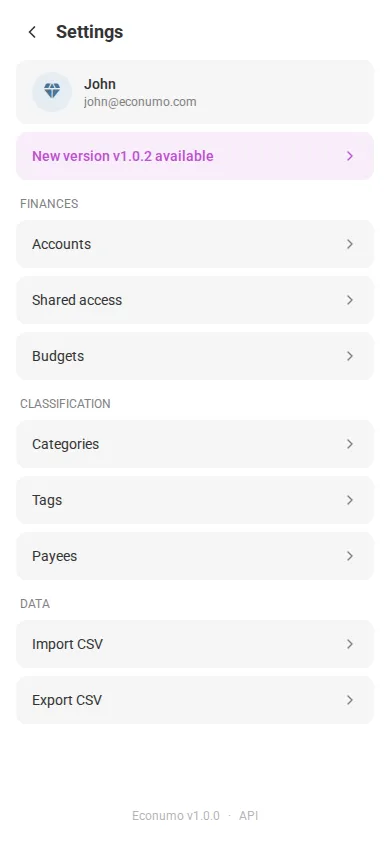
When a newer version is out:
- A small dot appears next to Settings in the sidebar, visible from anywhere in the app.
- Open Settings — a New version vX.Y.Z available banner appears near the top, and a matching notice sits at the bottom of the sidebar.
- Tap either one to open that release’s notes on econumo.com in a new tab, or tap the notice’s × to dismiss it.
Note Opt out instance-wide with
ECONUMO_CHECK_UPDATES=false. A failed check now just stays silent instead of showing an amber sync icon.
More in this release #
Exact money amounts. Balances, transactions, and budget limits/spent now travel as decimal strings end-to-end, and the web app does all money math in exact decimal arithmetic instead of JavaScript floats — so large amounts like 12345678901234567.89 survive byte-exactly. Amount inputs reject non-numeric text outright, and -0 can no longer be produced.
Anonymous product analytics. The web app now reports anonymous, cookieless usage events — feature usage only, never amounts, names, or other personal data — to help prioritize development. Self-hosters can turn it off instance-wide with ECONUMO_ANALYTICS=false.
Security hardening. An authorization audit of every write endpoint, plus fixes from an external security review:
- Fixed IDOR bugs where a valid foreign UUID was enough to mutate another user’s data (transaction updates/transfers, budget folders and envelopes), and closed several secondary authorization gaps.
- Budget sharing now fails closed — only an accepted owner/admin can grant or revoke access, and the owner can no longer be revoked.
- Read-only budget guests are really read-only now: metadata edits are rejected server-side and the Edit dialog is read-only in the UI; tag and payee reordering is owner-only.
- Request bodies are capped (1 MiB; CSV import bounded as a whole), and the server got proper read/write/idle timeouts.
Fixes & improvements:
- Budget: archived categories with history stay visible, folder visibility is corrected, and Spent is no longer shown negated; the Spent column aligns across rows in edit mode; a revoked or deleted default budget no longer strands you on an endless loader.
- Category/payee pickers in the transaction form are keyboard-reachable in Safari.
- The SPA sends explicit
Cache-Controlheaders, so browsers reliably pick up new versions after an upgrade. - The Copy button in the created-token dialog moved to a less error-prone spot.
GitHub release #
- Econumo: v1.1.0
- Full changelog: v1.0.2…v1.1.0