The v1.0.1 release is a small follow-up to the v1.0.0 rewrite: a new footer at the bottom of Settings that tells you which version you’re running, plus a fix for setting spending limits on tags and categories you add after creating a budget. There are no breaking changes — upgrading is a straight image bump.
Know your version at a glance #
The bottom of the Settings screen now shows the Econumo version you’re running, so you can tell whether an instance is up to date without digging through Docker tags. On a released build the version links straight to its release notes, and a subtle API link next to it opens the API documentation.
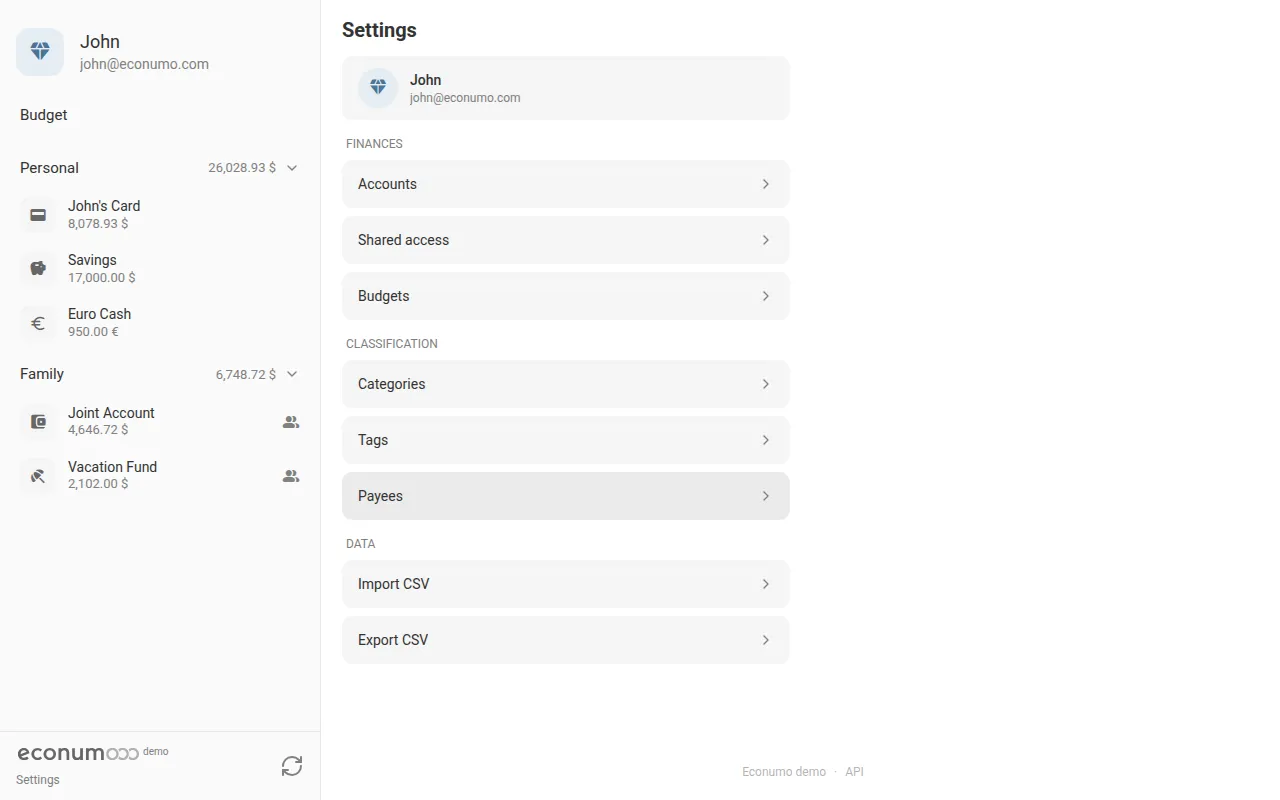
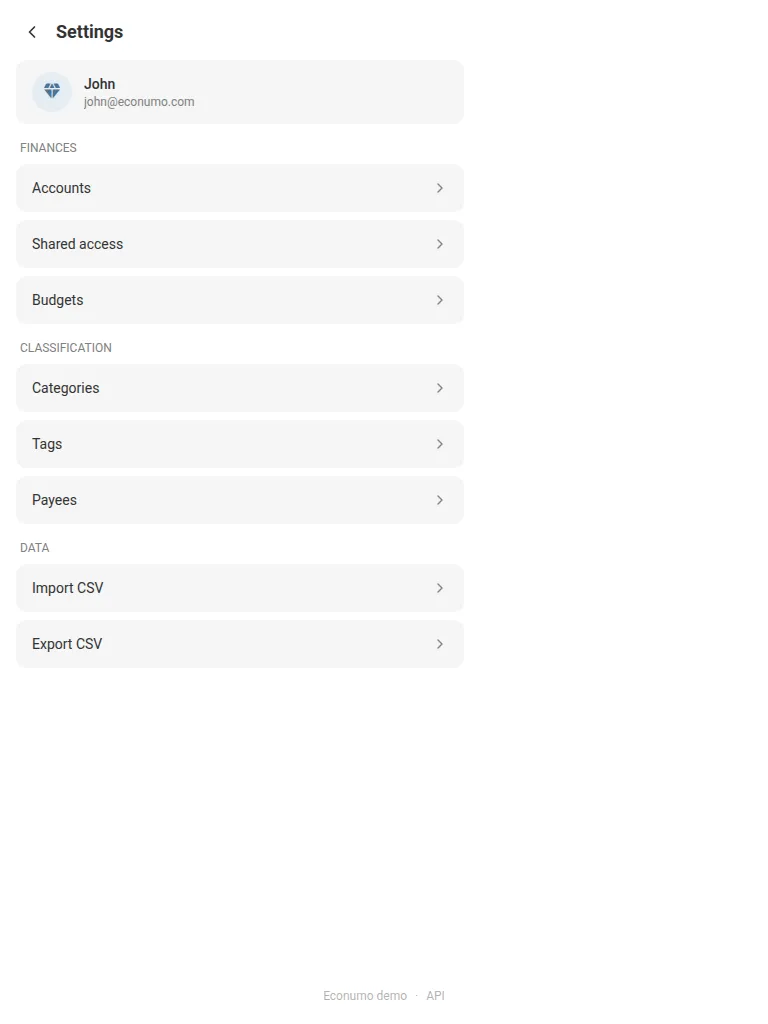
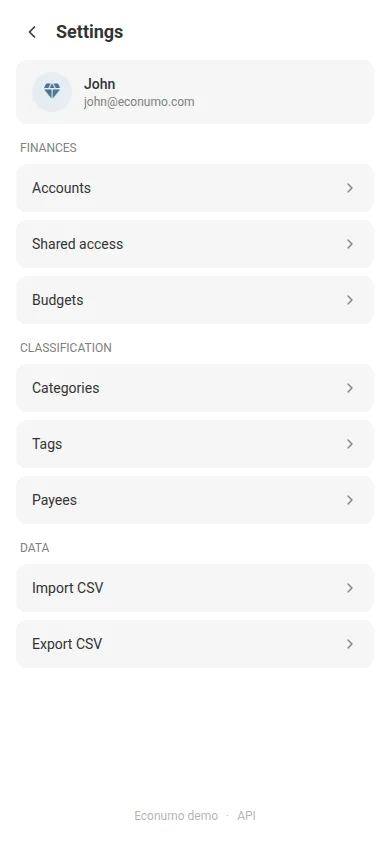
To find it:
- Open Settings.
- Scroll to the bottom of the page — the footer is centered under the last section.
- Read the version next to the Econumo name. On a released build it’s a link — tap it to open that version’s release notes.
- Tap API to open the API documentation.
Note On the public demo the version reads demo because it’s a development build, so it isn’t linked — a versioned release shows something like v1.0.1 and links to its notes.
More in this release #
- Fixed: setting a spending limit — or changing the currency — on a tag or category created after its budget no longer fails with a “BudgetElement not found” error. Econumo now backfills the missing budget entry on the fly.
GitHub release #
- Econumo: v1.0.1
- Full changelog: v1.0.0…v1.0.1